
Question
Change "photos on device" sort order - LR Mobile Android
When opening photos on my device to edit, I cannot change the way they're sorted.
When I move photos from my camera onto my phone, they get put into a random order (based on what happened to get transferred off the card first), and thus they get random "date modified" timestamps.
On my phone's files app, this is a non-issue, as I can just tell it to sort by file name. In Lightroom, however, it automatically sorts by date modified. This means that photos taken a fraction of a second apart can sometimes be far apart in the import dialogue.
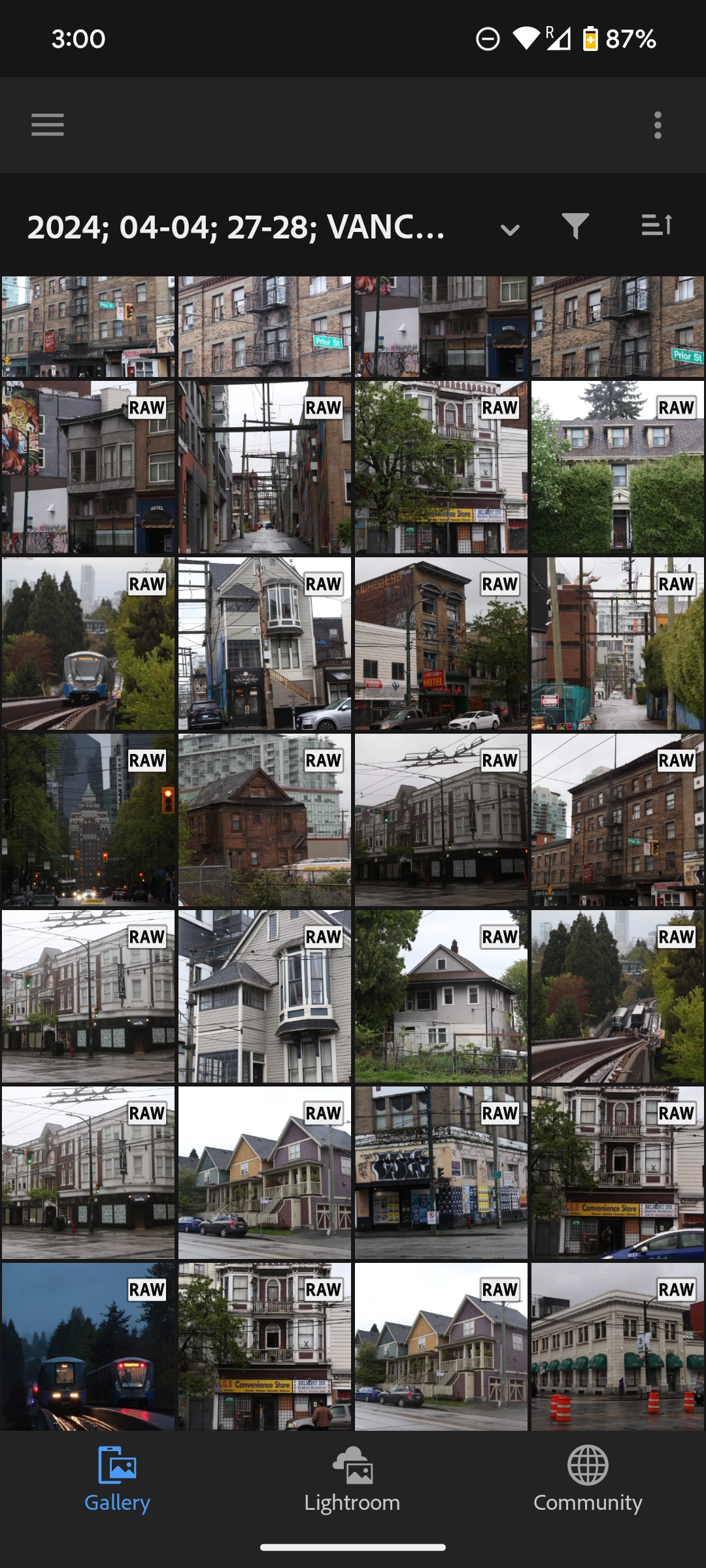
This is separate from the "Lightroom" tab, which allows sorting by file name, edit date, capture date, etc etc.
Is there a fix/workaround for this?


 AdChoices