



caldwellcreative
Participant
June 23, 2020
Question

Color Shift to Magenta Upon Export and Exit from Full View

  • June 23, 2020
  • 3 replies
  • 1169 views

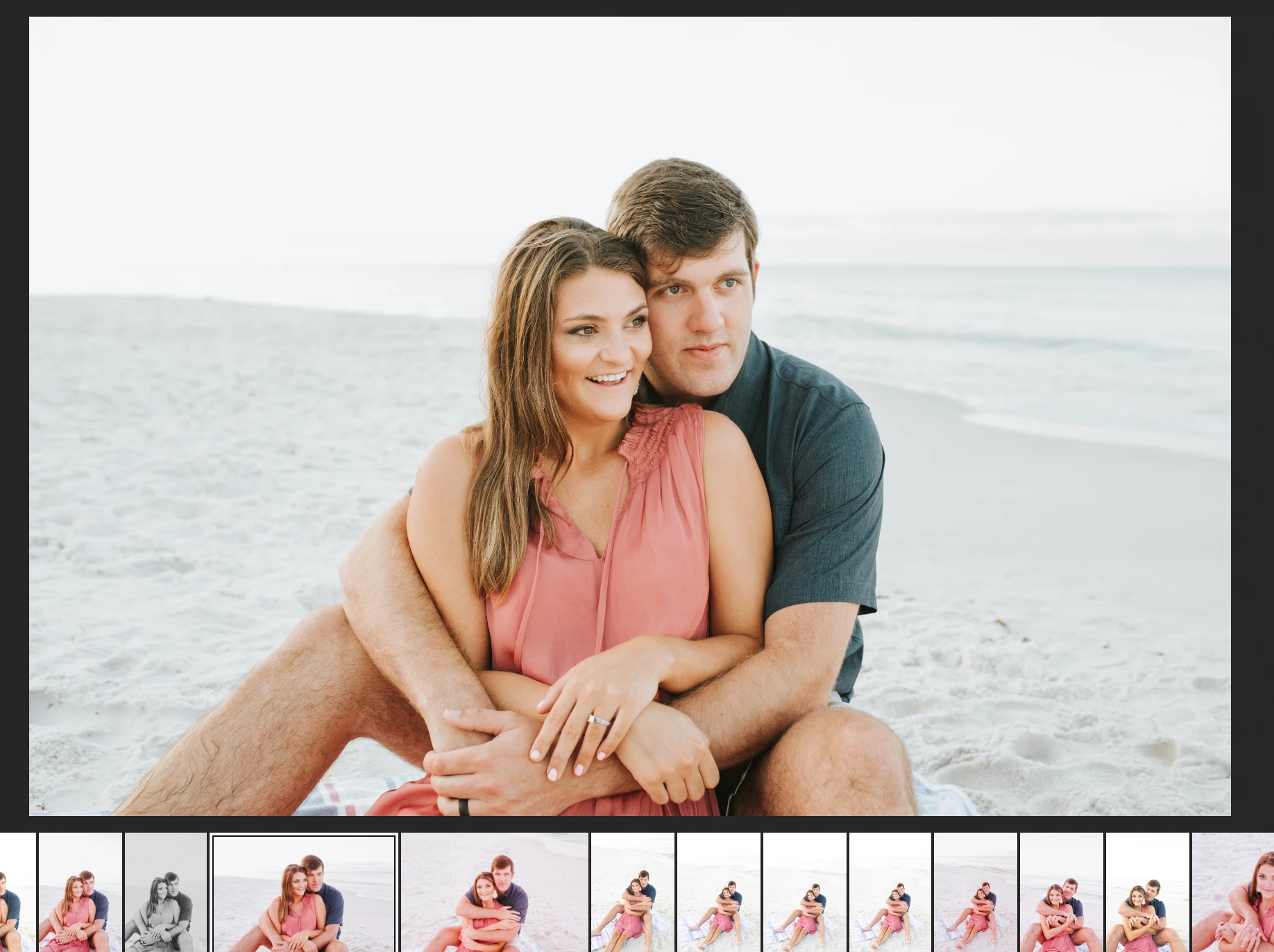
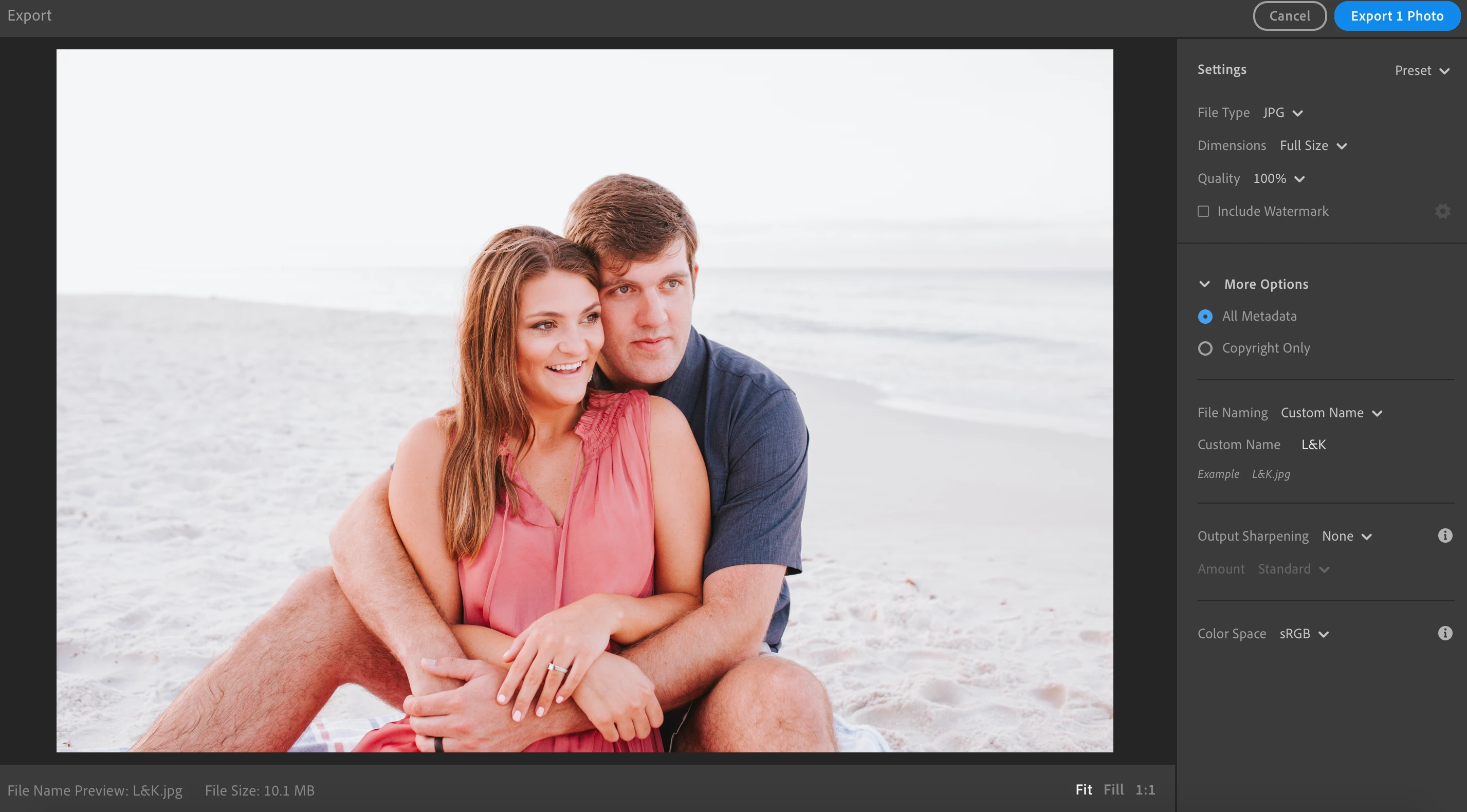
When editing, all colors look to be normal but as soon as I exit the full size view of the photo, the thumbnail/preview shown below turns magenta but changes back to normal when going back in to the full view. (See previews strip at bottom of the first screenshot below for example. Those not magenta have not been edited.) The magenta color shift also happens upon export. (See second screenshot below.) I had not experienced this prior to the most recent Lightroom CC update.
This topic has been closed for replies.

3 replies

Participant
June 23, 2020

This is happening to me too, I also had to revert my LR back to the previous version in order for my edits looking like how I edited them. My photo isnt turning Magenta though, it is turning skin color extremely orange and the photo very dark.

When I edit it looks normal and when I export and preview to export it looks awful.


Participating Frequently
June 24, 2020

I have been testing a bit more to see if I can pinpoint the problem. And I could!


I noticed unedited photos were not having this issue.

I went to the new versions feature and selected the original version to reset my edits.

This even putted the profile to the camera setting while it was imported with adobe color before (I was playing around with that new feature now and now it is set to camera default).

Now when I export the photo all looks fine in Lightroom 3.3.


After selecting the original version once on a photo I can do any edit I want, it continues to work without an issue.


Conclusion go back to the original version for any edited photo you have this issue with.


This should help fixing the bug in Lightroom.


Update: Once I make any change to the white balance the problem returns.
And only resetting the white balance doesn't fix the problem, you need to go back to the original version to get rid of it for that photo.

caldwellcreative
Participant
June 23, 2020

Uninstalled 3.3 and reinstalled 3.2.1 and it seems to have fixed it!