

Question
Copy Presets to Multiple Images
I'm having problems copying presets to multiple images. I am only able to copy and paste to a single image. When I select multiple images, paste doesn't show up at the bottom or the top.
Select first image > Copy settings > click the check mark
Use the back arrow to return to the library.
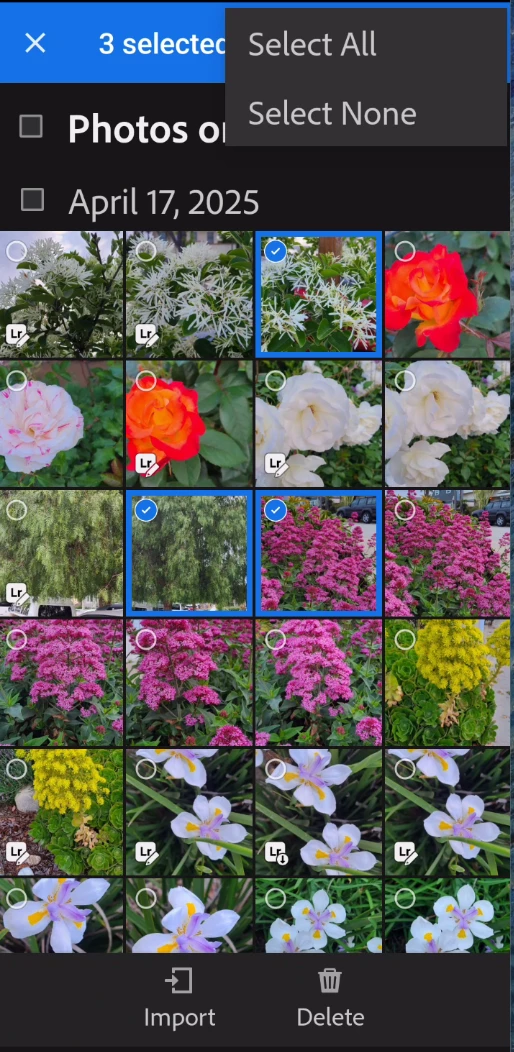
Select multiple images and there is no Paste. Not at the bottom and not under the three dots at the top.
But, selecting a single image, opens it and from there, Paste Settings is available.


 AdChoices