
Cropped/ Rotated Images reverting to random size/ orientation
I wanted to ask if someone has experienced something similar before saying its a bug.
So I wanted to crop an image from its original specs (8192 x 5464) to a 1:1 square image.
However once I am done with the crop, lightroom seems to be doing an additional step which changes the image (it seems more stretched than it was when i did the crop).
Original Image:
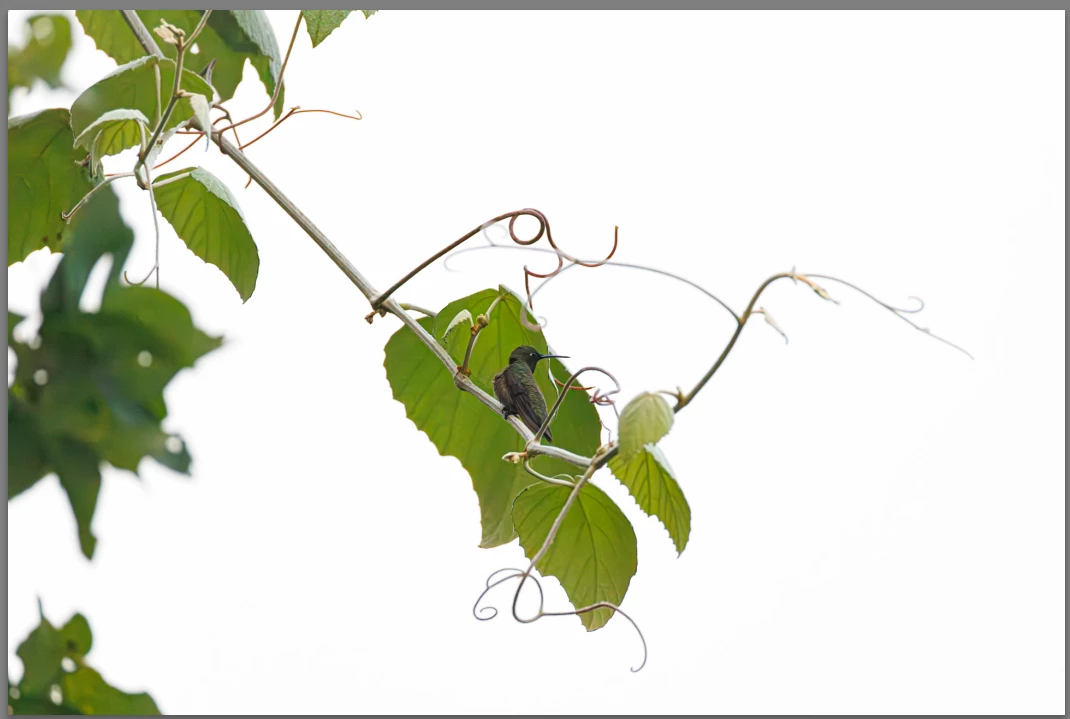
The moment I select 1:1 overlay, the image is already stretched horizontally. You can see the difference in how the leaf and the bird looks in image 1 (no crop mode) vs 2.
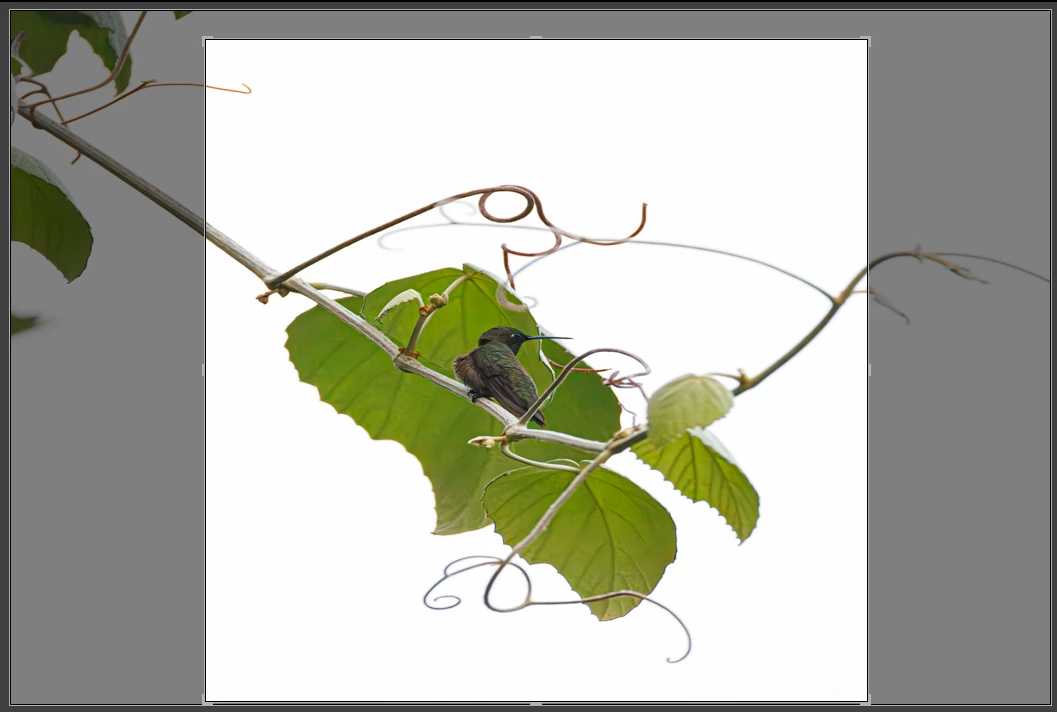
And once i complete the crop, it changes to square but it takes parts that are not in that square also in the image. Refer image below.
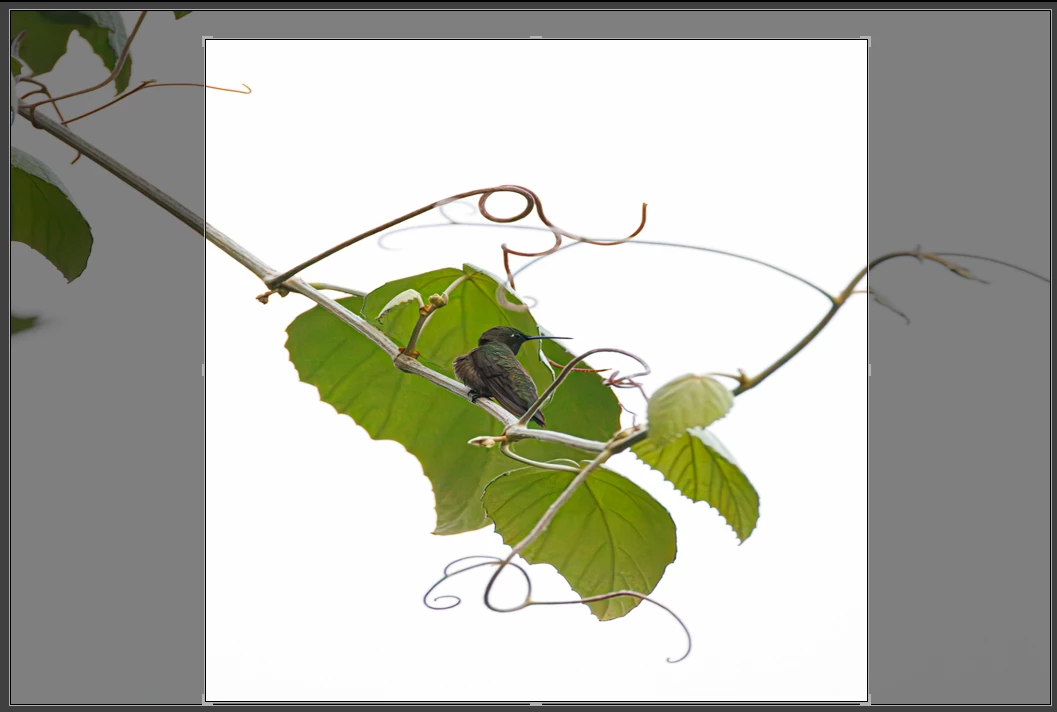
A similar issue is also happening on another image where I am trying to crop and rotate. I cannot get it to rotate to the position I want because the angle keeps changing (significantly) after the crop action is over.


 AdChoices