
Answered
Delete rejected photos in Lightroom Mobile
How do you do it?

How do you do it?
Hi Evans,
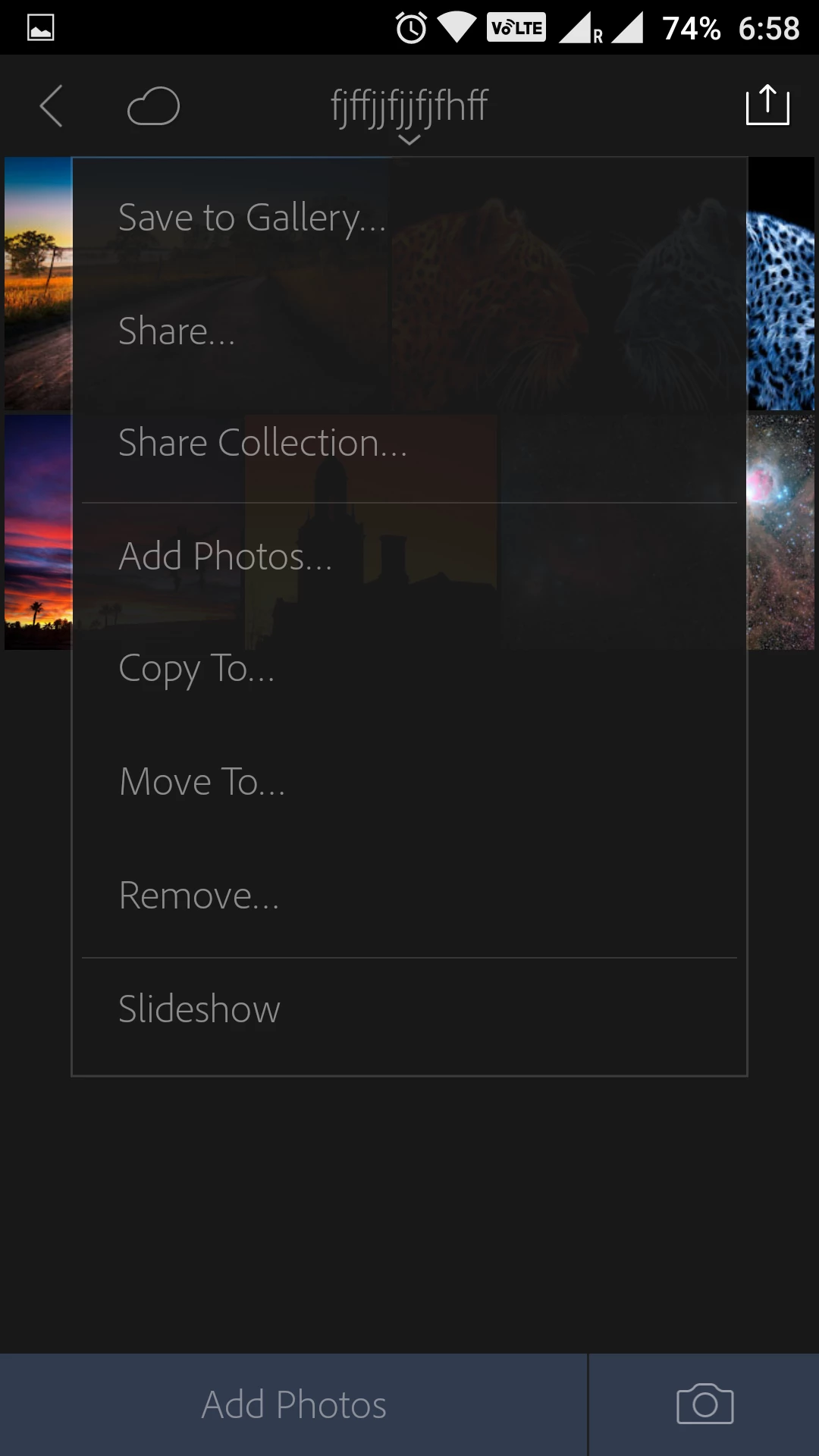
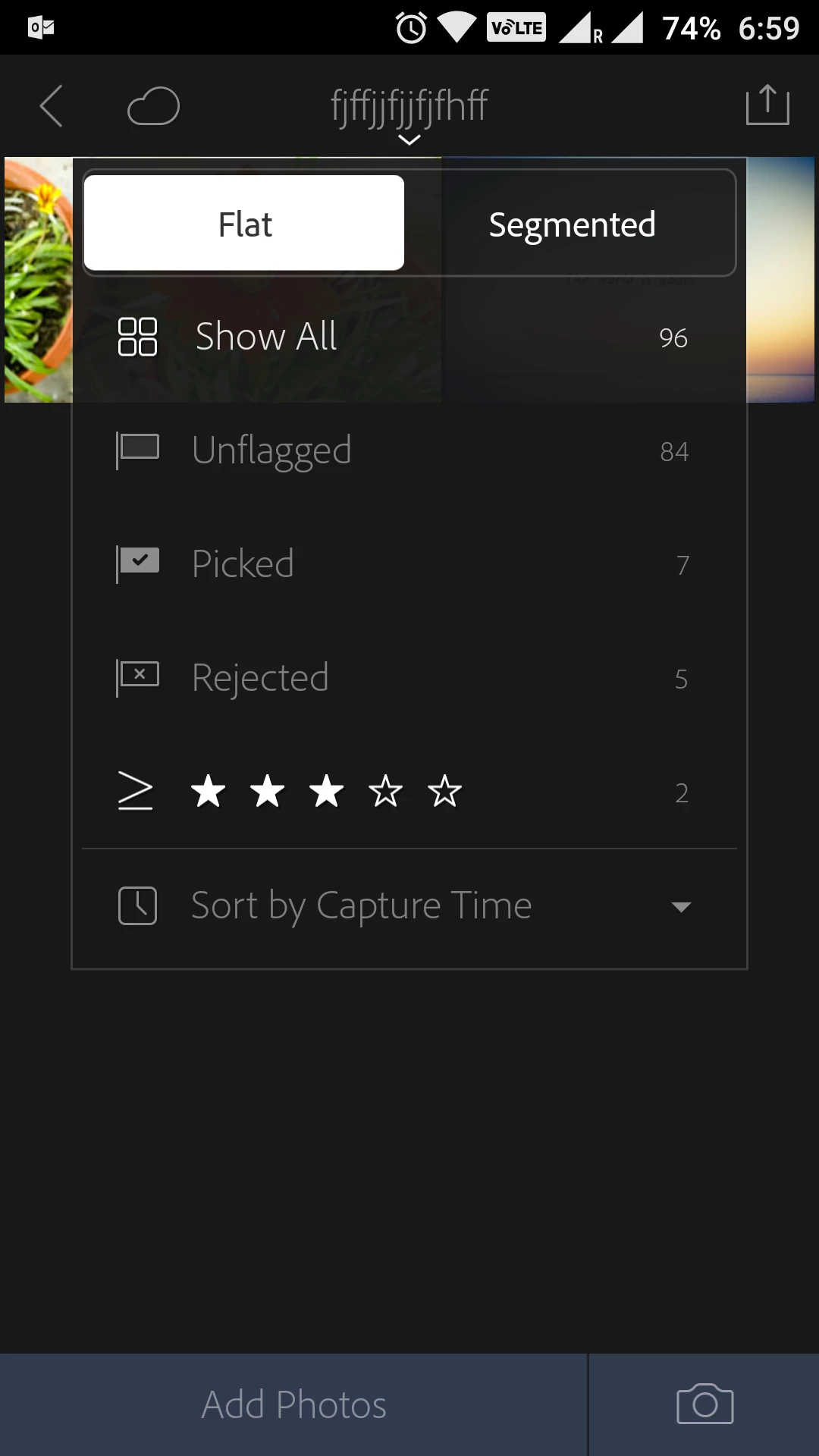
Simply filter the Rejected images within the collection and then check and delete the one's you'd like.
Regards,
Akash
Already have an account? Login
Enter your E-mail address. We'll send you an e-mail with instructions to reset your password.
 AdChoices