Participant
July 14, 2023
Answered

Deleted all images in cloud storage but still shows 12.5Gb used

  • July 14, 2023
  • 1 reply
  • 357 views

I am in a similar situation to the user in this post:


Deleted (almost) all images in cloud storage but still shows 5.9GBcommunity.adobe.com


The suggested solution which hasn't been upvoted doesn't work for me.


I had some previous files in lightroom then stopped my subscription as I have been using Capture One. I am now re-examining that decision and have gone for a 7 day trial. On downloading PS Lightroom CC and Lightroom Classic I found Lightroom CC had retained my images from previously.

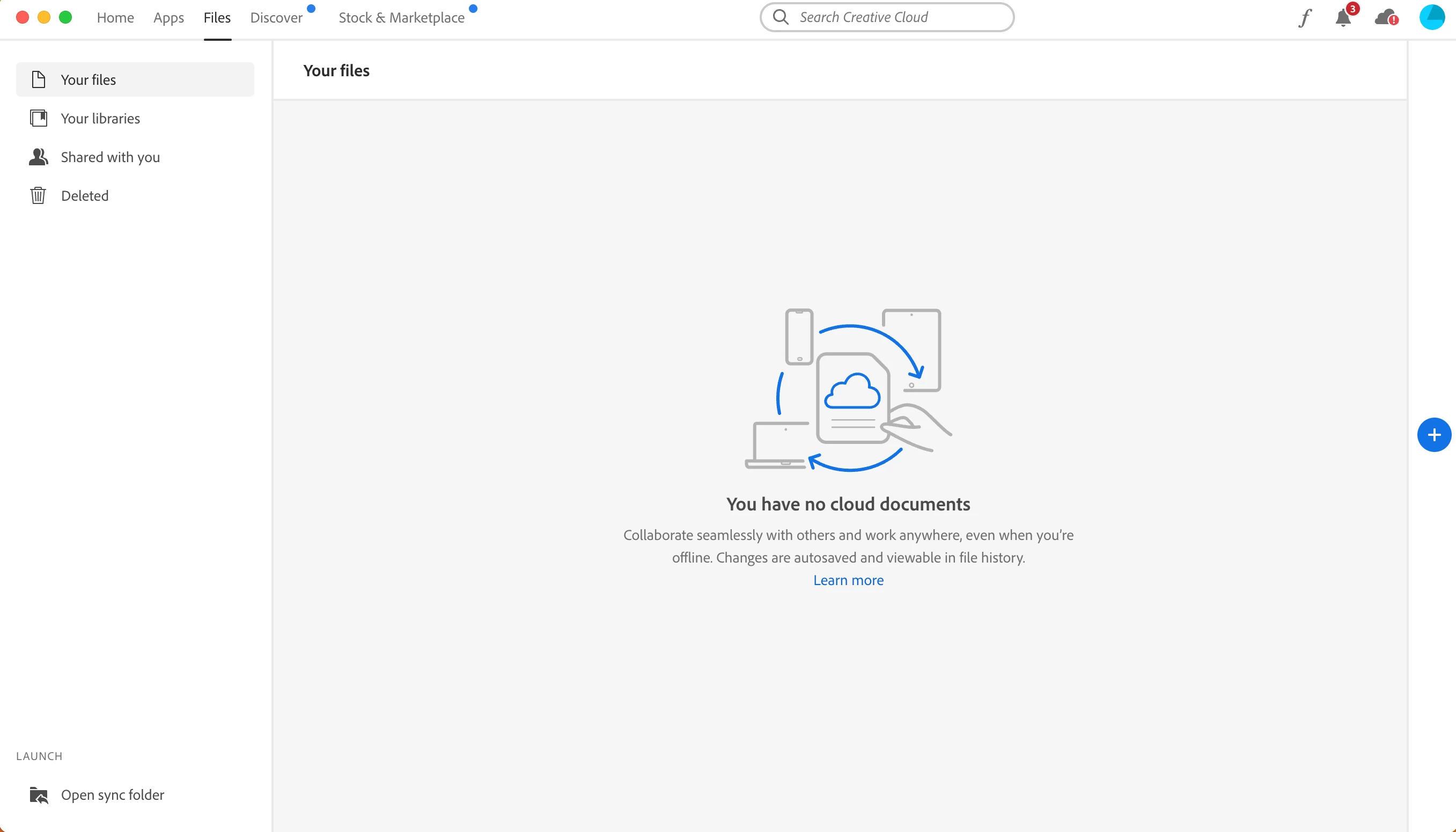
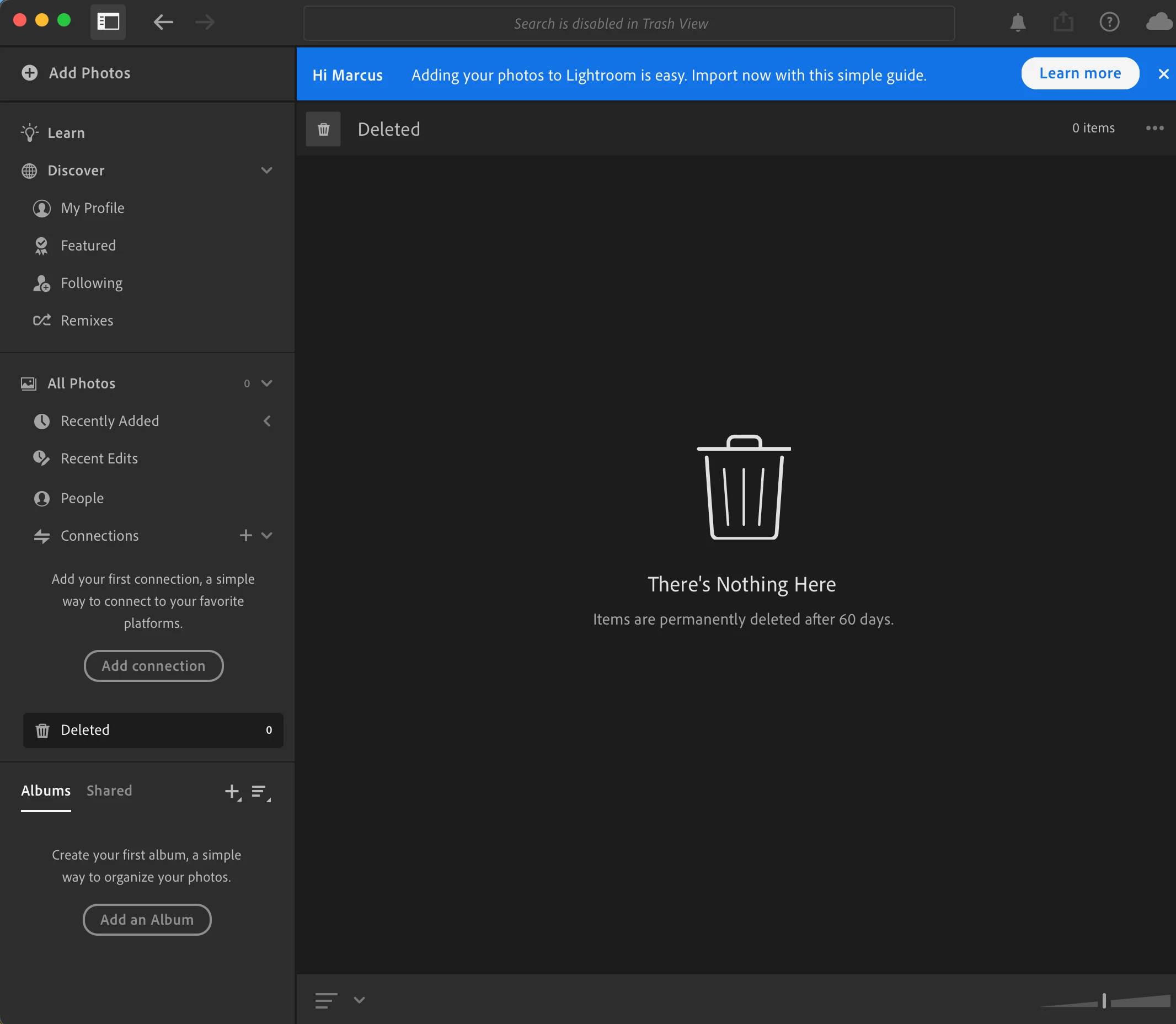
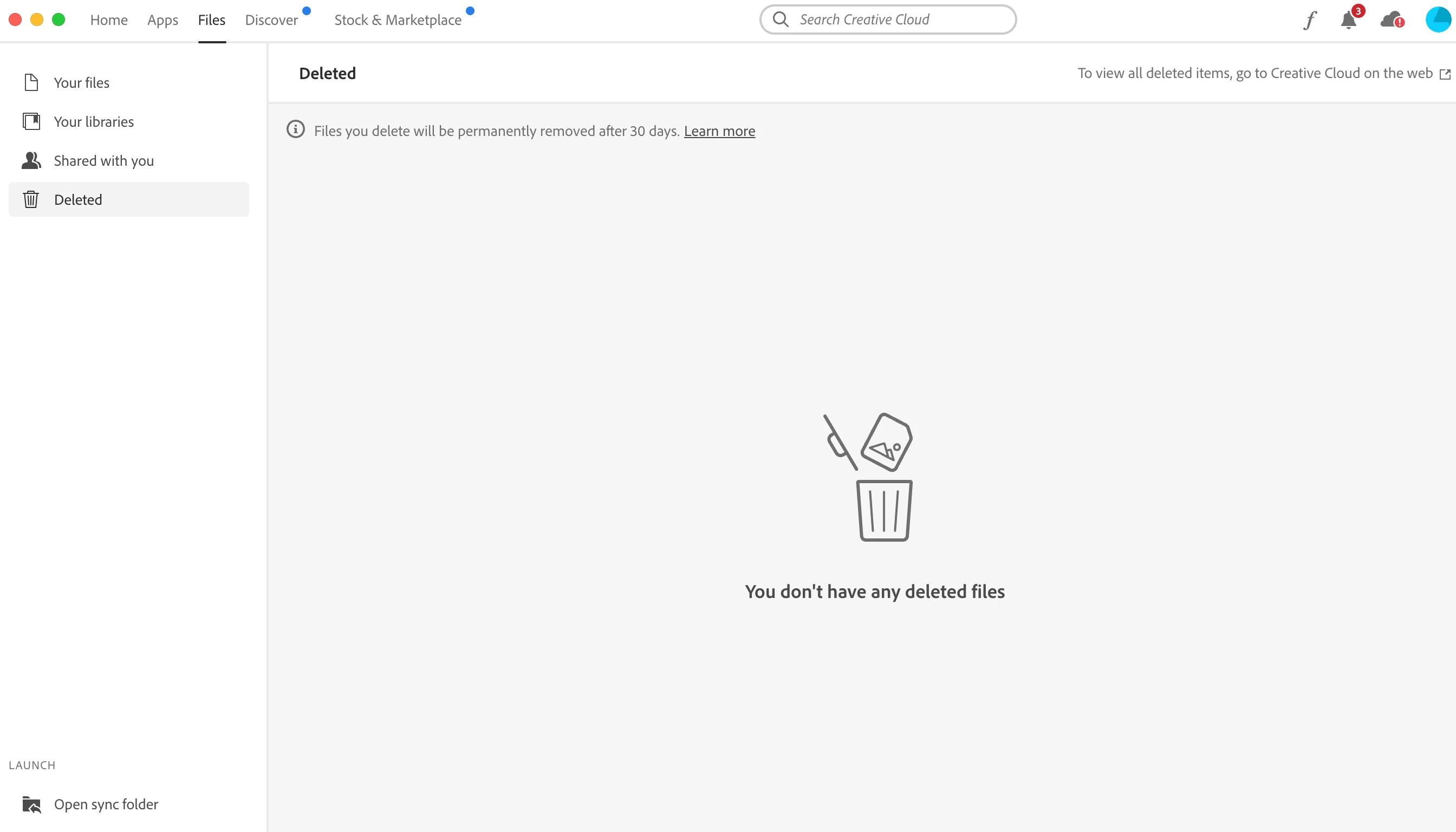
That's fine so I deleted them and removed from trash and chcked Trash in Lightroom CC  and in Creative Cloud and no documents are shown anywhere but 18 hours on the space has not been recovered.


My plan is to use Lightroom Classic then sync up to Lightroom CC (i.e. just the smart previews) and on to Portfolio so as I understand it my cloud stroage requirements should be minimal as smart previews don't count towards my storage limit.


Any ideas what is going on here?


Many thanks
 

This topic has been closed for replies.
Correct answer peter-b8062983

It looks like you have some partially uploaded photos in Lightroom.  When an upload happens, we first reserve the space and then wait for the photo to upload.  That appears to be the case here.


You can address this by following the instructions here: https://helpx.adobe.com/creative-cloud/kb/file-storage-quota.html under "Review partially synced photos and videos in Lightroom"


-Peter

1 reply

peter-b8062983
Adobe Employee
peter-b8062983Correct answer
Adobe Employee
July 14, 2023

It looks like you have some partially uploaded photos in Lightroom.  When an upload happens, we first reserve the space and then wait for the photo to upload.  That appears to be the case here.


You can address this by following the instructions here: https://helpx.adobe.com/creative-cloud/kb/file-storage-quota.html under "Review partially synced photos and videos in Lightroom"


-Peter

Participant
July 14, 2023

@peter-b8062983 @You were exactly right - that has fixed it.

many thanks