


Participating Frequently
October 1, 2022
Question

Deleted (almost) all images in cloud storage but still shows 5.9GB

  • October 1, 2022
  • 2 replies
  • 445 views

I have read 4 articles about this topic but none of them addressed my issue.


I stopped the synchronization of LR Classic and deleted thousands of photos from Lightroom Cloud. No matter how many images I delete, it still shows I am using 5.1GB of my 20GB. Currently I have re-synchronized 138 of the images, still no change. The value for used storage increases the more I upload, but it never seems to decrease.


Help please!
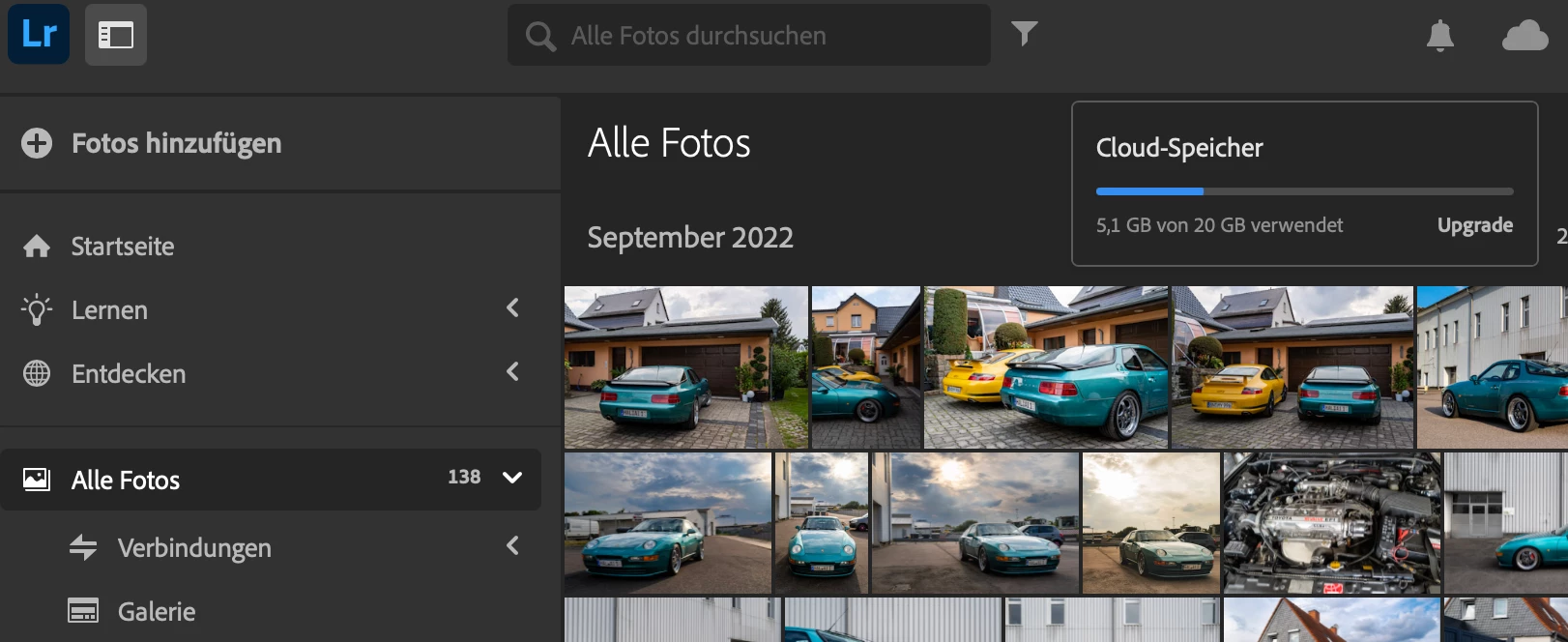


Lightroom Classic on MacOS

This topic has been closed for replies.

2 replies

JohanElzenga
Community Expert
Community Expert
October 1, 2022

Images that are synced from Lightroom Classic to the cloud will sync as smart previews, and these smart previews do not count against your cloud space. Removing them to get more free cloud space is useless. You'll have to find those images that do take up space, which are normally photos shot with your phone, or images added to the cloud via Lightroom desktop, not Lightroom Classic.


-- Johan W. Elzenga
vilfredoAuthor
Participating Frequently
October 1, 2022

Ok, but even if I erase every picture in the Lightroom cloud, the overview shows 0 images and 0 deleted images, it still shows 5.9 GB of used space. Where should these images hide?

selondon
Community Expert
Community Expert
October 2, 2022

Do you have any files stored in Creative Cloud files outside of Lightroom, as these come from the same quota?

yamato713108855
Community Expert
Community Expert
October 1, 2022

クラウドから削除しても60日間はデータを復活できます。

復活できるという事は、データがクラウドに残っているという事です。

削除済みのごみ箱の中のファイルを削除してみてください。