
Participant
May 29, 2024
Question

Deleting SmugMug Connection in LR Failure

  • May 29, 2024
  • 3 replies
  • 317 views

Hey!


I used to have a SmugMug account but no longer use the service, so I switched to Adobe Portfolio. However, in Lightroom, I still have a SmugMug connection with an old album. But every time I try to delete it, it prompts me to log into the service I no longer have. 

I have tried high and low to remove this, no luck. Any ideas on what to do? Thank you!
 

3 replies

Participant
October 30, 2025

No updates? 

Same issue here. 

LR - 7.3 (not LRC), desktop version, MacOs

Smugmug account - closed


How are you attempting to delete the Publish service? Screenshots may help describe.

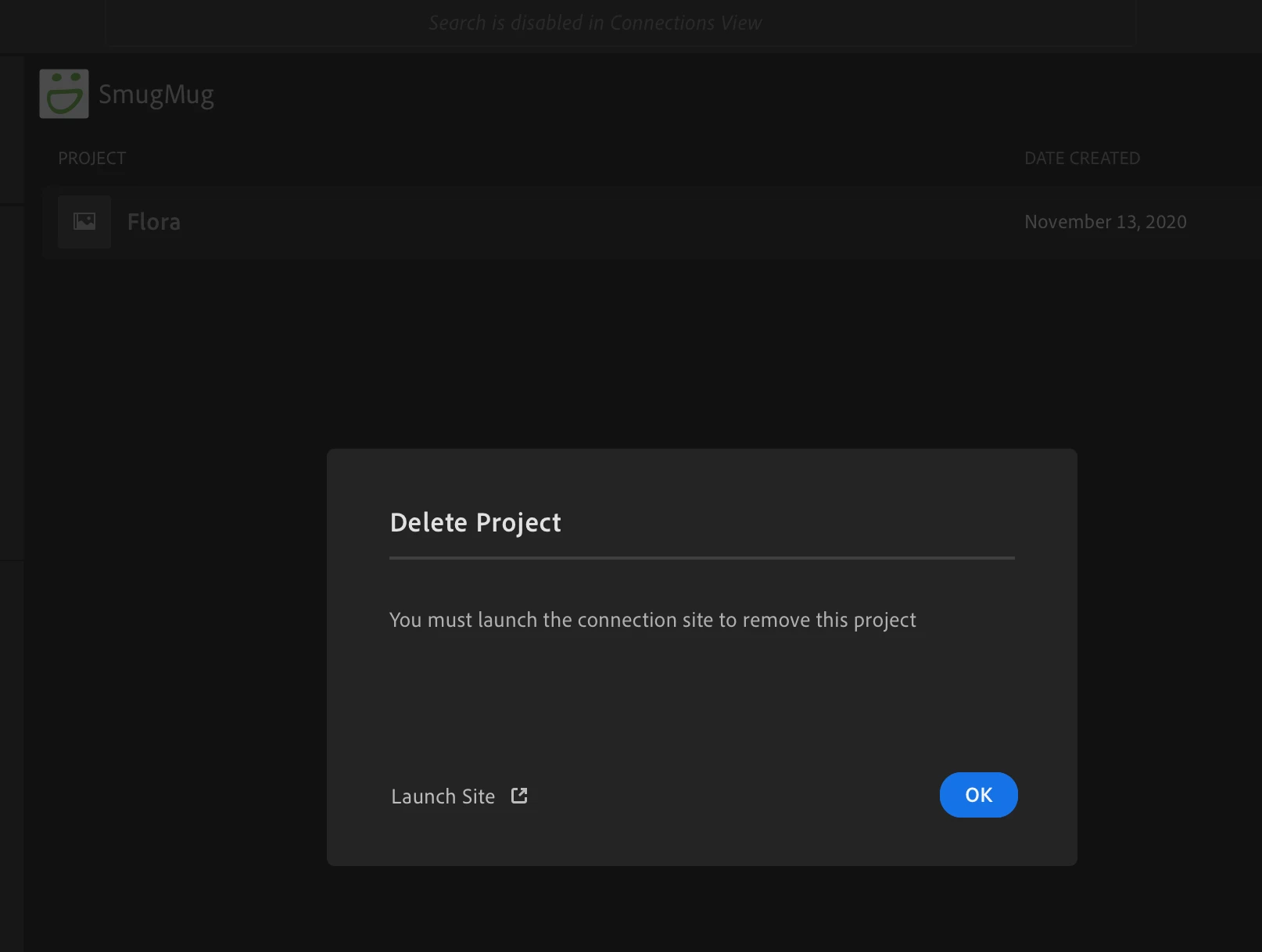
I choose connection - Smugmug - projects, then doing right click on Project name and chosing "delete project"


(sorry, screenshot is in polish)


then, the same effect like mentioned above. It asks to connect and login to unexisted/closed SmugMug account.


ps. SmugMug connection (including Adobe Portfolio) is not available in web version of LR, so I cannot use publishing services/ connections via web LR interface. only desktop version, however it is not a problem I assume.

johnrellis
Legend
May 30, 2024
GoldingD
Legend
May 30, 2024
  1. Do you have Lightroom (Lr) or Lightroom Classic (LrC)? and what exact version number?
  2. How are you attempting to delete the Publish service? Screenshots may help describe.