
Question
Denoise covered in green pixels
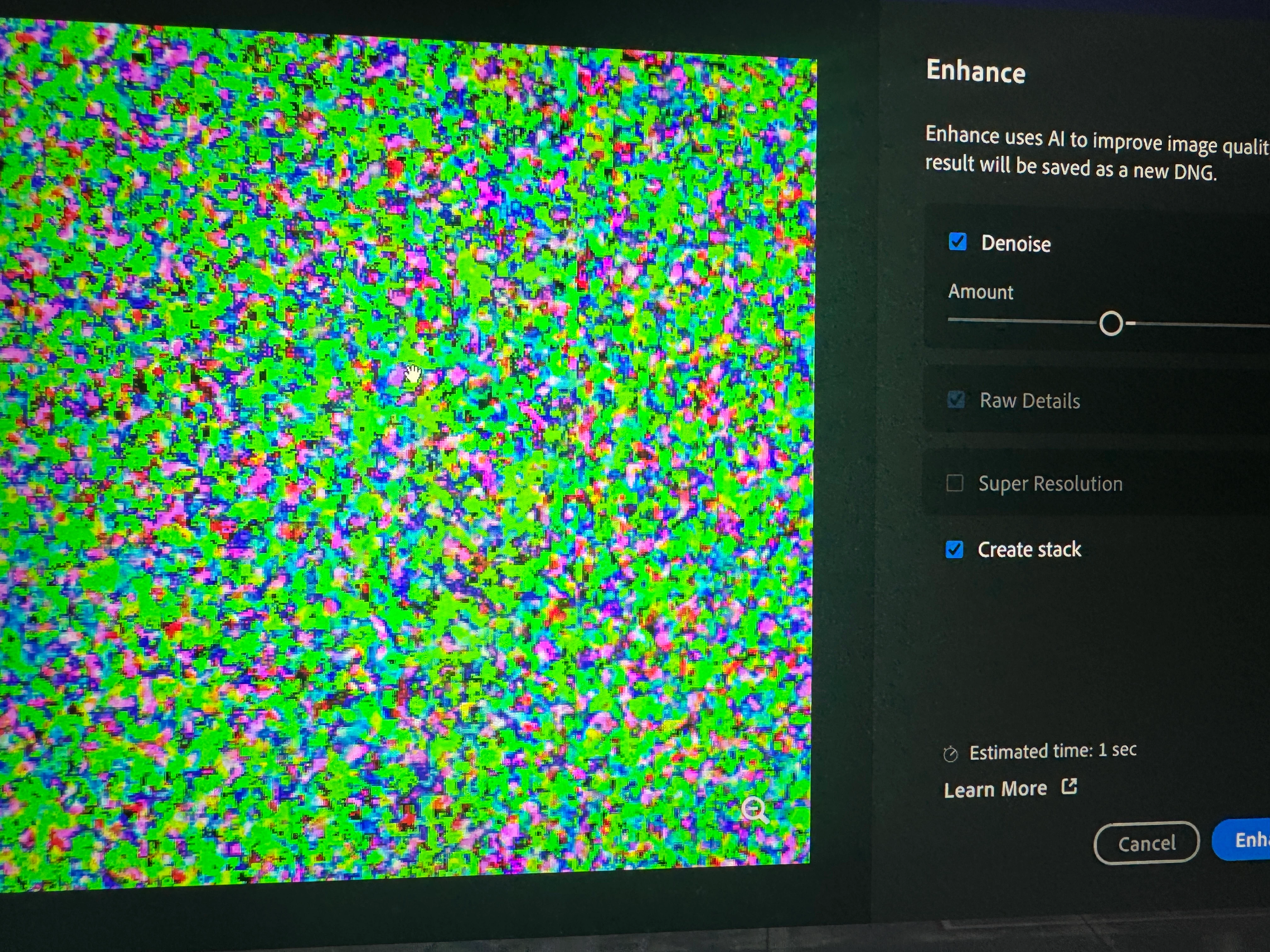
The most frustrating thing about getting a new laptop is glitches like this, with no other person online experiencing this. I recently switched from a cheap low end Victus gaming laptop to a
Lenovo Legion 7i Gen 9 Gaming Laptop - Intel 20-Core i7-14700HX(Beat i9-13900HX), NVIDIA RTX 4060, 16" 240Hz IPS WQXGA, Windows 11 Pro, 64 GB DDR5,
you'd think it would run everything much better and it does, at gaming. But when it came to denoise, the ENTIRE photo is covered with green pixels !! Looks like when an old TV loses signal. I tried EVERYTHING in the performance tab, from turning off GPU processor to ticking the high performance box, no change. Why is this happening??! And what can be done to fix it. And yes a did restart the LR and the PC. And yes it's not just the preview the saved photo has the same thing. PLEASE HELP thanks


 AdChoices