Participant
Nov 15, 2024 2:18 AM UTC
Answered

Detailed export settings?

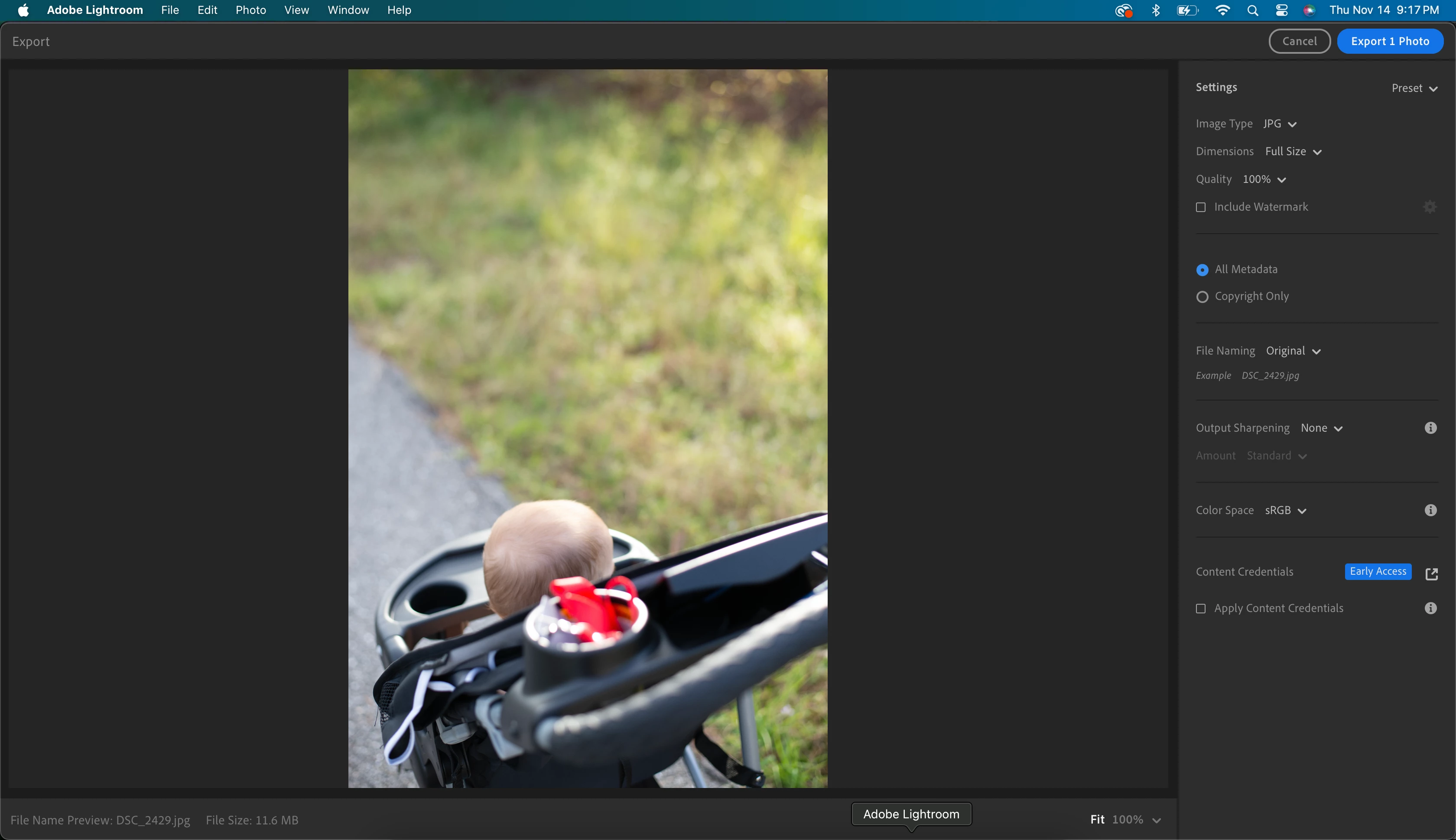
Jumping back into lightroom after some years out. I'm trying to adjust some specific things in my export (specifically limiting file size and selecting PPI), but I can't find these settings anywhere. When I click export -> custom settings, I can adjust the Adobe preset to JPEG small, large, or original + settings, but I have no detailed settings. Screenshot of my export window attached. 
This topic is closed to new replies. Start a new post to keep the conversation going.
Rob_Cullen
Rob_CullenCorrect answer
Community Expert
Nov 15, 2024 3:35 AM UTC

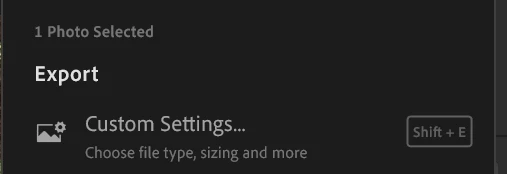
1) Select the [Custom Settings...] Option-

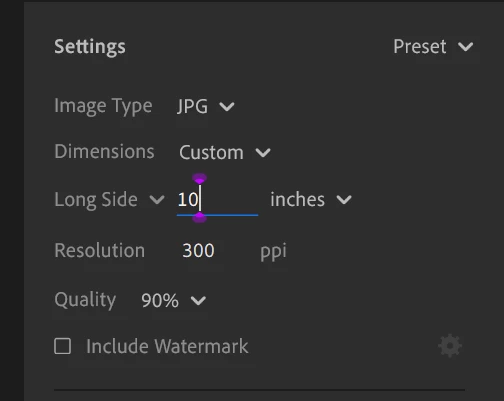
2) Select JPG

3) Set Dimensions to [Custom]

4) Set the [Long Side] Dimension in INCHES

5) Set the PPI you want


The result will be an image file that has pixel dimensions determined by [INCHES x PPI]

eg. 10 INCHES x 300 PPI  will give a file that is 3000pixels on the Long Side.


Regards. My System: Windows-11, Lightroom-Classic 15.6, Photoshop 27.8, ACR 18.7, Lightroom 9.4, Lr-iOS 10.4.0, Bridge 16.0.3 .

4 replies

Rob_Cullen
Community Expert
Rob_CullenCommunity ExpertCorrect answer
Community Expert
Nov 15, 2024 3:35 AM UTC

1) Select the [Custom Settings...] Option-

2) Select JPG

3) Set Dimensions to [Custom]

4) Set the [Long Side] Dimension in INCHES

5) Set the PPI you want


The result will be an image file that has pixel dimensions determined by [INCHES x PPI]

eg. 10 INCHES x 300 PPI  will give a file that is 3000pixels on the Long Side.


Translate
Regards. My System: Windows-11, Lightroom-Classic 15.6, Photoshop 27.8, ACR 18.7, Lightroom 9.4, Lr-iOS 10.4.0, Bridge 16.0.3 .
Participant
Nov 15, 2024 10:43 AM UTC
Thank you. I assume that there’s no way to access the detailed export panel
from previous versions? I need to trim down my file sizes and was really
hoping I could access the limit file size tool.
Translate