Smolnar18
Participating Frequently
Nov 30, 2024 10:40 PM UTC
Answered

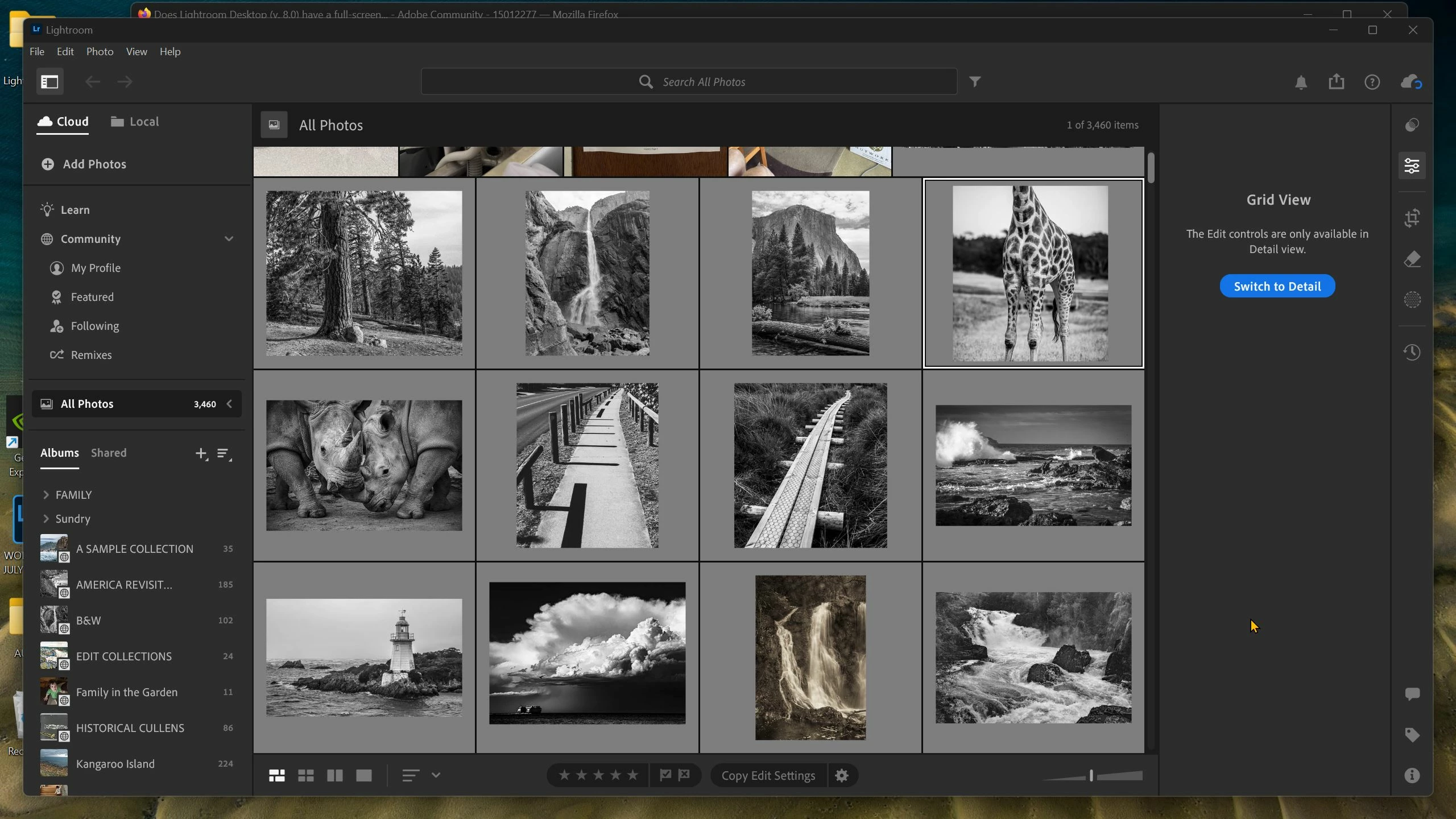
Does Lightroom Desktop (v. 8.0) have a full-screen mode?

Hi, I switched from Lightroom Classic to Lightroom Desktop a few months ago and have never looked back.  But today I wanted to see an image in full-screen mode, but couldn't find the shortcut keys to do that.  Is that functionality missing in Lr Desktop?  If not, is there a work-around?

Thanks!

Rob_Cullen
Rob_CullenCorrect answer
Community Expert
Nov 30, 2024 10:49 PM UTC

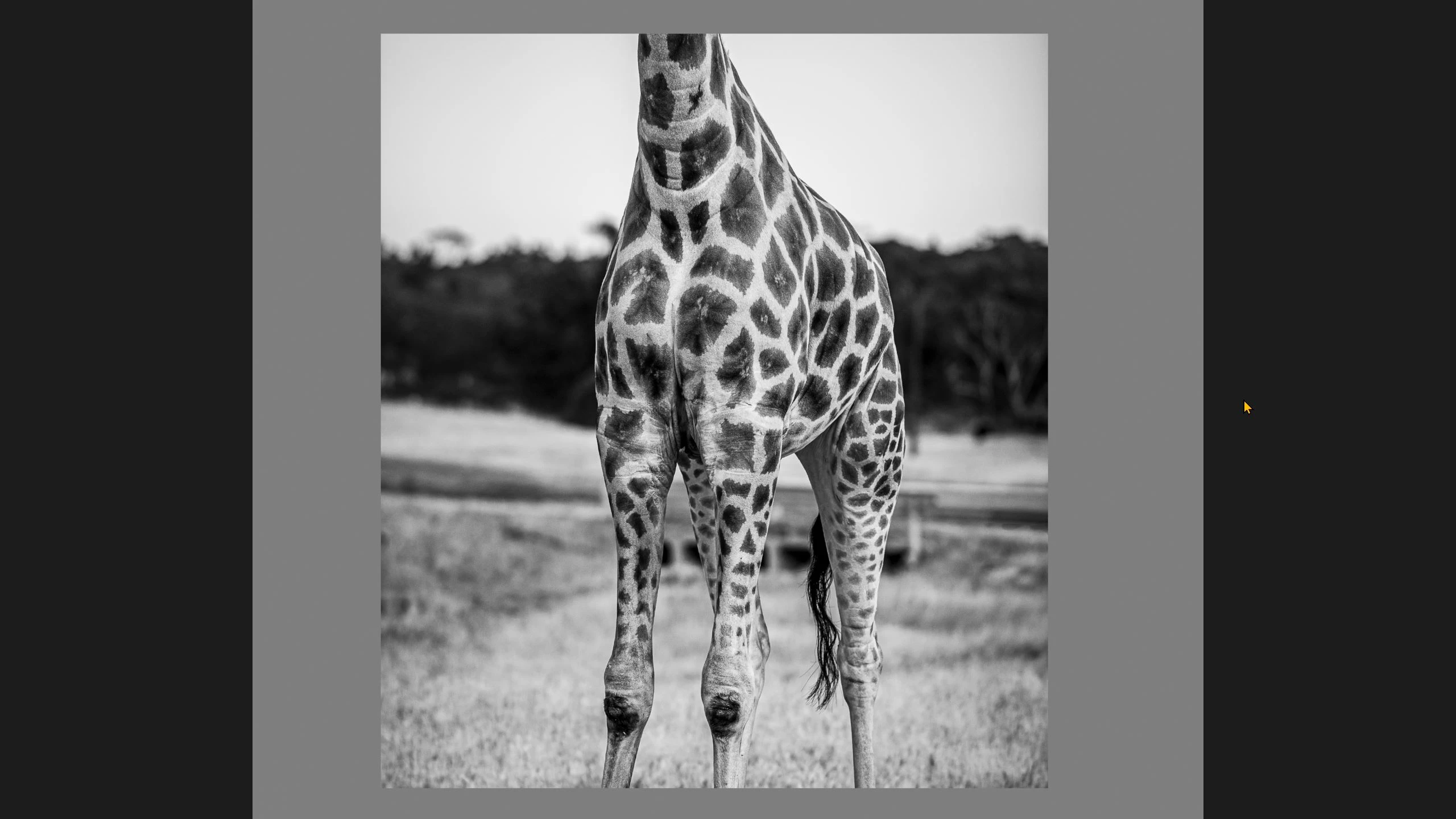
The keyboard [F] works for me!   F = Full Screen.


file:///C:/Users/rober/Downloads/lightroomcc-shortcuts.pdf


Regards. My System: Windows-11, Lightroom-Classic 15.6, Photoshop 27.8, ACR 18.7, Lightroom 9.4, Lr-iOS 10.4.0, Bridge 16.0.3 .

4 replies

Participant
Apr 29, 2025 11:14 AM UTC

Ek light music karega


Translate
Rob_Cullen
Community Expert
Rob_CullenCommunity ExpertCorrect answer
Community Expert
Nov 30, 2024 10:49 PM UTC

The keyboard [F] works for me!   F = Full Screen.


file:///C:/Users/rober/Downloads/lightroomcc-shortcuts.pdf


Translate
Regards. My System: Windows-11, Lightroom-Classic 15.6, Photoshop 27.8, ACR 18.7, Lightroom 9.4, Lr-iOS 10.4.0, Bridge 16.0.3 .
Smolnar18
Smolnar18Author
Participating Frequently
Nov 30, 2024 10:59 PM UTC

Thanks!  Guess I was trying to make it too hard.  I tried Ctrl+F, Shift+F, Alt+F, Ctrl+Shift+F, but never just tried F!  

Translate
Conrad_C
Community Expert
Community Expert
Dec 2, 2024 6:12 AM UTC

For future reference, you can find the command on the menu View > Detail - Full Screen, with its F keyboard shortcut listed after the command as usual.

Translate