Answered
Dont see import ANYWHERE??
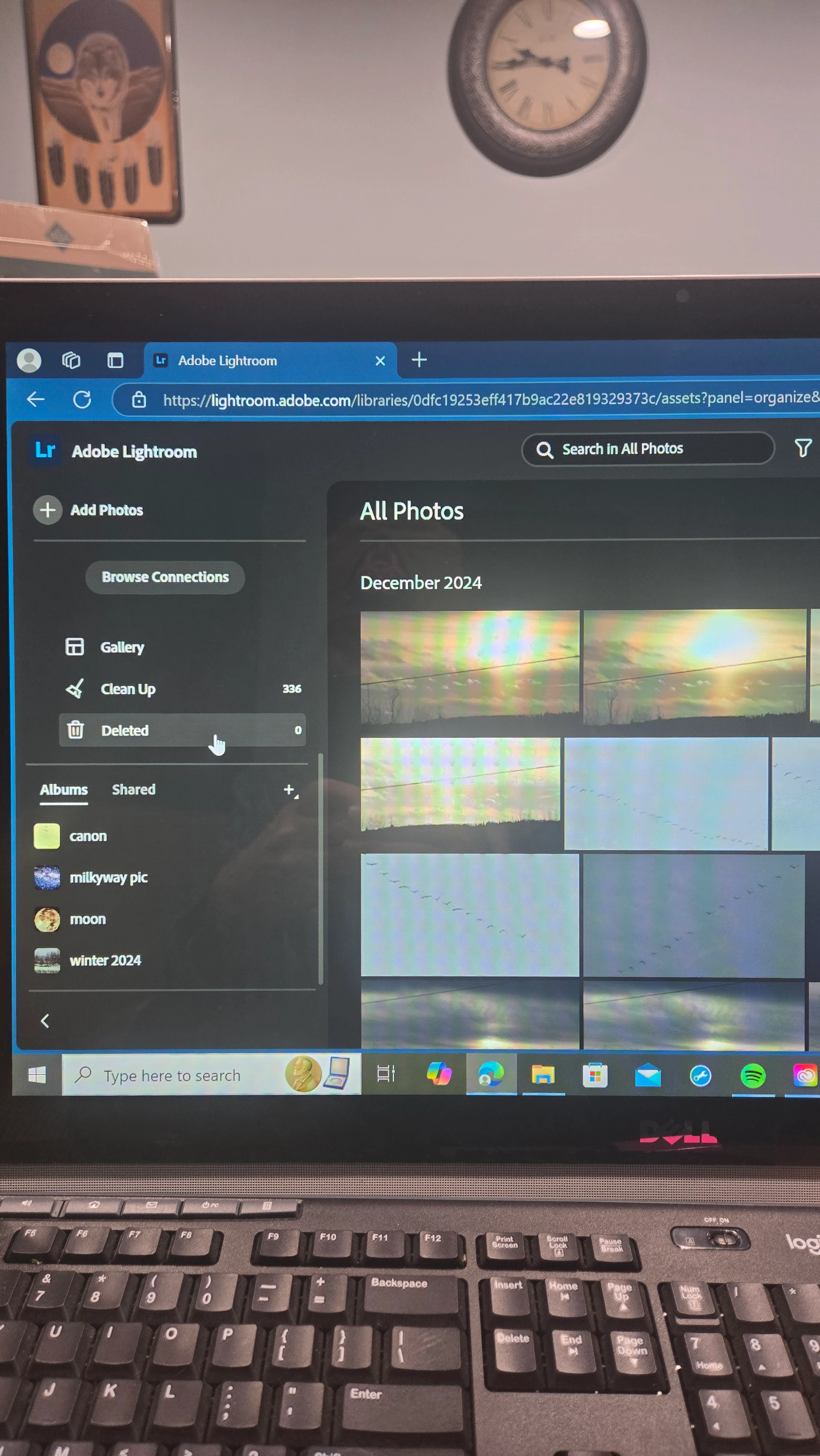
this is what it shows on mine. I even clicked on the three dots in the upper right hand corner, not in pic, and STILL nothing choice for import. PLEASE HELP, I can not find it.

this is what it shows on mine. I even clicked on the three dots in the upper right hand corner, not in pic, and STILL nothing choice for import. PLEASE HELP, I can not find it.
Select an image
Click the Share Icon in the upper right (looks like a container with an up arrow)
Choose the appropriate option in the Download section
Already have an account? Login
Enter your E-mail address. We'll send you an e-mail with instructions to reset your password.


 AdChoices