
Question
Duplicated User Presets folder
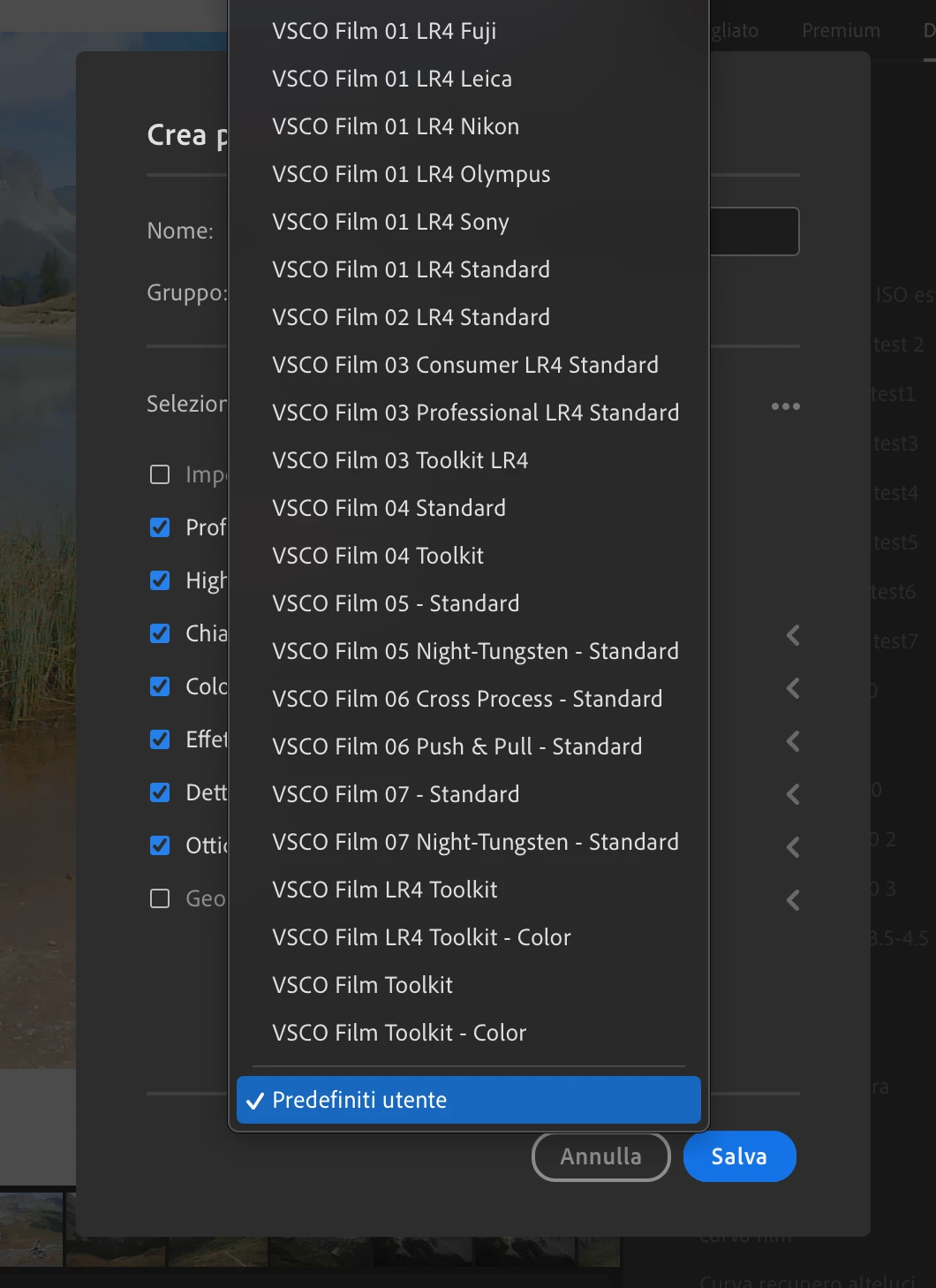
When adding a preset I can only see one "User Presets" folder where to save the new preset (here in italian "Predefiniti Utente"):
Still when I open the preset tab to find my presets I'm presented with this:
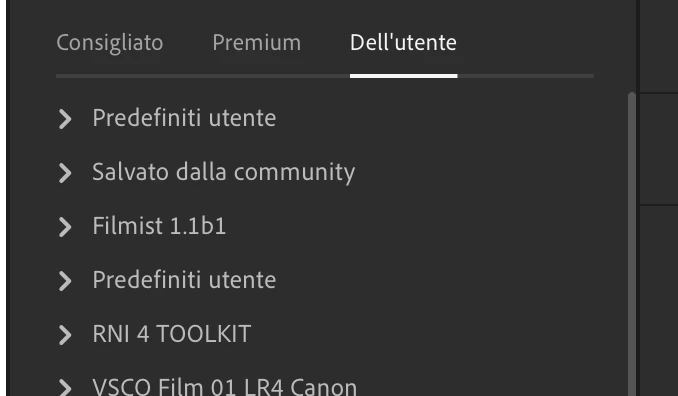
As you can see there are now two user presets folder, one of which I cannot see from the preset creation form.
So now my older user presets are saved inside the older "User presets" folder while the new ones are being saved to a new duplicated "User presets" one.
Is there any way to at least mass-move the presets from the older folder to the newer one? I have something like a hundred profile and I'd rather not move them one by one.
Thanks in advance


 AdChoices