
Question
Edit mode displays low resolution image in Lightroom Mobile 5.2
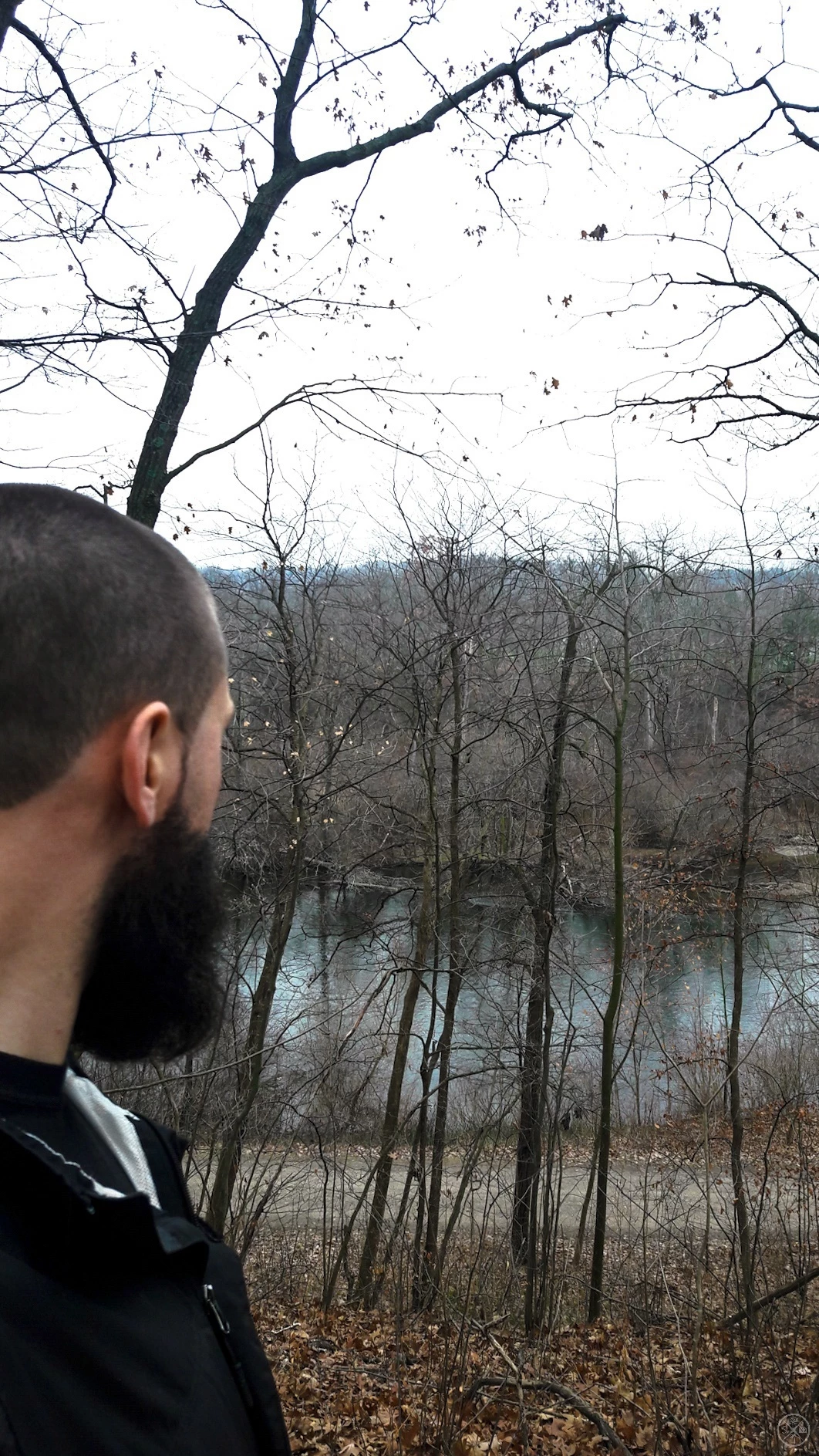
I have noticed that photos appear blurry in edit mode. When looking at the same photo in rate/review mode, it is clear. Why would the editing mode display a lower resolution image than the review mode? Tree branches will appear molded together. How is a user supposed to know how to edit the image if it is not the full resolution image?
The exported image appears clear and sharp, it is a noticeable difference than the image in edit mode. I am using version 5.2.
I have posted this question in the different sections of Adobe Creative Cloud forums and Photoshop family. No one seems to know an answer to this problem.
Please help with this issue.
{Thread renamed by moderator}


 AdChoices