
Participant
April 30, 2024
Question

Edits Not Exporting As Expected

  • April 30, 2024
  • 1 reply
  • 224 views

When I attempt to export my finalized photo edit in Lightroom (Lr), I encounter a message stating 'HDR is not visible in this preview' (though I'm uncertain if this is related to the issue). Additionally, upon exporting the photo, as evidenced by the attachment, it appears to have lost its vibrance. How can I ensure that the exported photo maintains the same appearance as in the editing view?
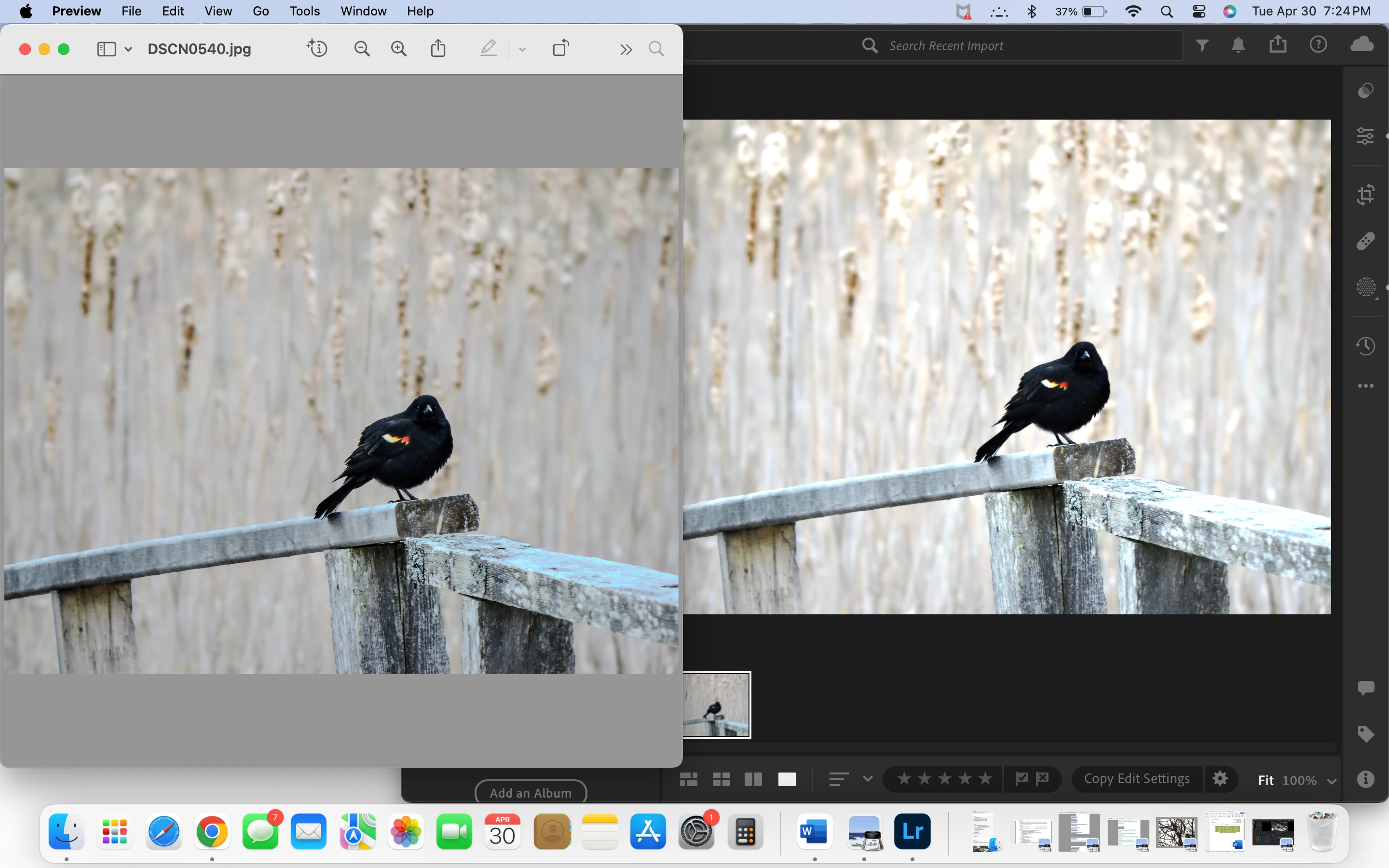
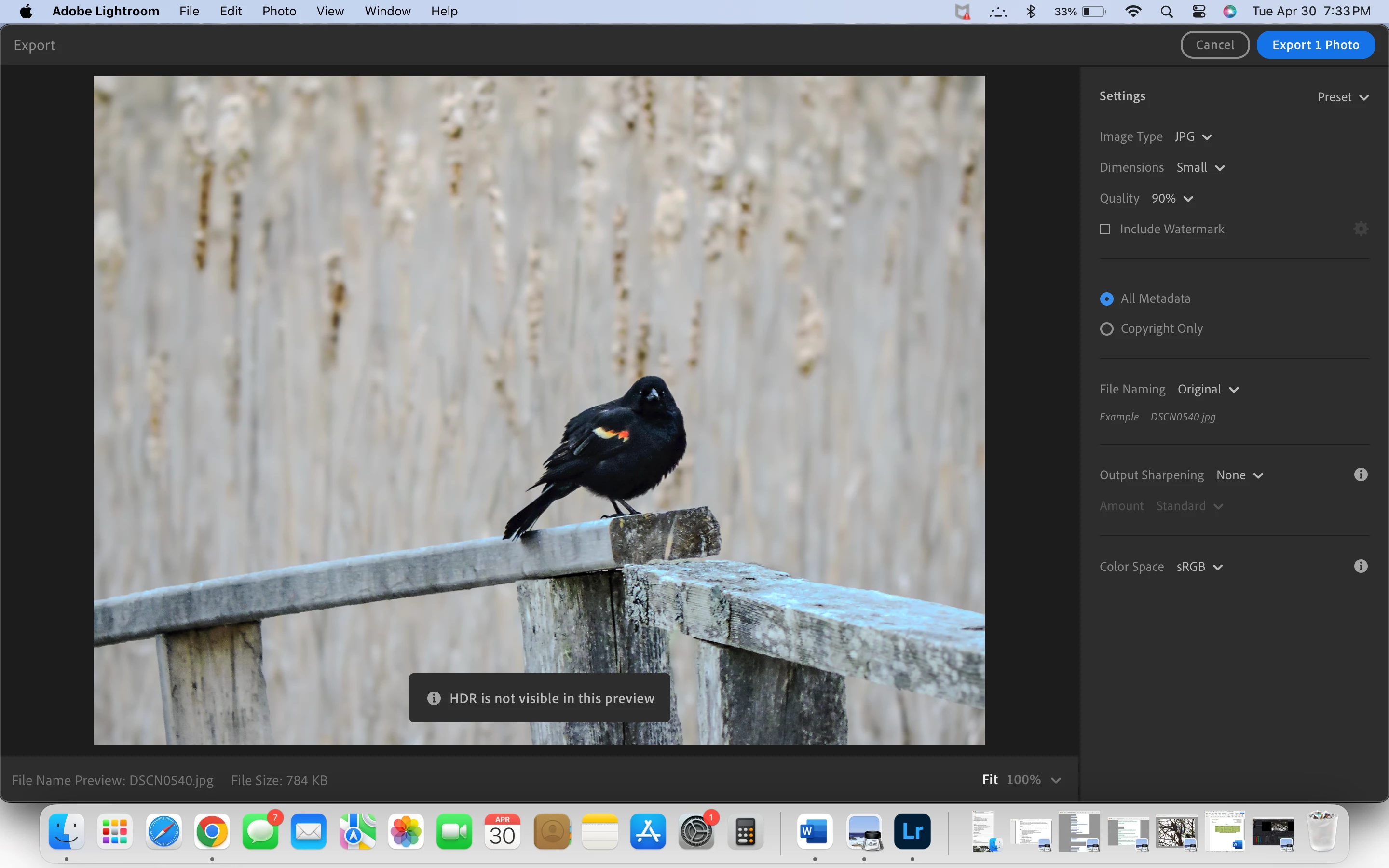


This topic has been closed for replies.

1 reply

Jim Wilde
Community Expert
Community Expert
May 1, 2024

If you are using the "HDR" editing mode, then you have to fully understand how to deal with that when you export. I suggest you read through this thread from the Lightroom Classic forum (different version of Lightroom, but the issue is the same):

https://community.adobe.com/t5/lightroom-classic-discussions/lightroom-classic-hdr-export-issues-on-macbook-pro-m3-max/td-p/14580406


The message you received about the preview is just for information to explain why the HDR effect is not visible in the export preview window.

sboldAuthor
Participant
May 1, 2024

Thank you for the advice!