

Embed code for shared Lr album doesn't work on Wordpress site
I'm desperately hoping somebody can help with this.
I have a self-hosted Wordpress-based website and I want to display images from a shared Lightroom album. I thought it would be easy - paste the embed code provided under the sharing tab in Lr online into a new page, as html, and done.
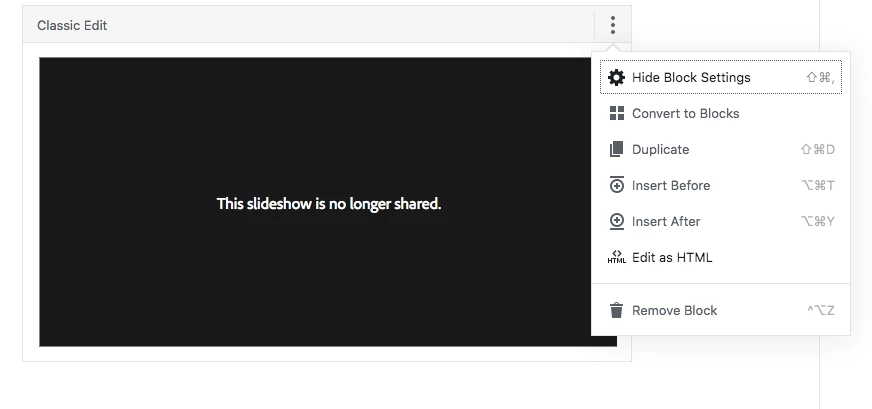
No such luck. I just get blank space where the embedded content should be.
The online album itself works, both when using the normal share URL as well as the URL provided within the Lr-supplied code, the embed code works if I try to embed other example content, I just can't get it to work with the Lr-supplied code. I've tried a couple of iframe plugins for Wordpress such as iFrame and Advanced iFrame, and tried modifying the supplied Lr embed code using the shortcodes associated with the plugins, but they don't seem to make any difference. I've contacted the Wordpress tech support with my hosting provider and they can't make the embed work at their end, it must be a Lr issue.
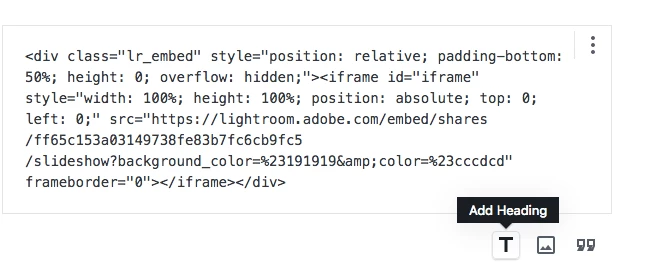
Here is the Lr-supplied embed code I'm trying to use:
<div class='lr_embed' style='position: relative; padding-bottom: 50%; height: 0; overflow: hidden;'>
<iframe id='iframe' src='https://lightroom.adobe.com/embed/shares/7e351a06a14c421587403eb45975666f/slideshow?background_color=%232D2D2D&color=%23999999' frameborder='0'style='width:100%; height:100%; position: absolute; top:0; left:0;' >
</iframe>
</div>
I'm tearing my hair out here. Can anybody offer advice or dare I say it a solution? I've searched the web and it doesn't seem like there's much discussion of people using this Lr embed code at all, and I can't find any discussion at all around troubleshooting it.
Thanks.
Message was edited by: Mike Young Fixed display of code


 AdChoices