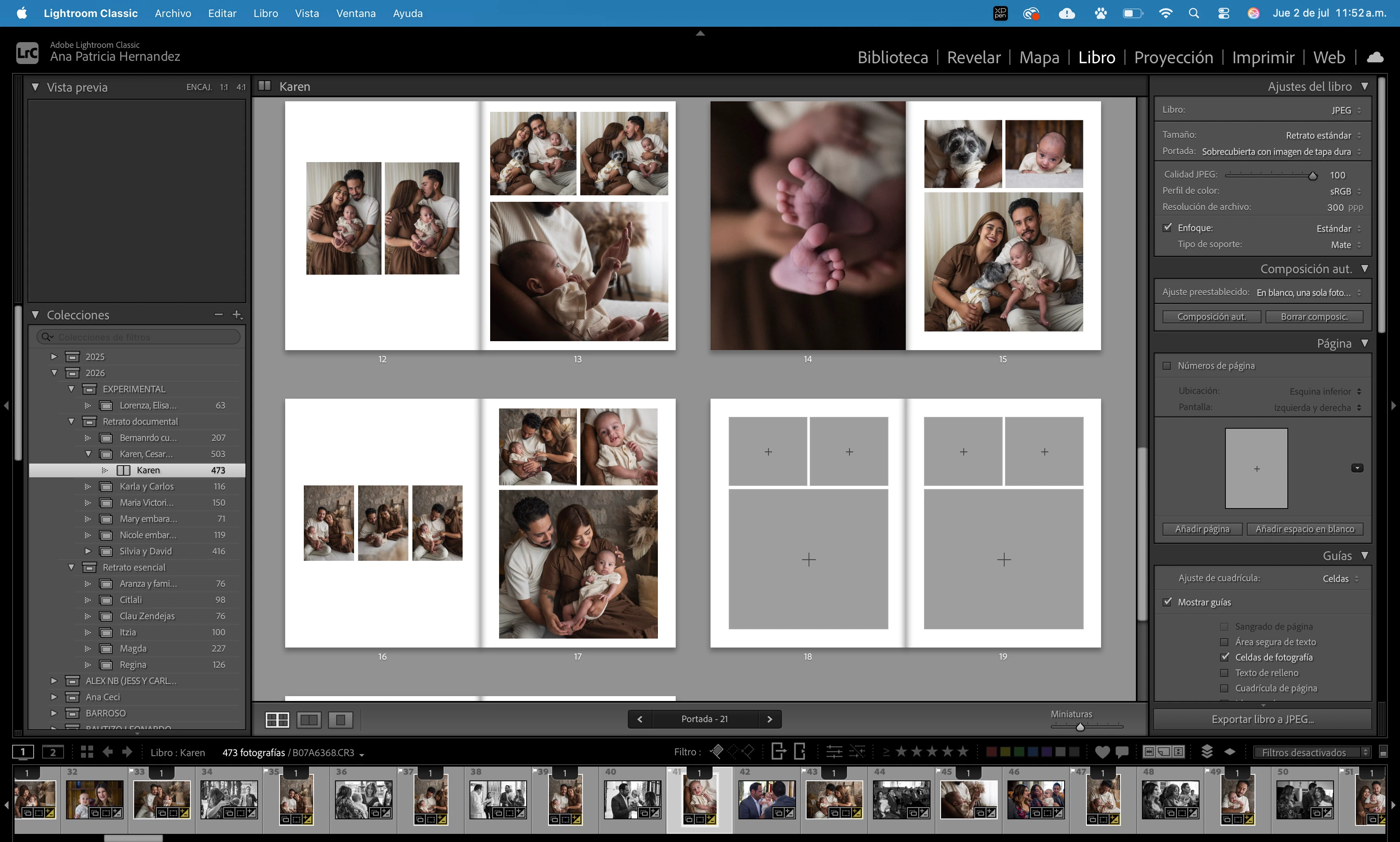
From an Adobe staff member- "Until you have created a "Saved Book Collection" the Book module does not 'know' what photos you want for the book so it pulls in all recent photos from books and folders. "
This workflow seems to work for many people with this problem that has been around for years. (Warning- this will clear an existing layout! Use these steps when starting a new book)
1. Run Auto layout (you might need to choose or create a preset). This will populate your new book with the images from you new selection, as well as unwanted photos "inherited" from you previous book.
2. Click the [Clear Book] tab at the top of the window. This will not only clear the layout, but also clear out those unwanted old photos from the film strip.
Or try this workflow-
1] Click the tab to create [Create a Saved Book] (This makes a Collection of the photos on the filmstrip)
2] View the Collection in Grid View and Remove all photos from this Book Collection
3] In Grid view add only the photos you want in the book from the library or another Collection
4] return to the book nodule
Regards. My System: Windows-11, Lightroom-Classic 15.6, Photoshop 27.8, ACR 18.7, Lightroom 9.4, Lr-iOS 10.4.0, Bridge 16.0.3 .





 AdChoices