



Enhancing Bokeh taken with your smartphone camera on Lightroom
Good day, Community
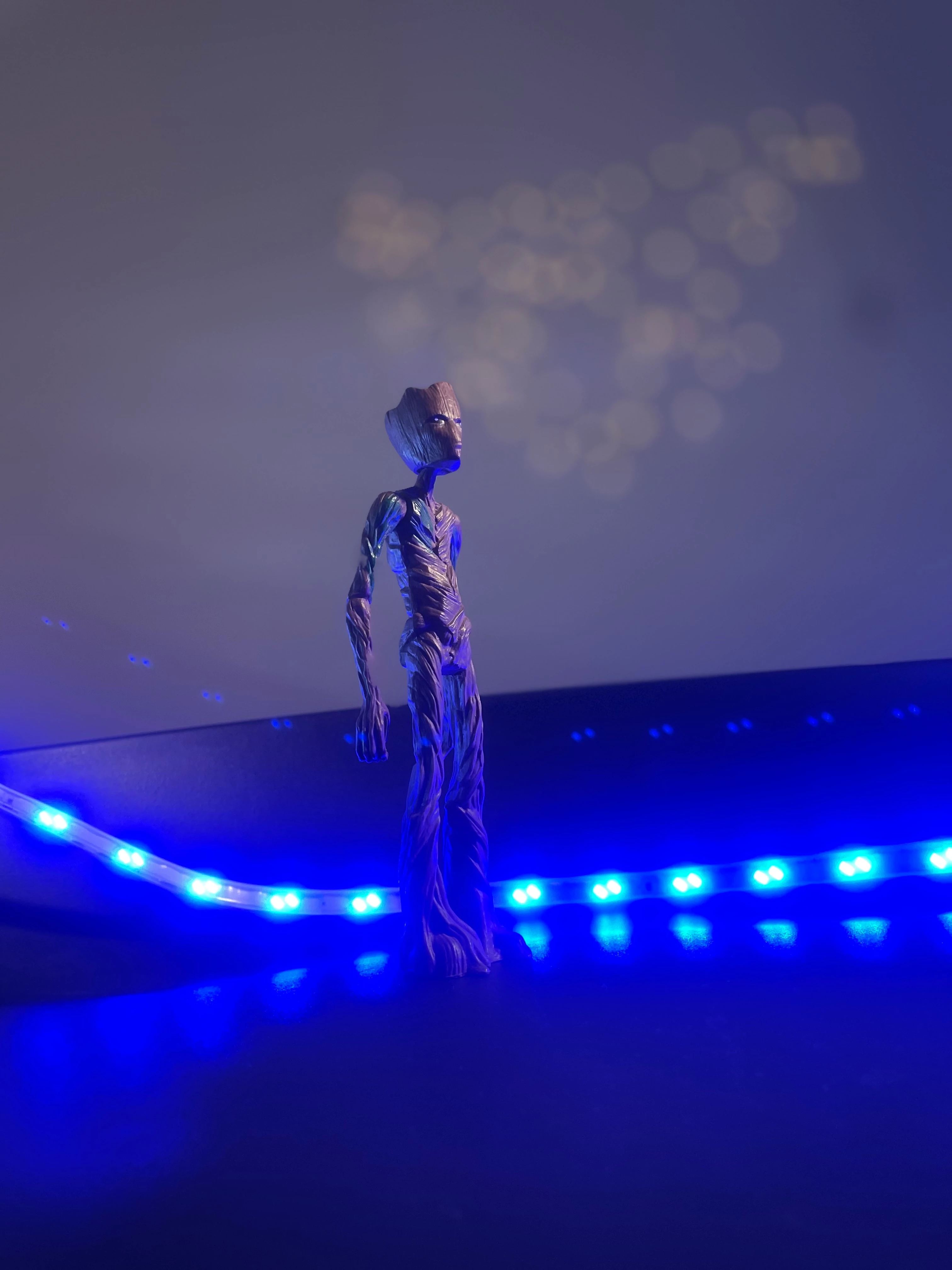
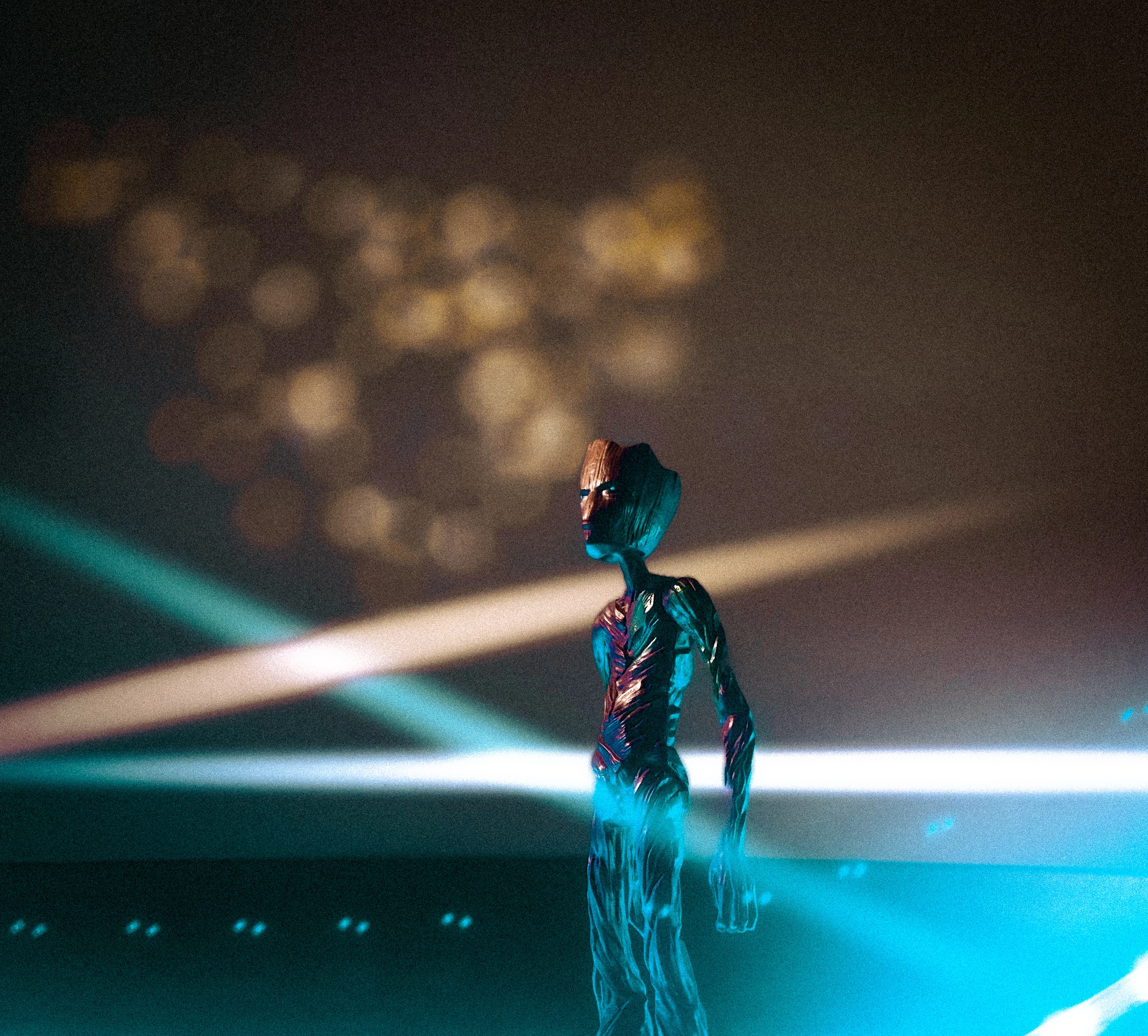
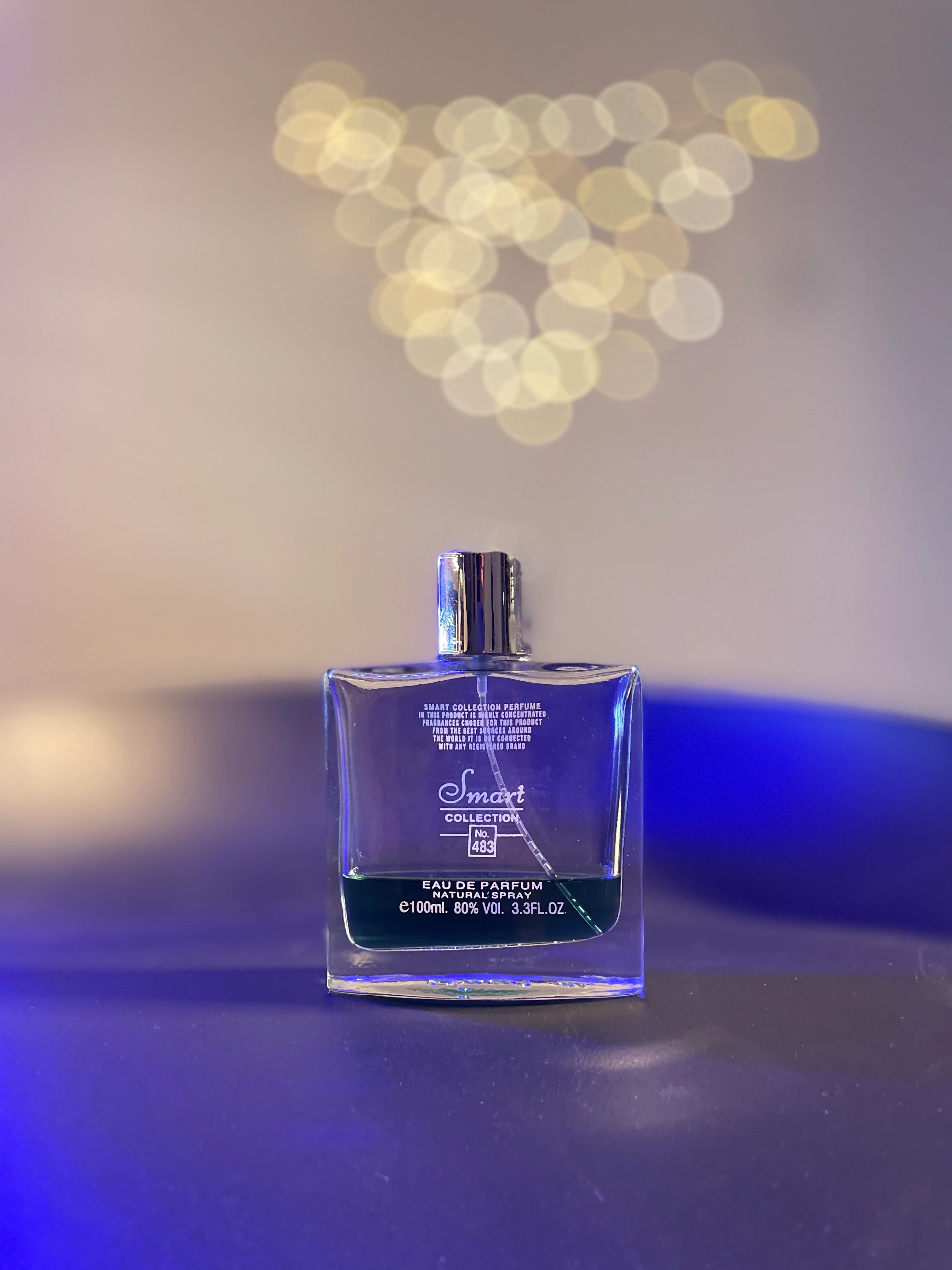
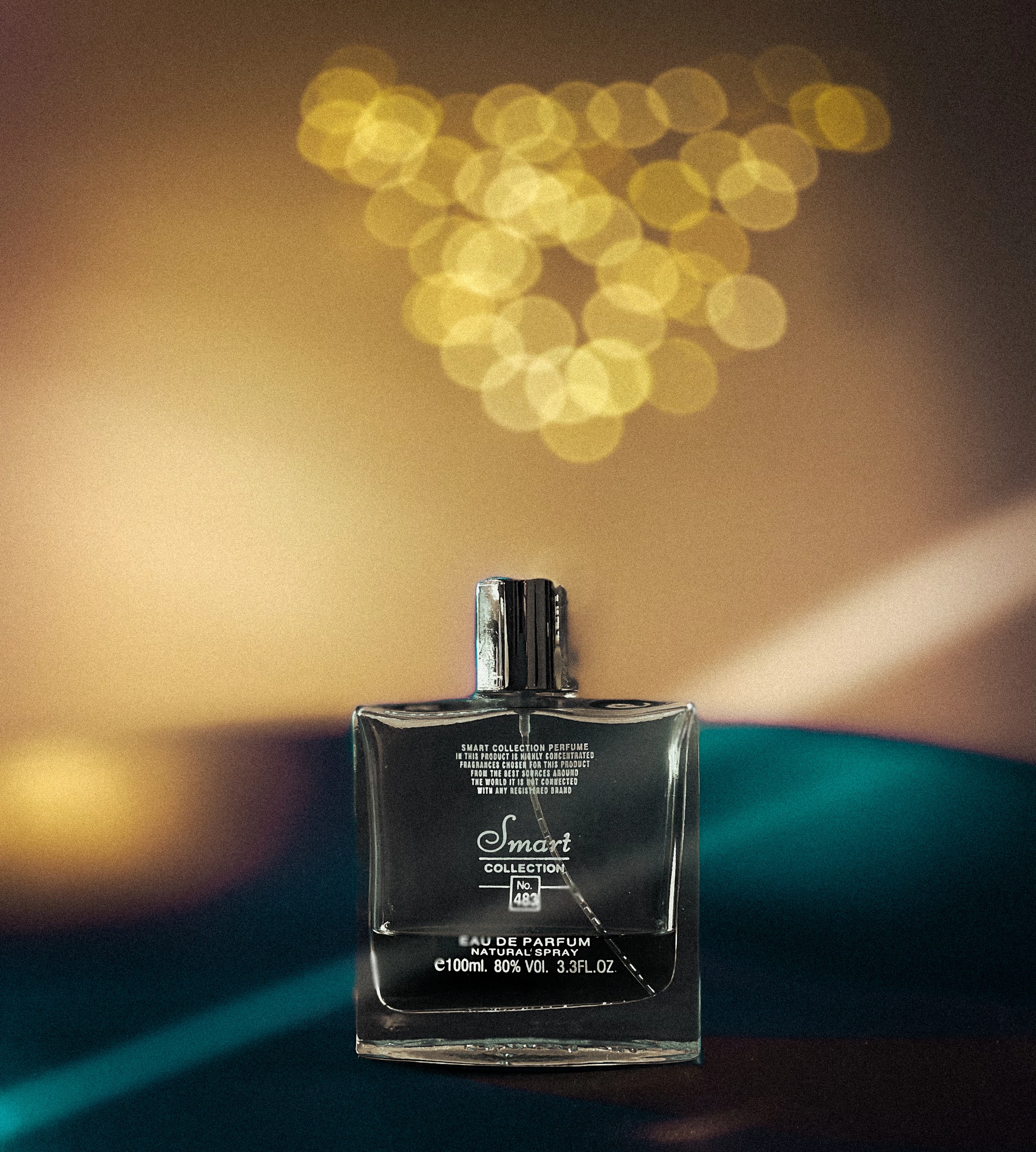
Since this is my first post, I might not be able to express myself as clearly as I would like to, but I'd like to write about an experiment I tried out where I used my smartphone to create bokeh utilizing lights, a product, a toy, and my iPhone. I wanted to share the story with you wonderful Lightroom users before I release a thorough youtube video on how I created these photographs. By drawing circles over the bokeh light and adjusting the exposure, texture, and sharpness, as well as raising and decreasing the warmth and contrast to give the image a softer feel, I was able to enhance the bokeh lights using Lightroom's brush masking tool.
In order to keep my subject from having any overexposed edges, I additionally subtracted the "subject" layer mask. I then created light streaks using the circle tool employing the same techniques I used to enhance the bokeh, just enough to give it the impression of a concert.
Here's the before and after!
 AdChoices