Inspiring
July 1, 2024
Question

Export errors

  • July 1, 2024
  • 1 reply
  • 195 views

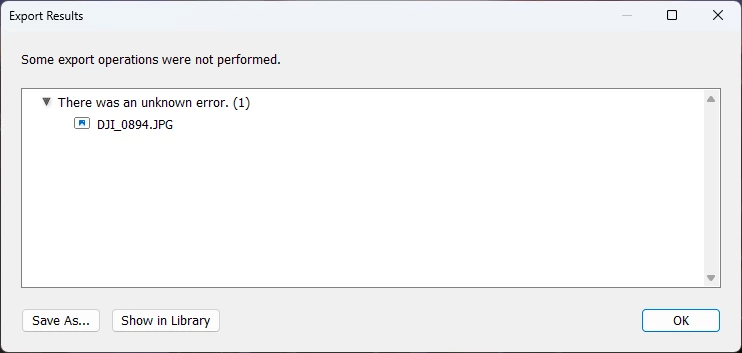
Suddenly getting export errors. There was an unknown error. (1) Only started recently on larger (pano) files? V13.4, Windows 11, 96G ram, AMD 7900XT GPU



This topic has been closed for replies.

1 reply

Sameer K
Community Manager
Community Manager
July 8, 2024

Hey, @dougsooley. Welcome to the Lightroom Community. I'll help you figure this out. Are you using presets for export? Share a screenshot of your export settings.


Where do you keep your Lightroom Catalog & the images? On the internal or external drive? Does it export as expected without a watermark?  


If you're using a graphic watermark,

  • Go to the Watermark preset preview window in Edit > Watermarks
  • Save it again as a separate preset temporarily.

  • Export from Lightroom Classic.


If this does not help, try this:

  • Go to Lightroom > Preferences > Performance > Use Graphics Processor > Set it off if it is on Custom or Auto. If this shows you any differences, please check this article to troubleshoot further: https://adobe.ly/43rvyUL


Let me know how it goes. Thanks!

Sameer K

(Use '@mention' to tag me when you reply)