


Answered
Hi @7822317
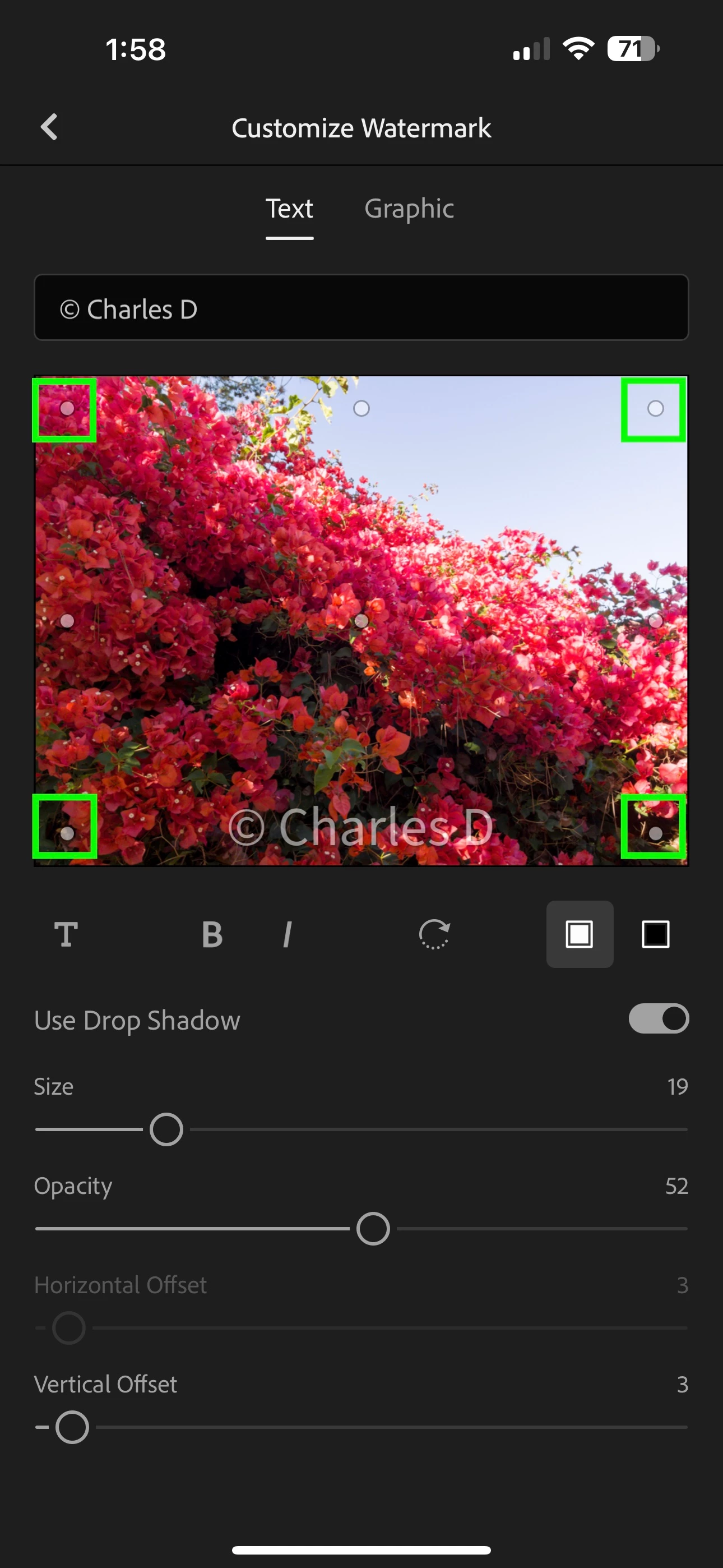
The setting Horizontal is enabled if you have your watermark set in one of the corners of your photo, but this setting becomes unavailable when you select the middle position for your text or graphic.
Your screenshot doesn't show the photo you are working with, so here's my own screenshot to show what I mean. To access Horizontal settings, tap on one of the dots in the corners of your image to anchor your watermark there. Then you will be able to nudge your Horizontal setting.
 AdChoices