
Exported JPG is More Contrasted Even in Colour-Managed Software
I've seen a similar question on these forums where someone is using Windows Photo Viewer to look at their JPGs from Lightroom or Photoshop, and usually once they download something that is colour-managed it fixes their problem. Unfortunately my case is different.
I have Davinci Resolve, FastStone Image Viewer, and Windows Photo Viewer. The former two are colour-managed. However, my exported photo appears more contrasted than in Lightroom in all of these other applications. In fact, every single other mode of viewing images shows the image as having more contrast other than Adobe products. The weirdest part is that in the Lightroom editor, the little thumbnail of the photo is more contrasted too. Here's a googledrive link with all the photos: https://drive.google.com/drive/folders/1_Gh_lAFtpQpNqBh5AkiEUWnULX9JfNjt?usp=sharing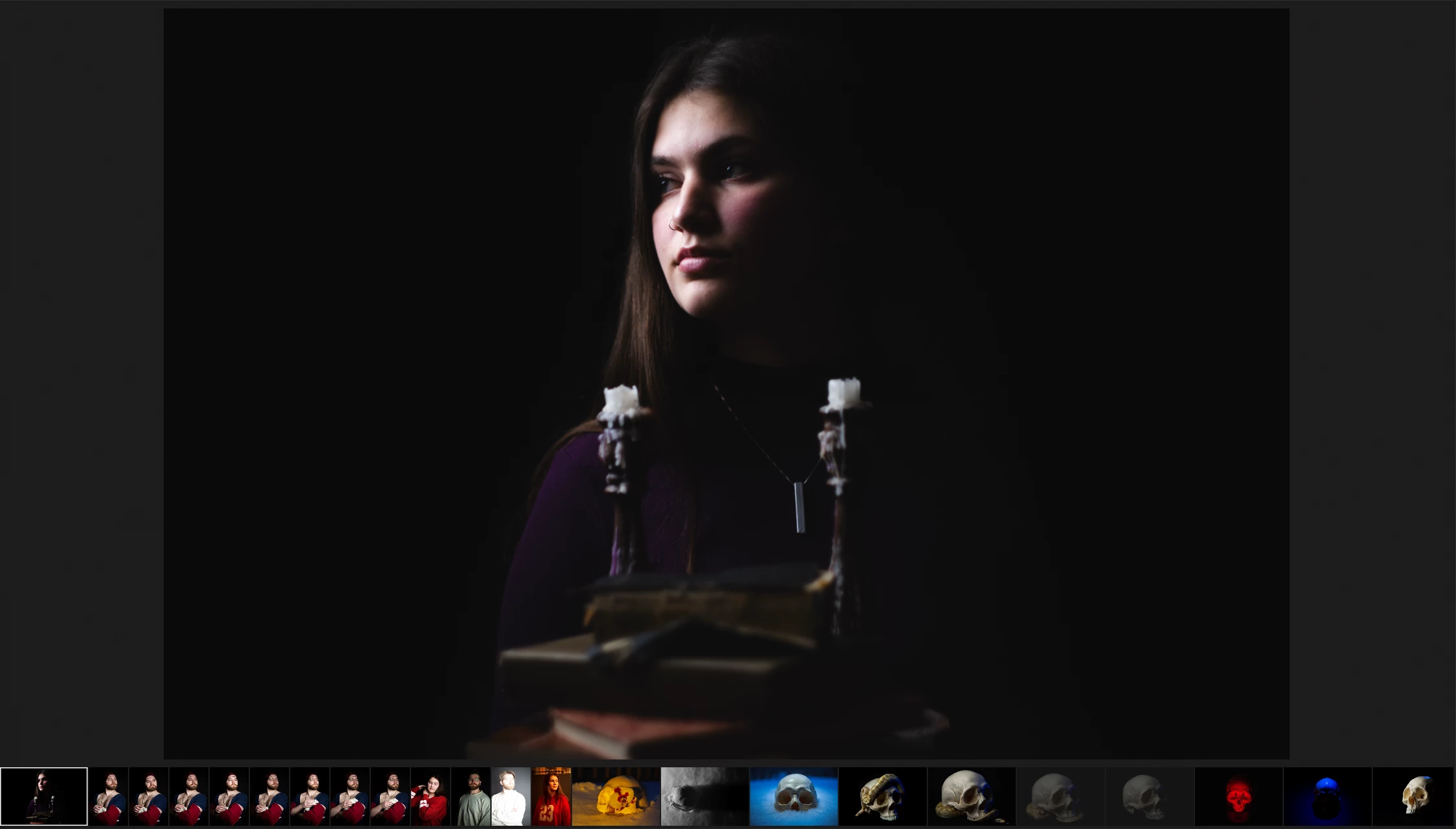
Things I've tried:
- Doing a CHKDSK /r /f /x of my main hardrive
- Completely uninstalling Adobe Cloud along with all the apps and then re-installing
- Making sure Windows is not blocking anything
- Re-uploading my photos
- Exporting the photo from Photoshop (same result)
- Making the same edits in Davinci Resolve and exporting it from there (works completely fine)
I have no idea what to do now.


 AdChoices