

Question
Exporting error when using AI object masks
In the latest update (Lightroom 9.0), when exporting any image (old or new) that uses an "object" mask , it shows the following error: "Some images were exported using obsolete AI adjustments".
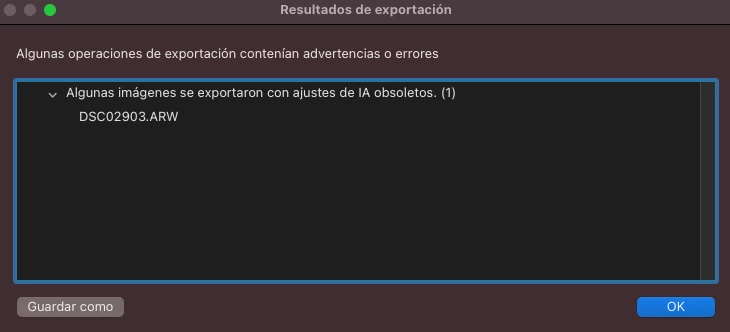
But the thing is that according to the AI section/tool, nothing needs to be updated.
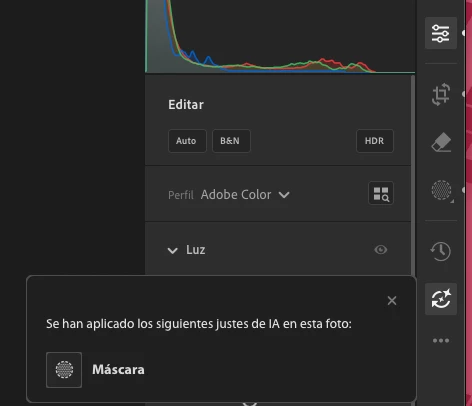
If I open the same image in my phone, it shows a message that AI needs to be updated, but I do it, the photos nevers syncs to the cloud. The loading icon stays there permanently never synching the adjustments.

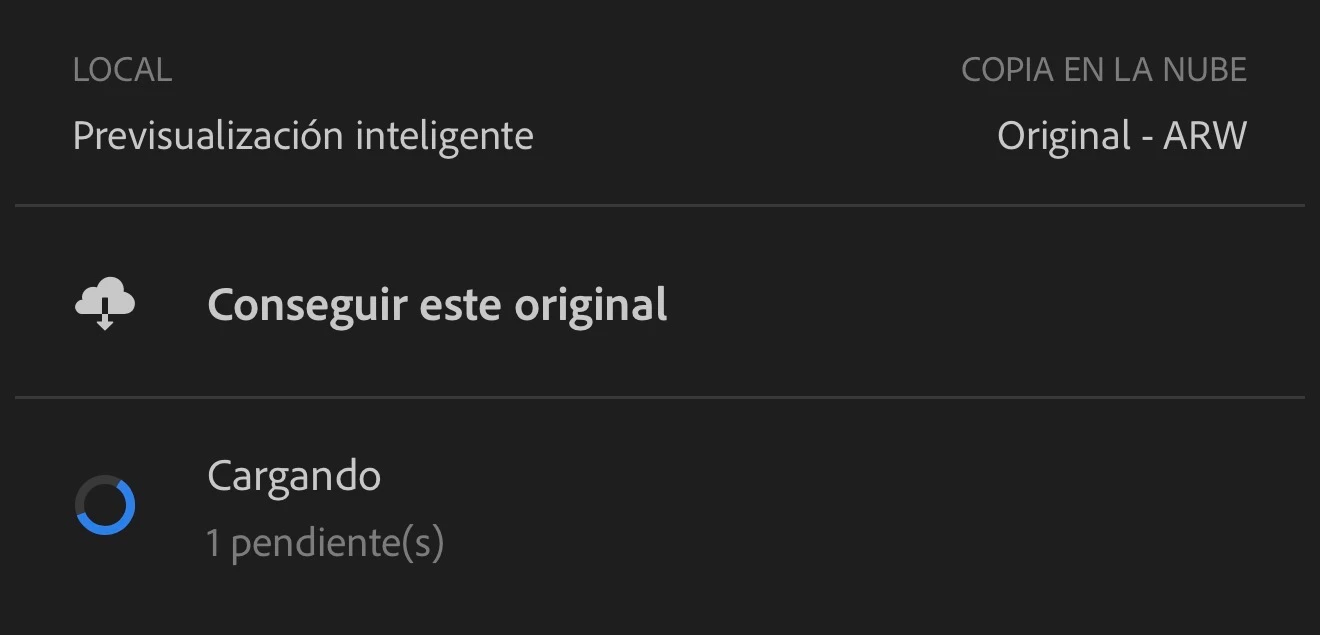
If I delete the object mask, the error dissappears and the synching works fine too. So It is clearly an error with AI masks.
This happens macOS, Windows and the iOS version.


 AdChoices