
Participant
June 30, 2020
Question

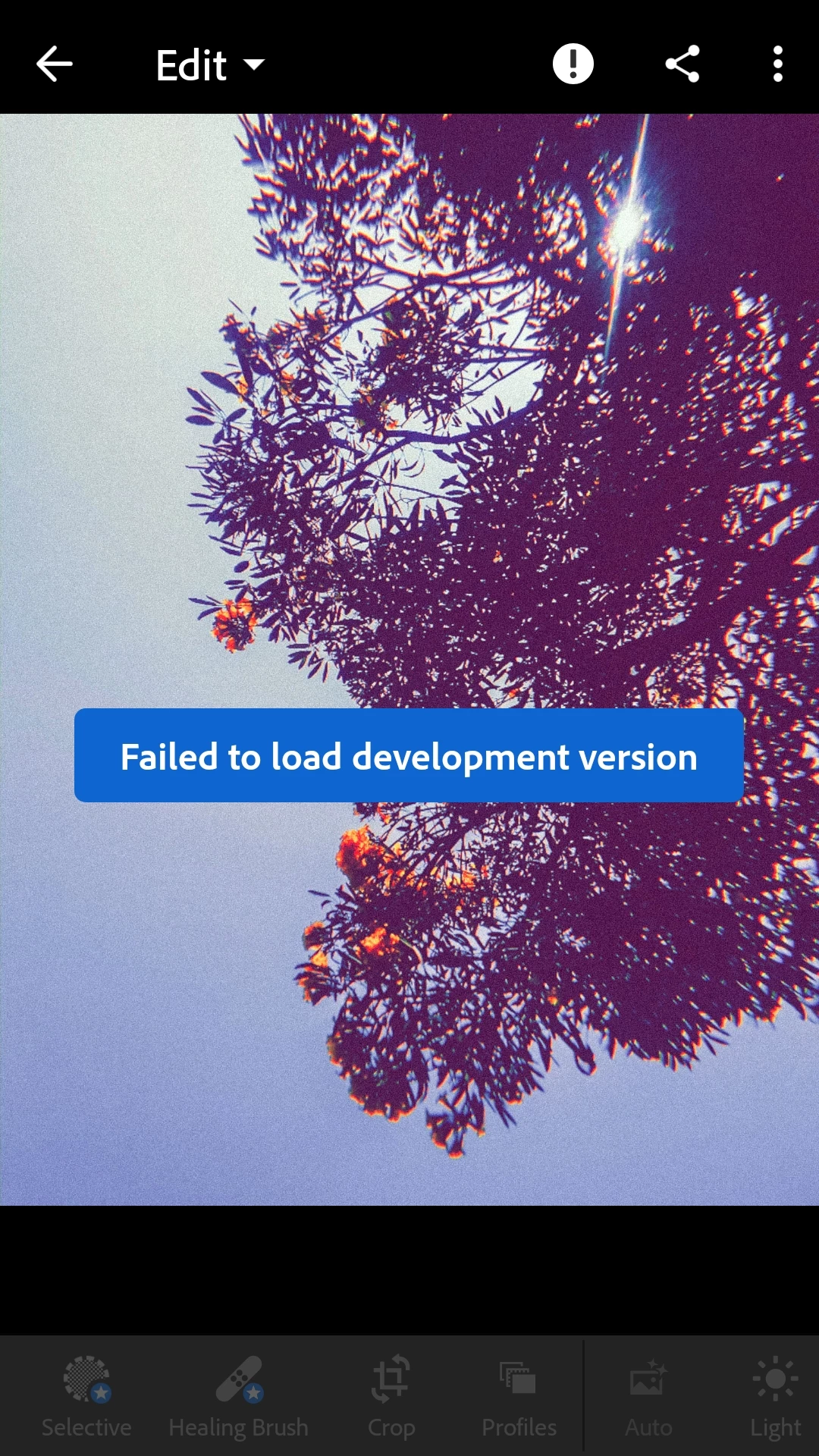
Failed to load development version

  • June 30, 2020
  • 1 reply
  • 252 views

Whenever i open the photos to edit there is a problem and an interface appears "failed to load development version" ..what should i do now ..it will be so much helpful if you give me the solution for this ..thank you!
This topic is closed to new replies. Start a new post to keep the conversation going.

1 reply

99jon
Legend
June 30, 2020

A few things to consider:

Do you have a good Wi-Fi connection – try switching off and back on again.

Are you signed in with your Adobe ID? – signing out and back in again can sometimes help.

Do you have a slow upload speed and are any imported photos still syncing to the cloud – try waiting for sync to complete.

Do you have a connected camera or SD card – Lightroom could be attempting to write to it rather than internal memory.