Participant
January 24, 2025
Question

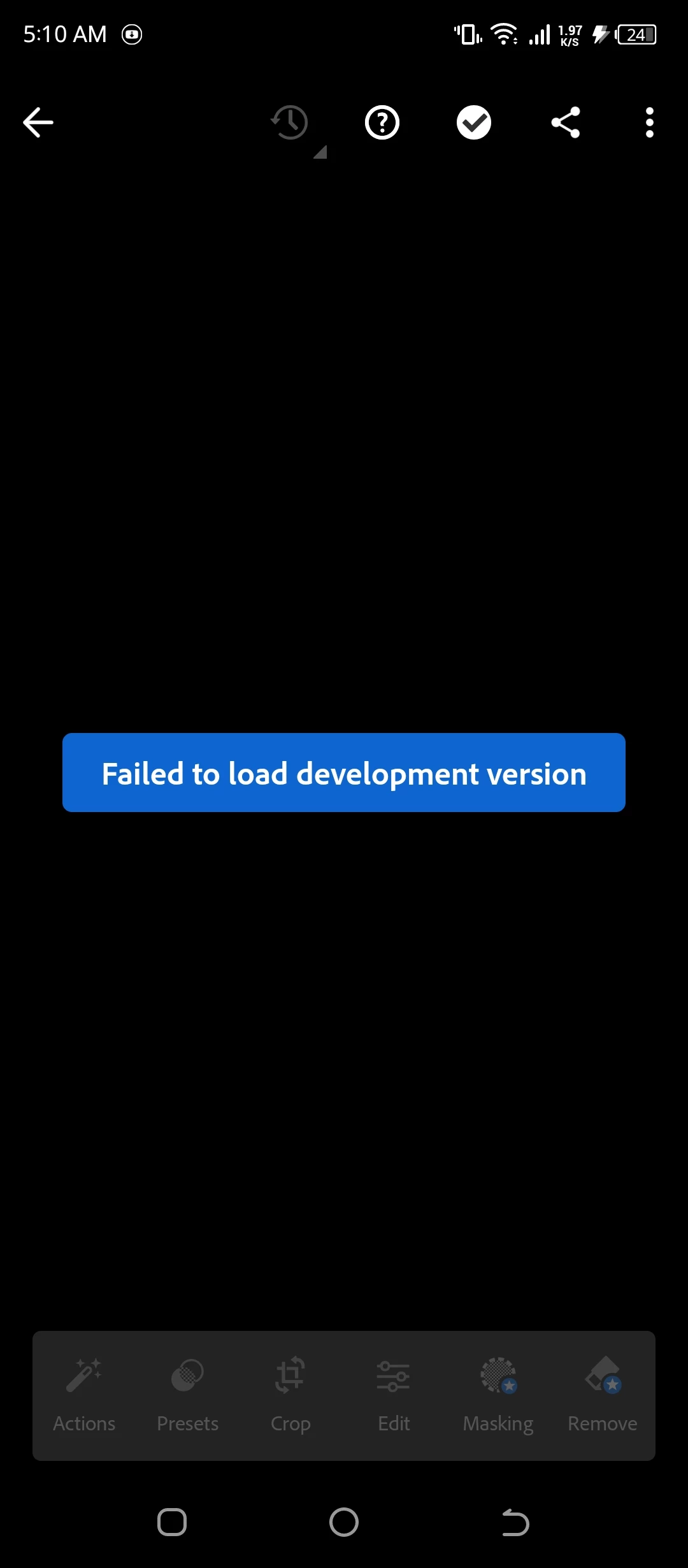
Failed to load development version

  • January 24, 2025
  • 1 reply
  • 120 views

Failed to load development version

What is the solution? This appears to me in all the pictures. The same problem. My work has stopped because of this problem. Please reply.

1 reply

Sameer K
Community Manager
Community Manager
January 28, 2025

Hey, @ph.m0stafa. Welcome to the Lightroom Community. I'll need more info to help you figure this out. What version of Lightroom, Device, and Android OS are you working on? I found an active trial in your account.


Does this happen with images from a specific source? Were these images shot & imported on the same device?

After importing the images, please wait a couple of minutes before you begin editing. 


Let me know how it goes. Thanks!
Sameer K

(Type '@' and type my name to mention me when you reply)

Participant
January 29, 2025

_TECNO CAMON 18P

_TECNO CH7n

_Android 12 version 

_lightroom v10.1.0 version


_I tried the trial version after I lost my photos hoping to recover them. I recovered some of the photos but the majority disappeared from the program.

_Yes, the photos were taken and imported from the same device.

Note: The photos that were exported to the studio also disappeared from the studio, even though I did not delete anything. They disappeared on their own.

In addition to the pictures, even the filters that you created in the programs also disappeared. More than 200 filters disappeared.

It is annoying and sad and this problem when I searched I found many people suffering from the same problem and I also found that it is an old problem not new I hope that you find a solution to the problem in the upcoming updates It is a beautiful program I do not want to lose my confidence in it and thank you for your response and listening to me.

@Sameer K