
Participant
April 18, 2020
Question

Failed to load development version error in Lightroom for mobile
  • April 18, 2020
  • 1 reply
  • 537 views

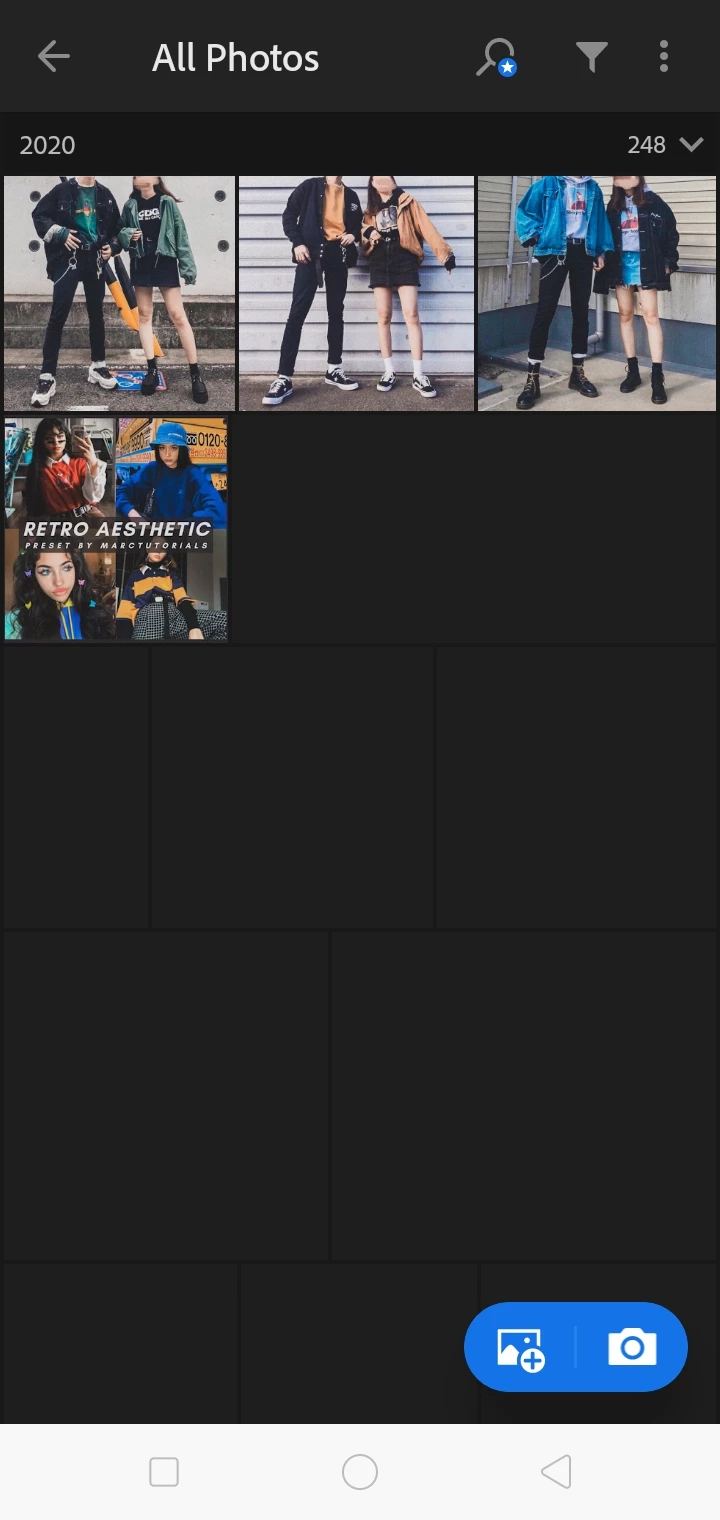
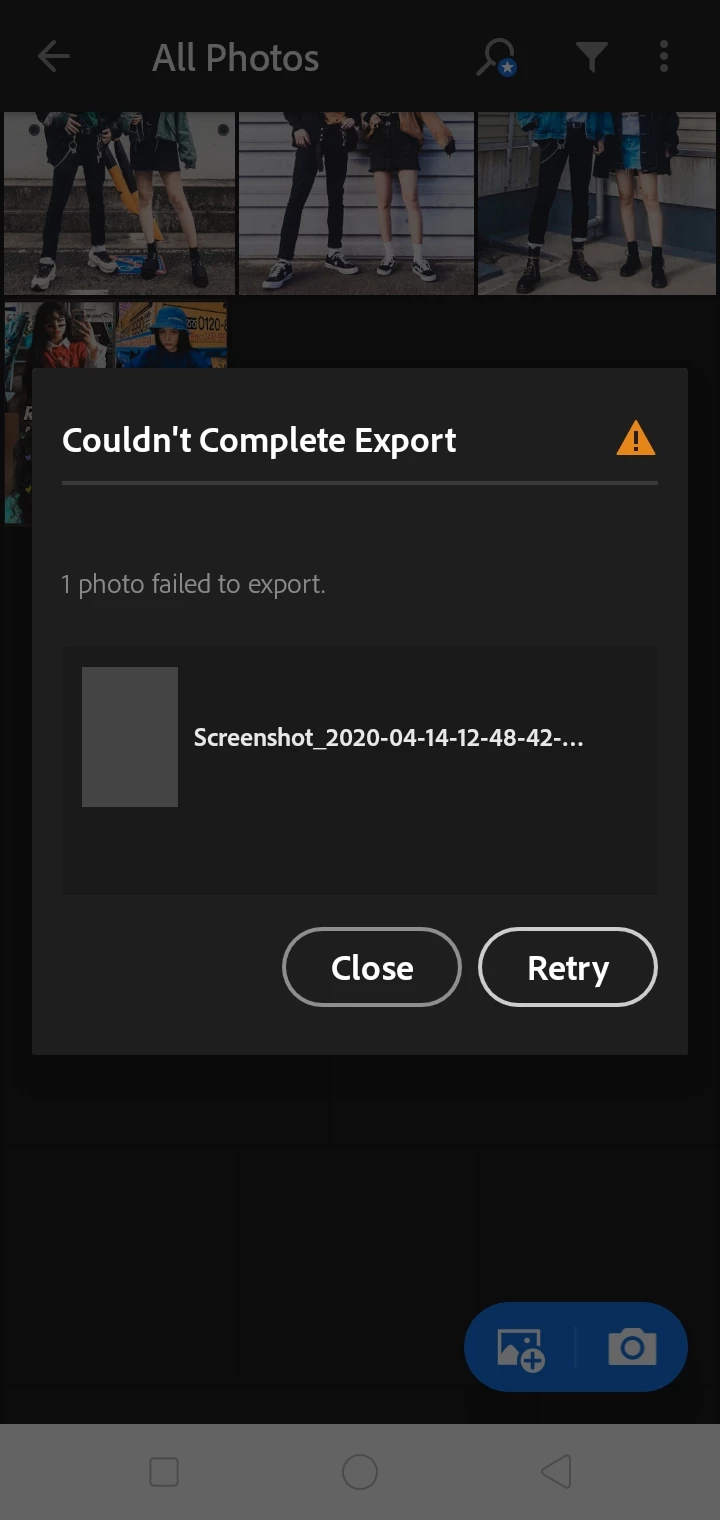
Can someone please tell me how to fix this problem? I can't see any photos  except for the four photos that I imported earlier, but when I export the unseen pictures (2nd pic) it says that "it couldn't complete export", and another thing, when I try to open the unseen photos, it says "failed to load development version", can anyone help me solve this error/problem?!?


{Thread renamed by moderator}


This topic is closed to new replies. Start a new post to keep the conversation going.

1 reply

Sahil.Chawla
Adobe Employee
Adobe Employee
April 28, 2020

Hi there,

Sorry to hear about the errors in Lightroom for mobile, it seems like the images are not fully synced in the app. Did you sync the images through a computer? 

Also, could you try signing in here and see if you're able to see or edit the images here? https://lightroom.adobe.com/


Regards,
Sahil