Inspiring
April 1, 2020
Question

Fastest way to import photos to Lightroom CC and import error

  • April 1, 2020
  • 1 reply
  • 338 views

When I want to import 36GB folder to Lightroom CC on my Macbook I receive this error: 
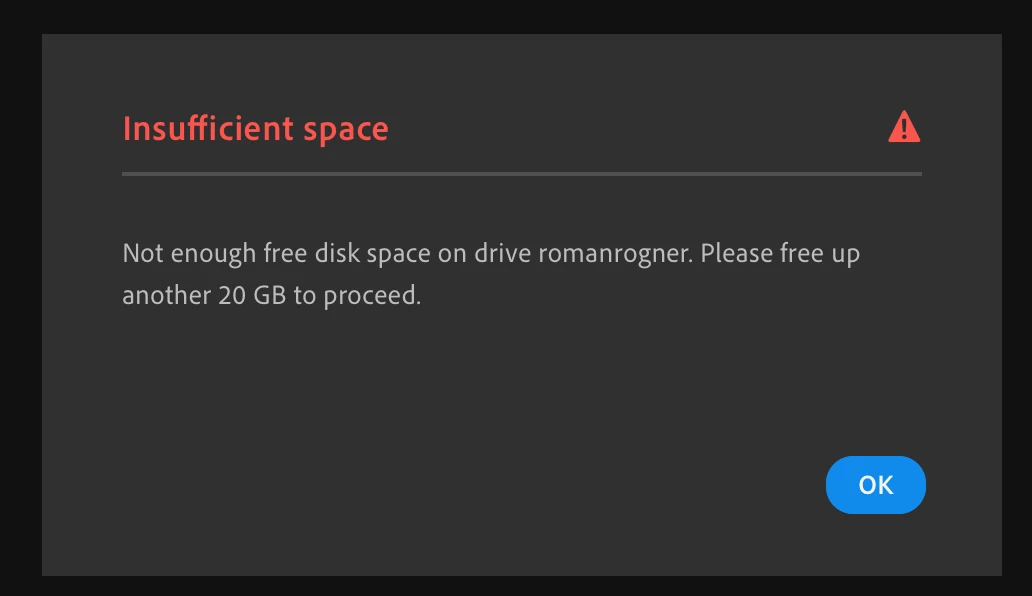
But on my disc is 120GB. Please, what can I do?


And which way is fastest to import large files to Lightroom CC? On iPad or Macbook?


Thank you.


Roman

This topic has been closed for replies.

1 reply

selondon
Community Expert
Community Expert
April 1, 2020

Lightroom has to make a copy first before it uploads to the Cloud, although you seem to have enough space.


Standard advice is to split large imports in batches, probably waiting for them to sync first, before starting the next batch.


Or upload via http://lightroom.adobe.com/