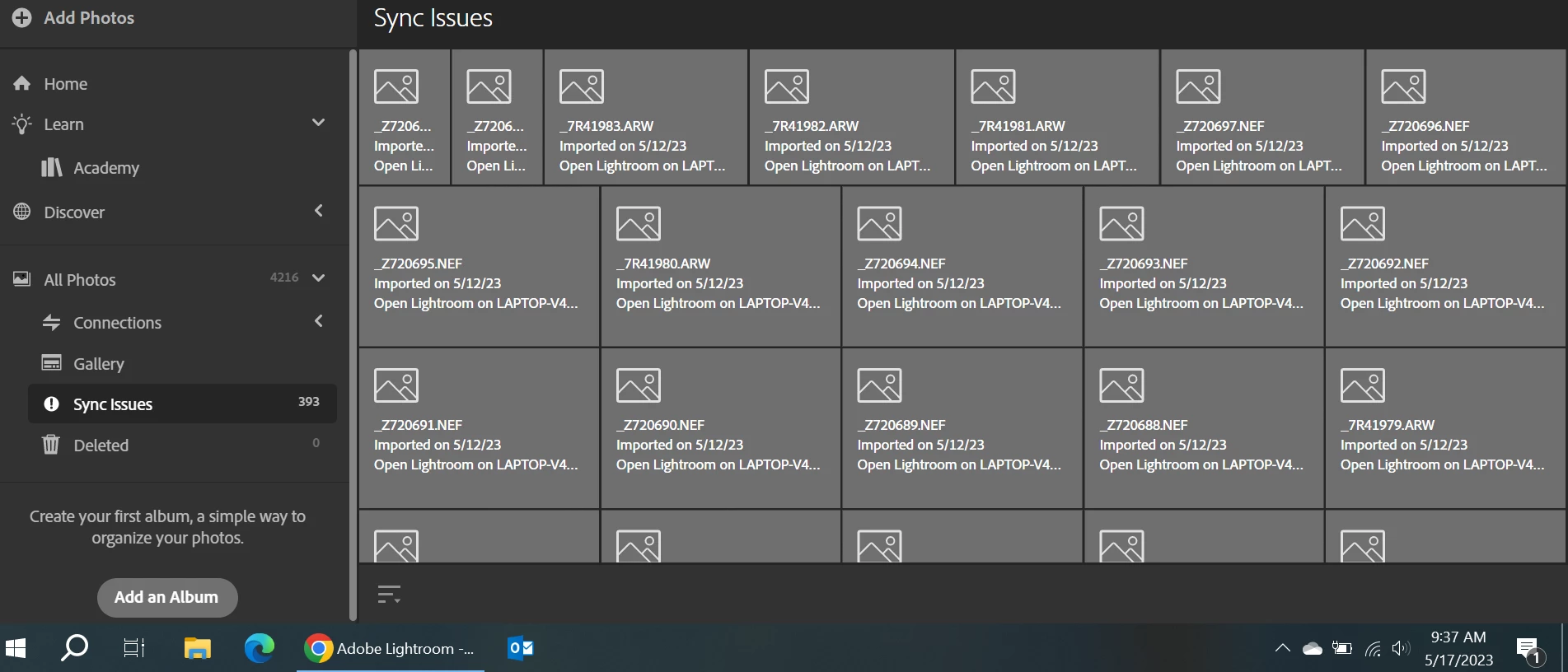
Please select one of these photos and look at the message. It will indicate that the photo did not successfully upload. Please go to the device indicated in the message and make sure Lightroom is running and syncing correctly.
All those files were successfuly uploaded, I have actually edited some of them. Opened Lightroom with all those files multiple times. The message sais that they cannot sync anymore.
The problem apeared when my windows/user/adobe directory was corruped, and I had to innitiate a new user (finally installed windows all over again). Thanks, Vlad
You're using the Lightroom desktop app from the Lightroom Cloud ecosystem, but you've posted in the forum for Lightroom Classic, the original folders-based Lightroom. (Thank Adobe marketers for the perspicuous naming.) You could repost in the ecosystem forum:



 AdChoices