
Participant
April 16, 2023
Question

Filmstrip image different than Displayed Image

  • April 16, 2023
  • 1 reply
  • 564 views

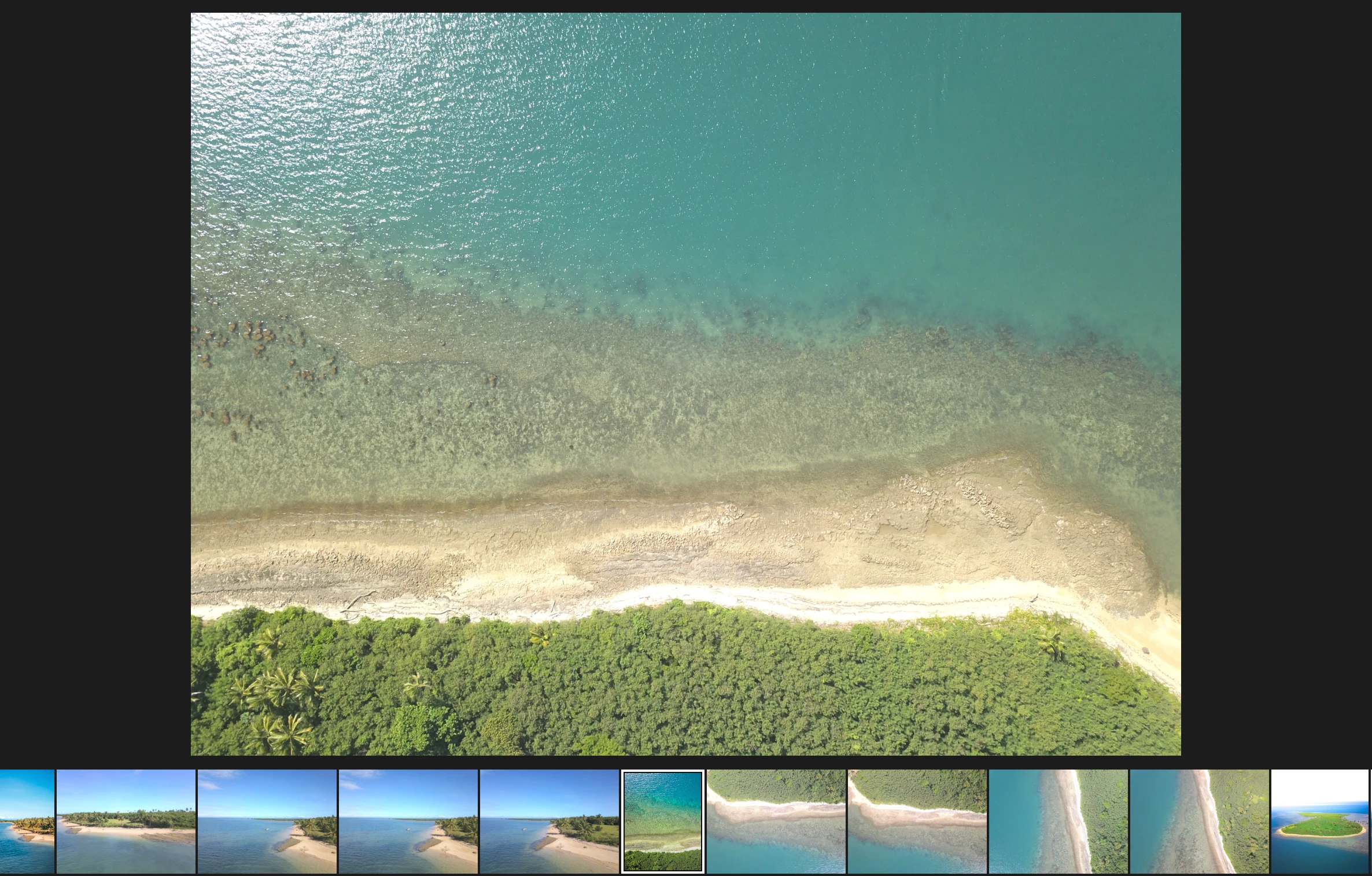
The photo I am trying to edit is selected in my film strip. On the film strip, it is showing where I most recently left off while editing. In the display, LR is showing the original version of the photo. How do I change the display to show the current edit? In the picture below, you will see that the filmstrip version is cropped, and colors have been altered, but these changes are not reflected on the main display. 

Note: I have already reset preferences. 
This topic has been closed for replies.

1 reply

Sameer K
Community Manager
Community Manager
April 17, 2023

Hey @Jacob294352557p42.Welcome to the Lightroom Community. I'll need more info to help you figure this out.

Share the system info of Lightroom from Help > System info > Copy & paste into a text document or paste here.


You can also go to Lightroom > Preferences > Performance > Use Graphics Processor > Set it to Off if it is on Custom or Auto.

Try to pause the sync while you are working in Lightroom from the top right side by clicking on the Cloud icon & then, by the end of the session, enable syncing & let Lightroom finish up.


Let me know how it goes,

Thanks!
Sameer K

Participant
July 22, 2024

Hi, I would like some help when editing in Lightroom in develop the bottom pictures on film strip view once clicked looks very different in terms of colors on the image display area. Please help