
Question
Forever syncing 2 photos - no end in sight
Can anybody help be resolve an ongoing sync issue?
I have 2 photos that never sync. See below.
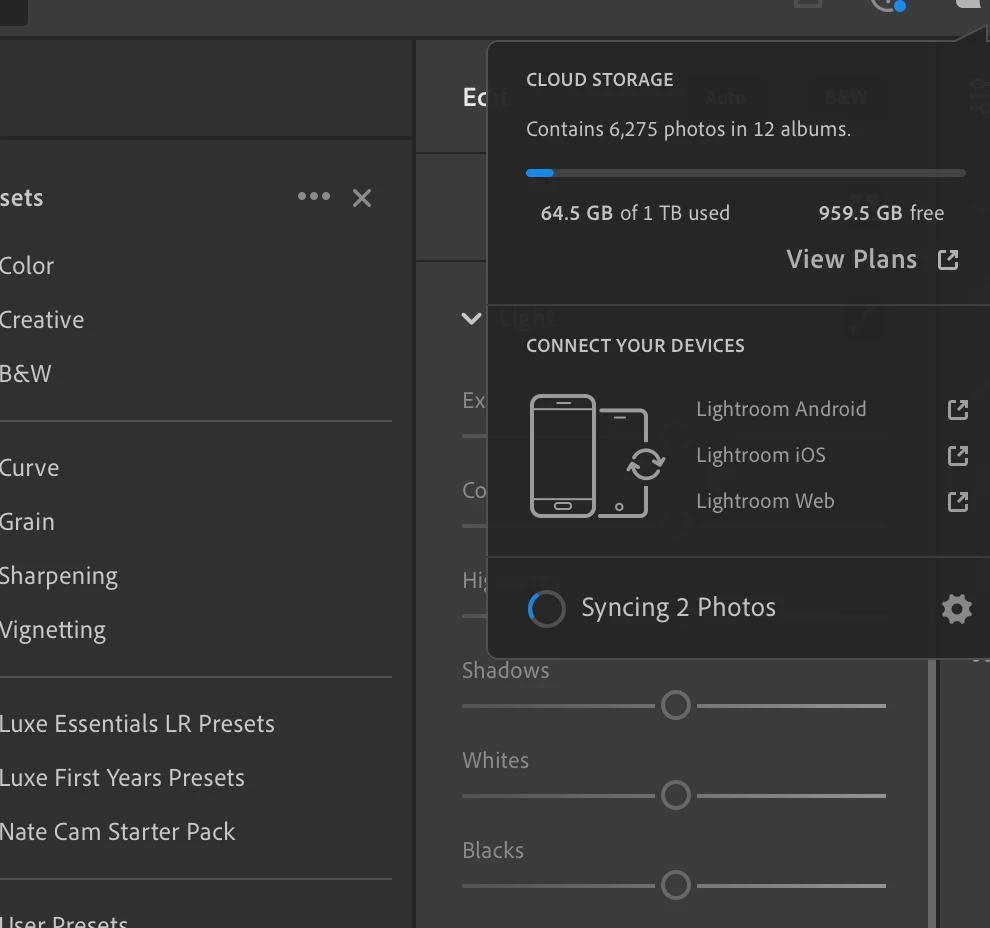
- I have the latest version of lightroom installed.
- I've also tried uninstalling and reinstalling.
- I've tried installing a previous verion.
- I've tried following the recommended steps below to identify and filter syncying photos but there are no photos syncing when I apply the filter. See below.
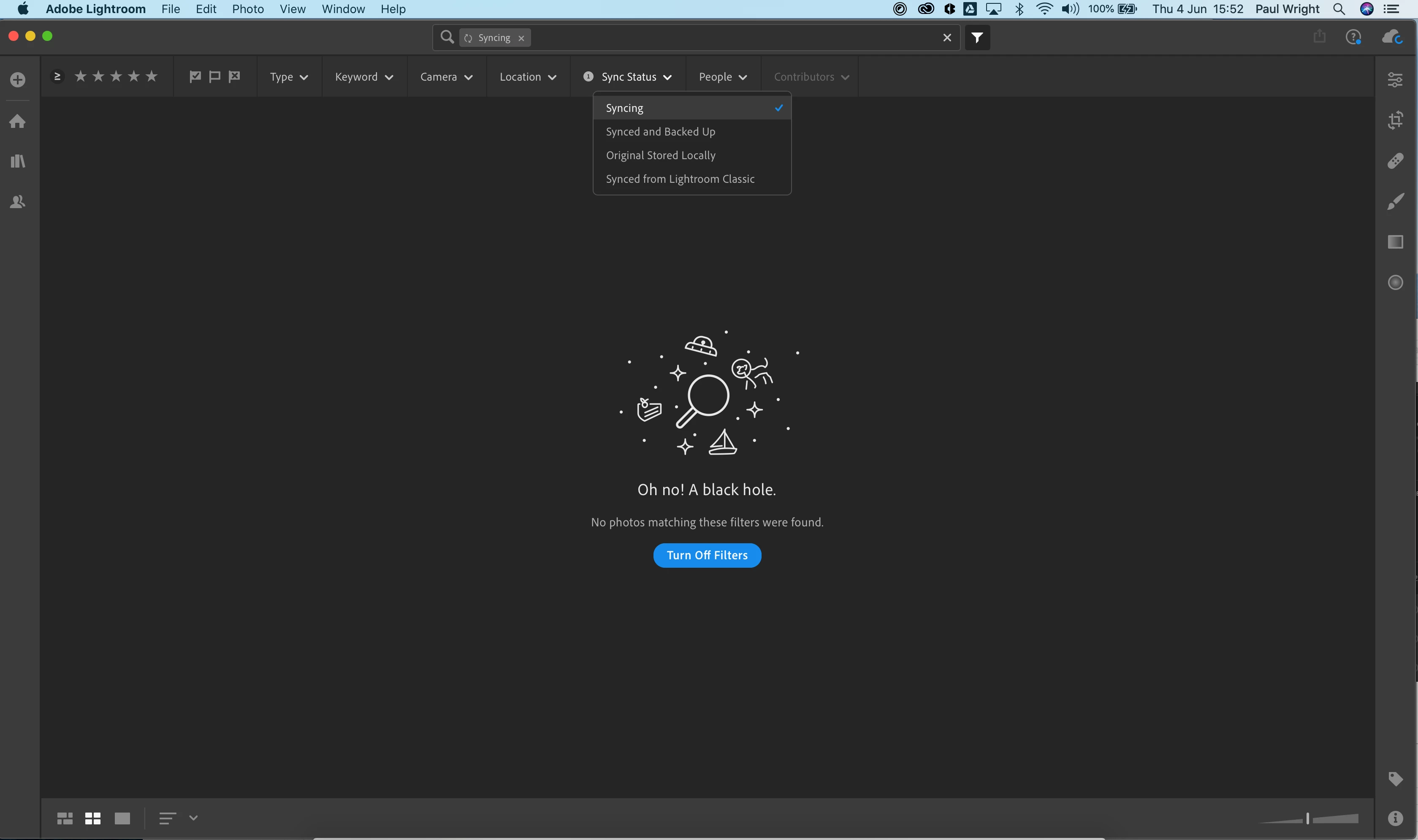
I'm at a loss how to stop or end the sync process or see what it's attempting to sync.
Thanks
Paul
The below did not work or show any syncing photos.
- In the My Photos area in the left pane, select the All Photos album.
- Switch to the Square Grid view
, which displays photos as equal-sized thumbnails along with their flag status, sync status, and rating. - Click the filter
icon next to the Search bar to bring up the filter options. - From the filter bar options, choose Sync Status > Syncing. Lightroom now displays only those photos that it is trying to sync.
- Press Ctrl+A (Win) or Command+A (Mac) to select all the photos displaying in the grid and then do any of the following:
- Apply a flag or a star rating to selected photos.
The syncing issue should now be resolved. To check the sync status, click the cloud icon at the upper-right corner.
 AdChoices