Participant
November 25, 2021
Question

gradient tool settings not exporting .

  • November 25, 2021
  • 7 replies
  • 549 views

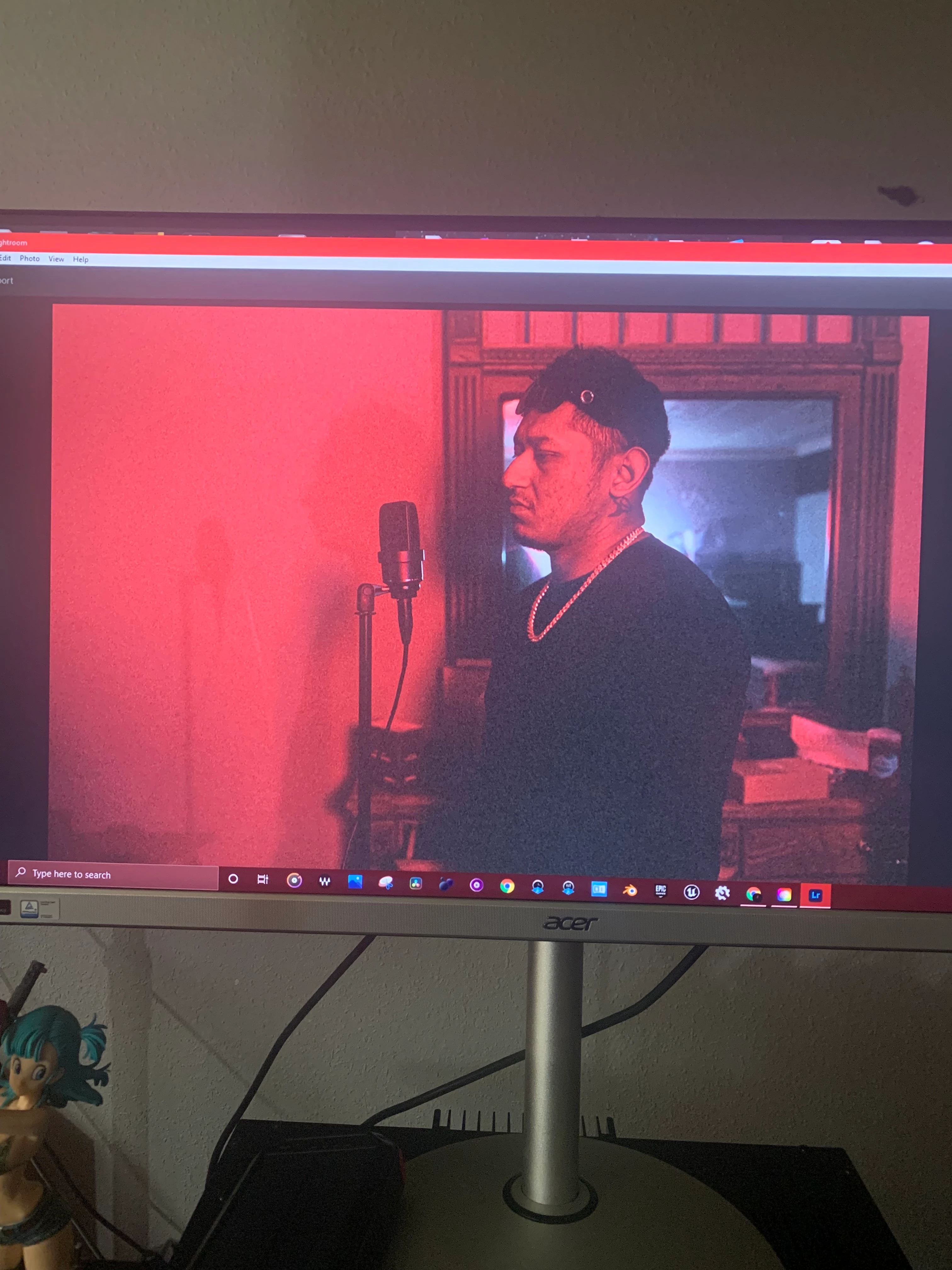
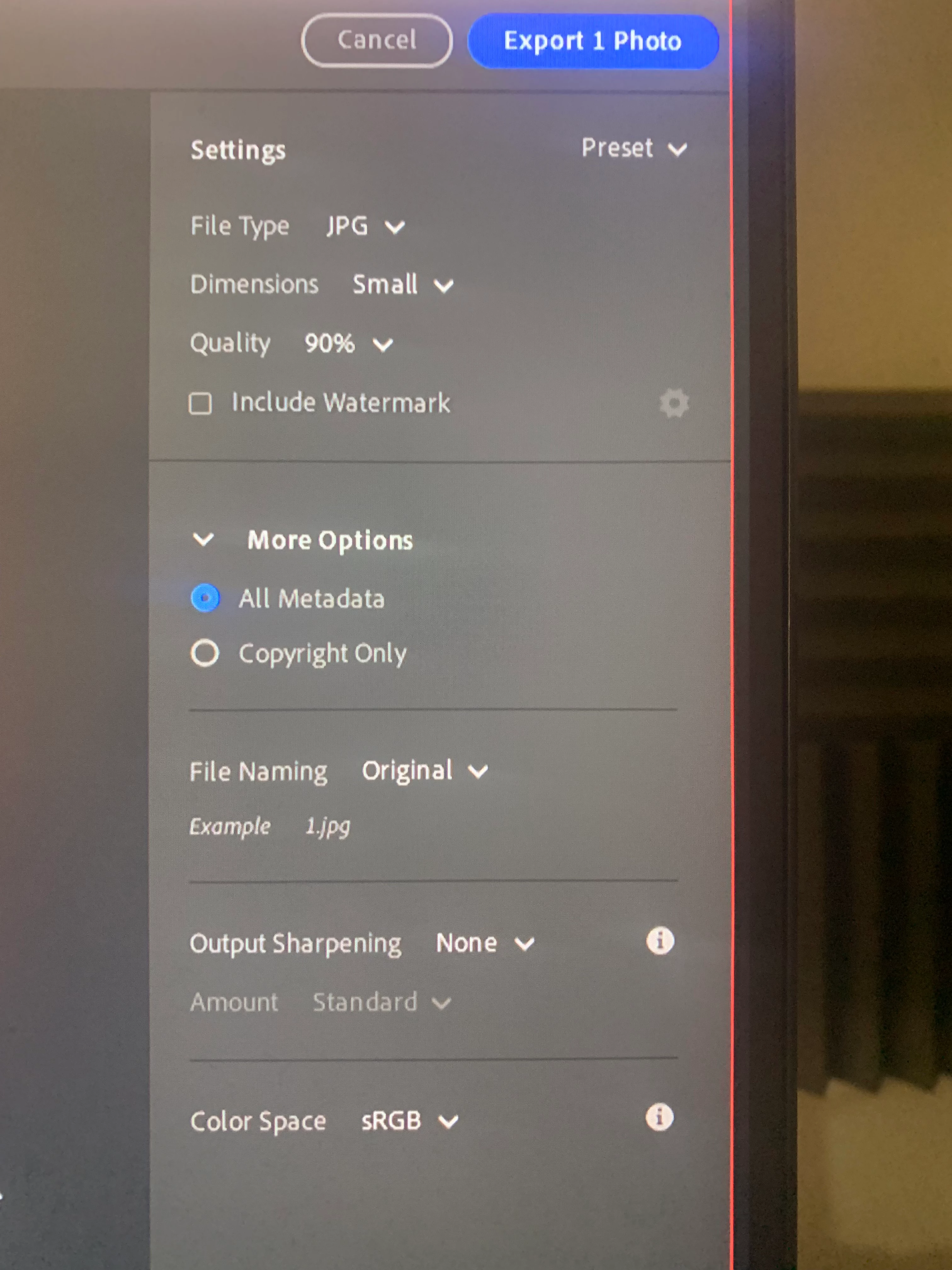
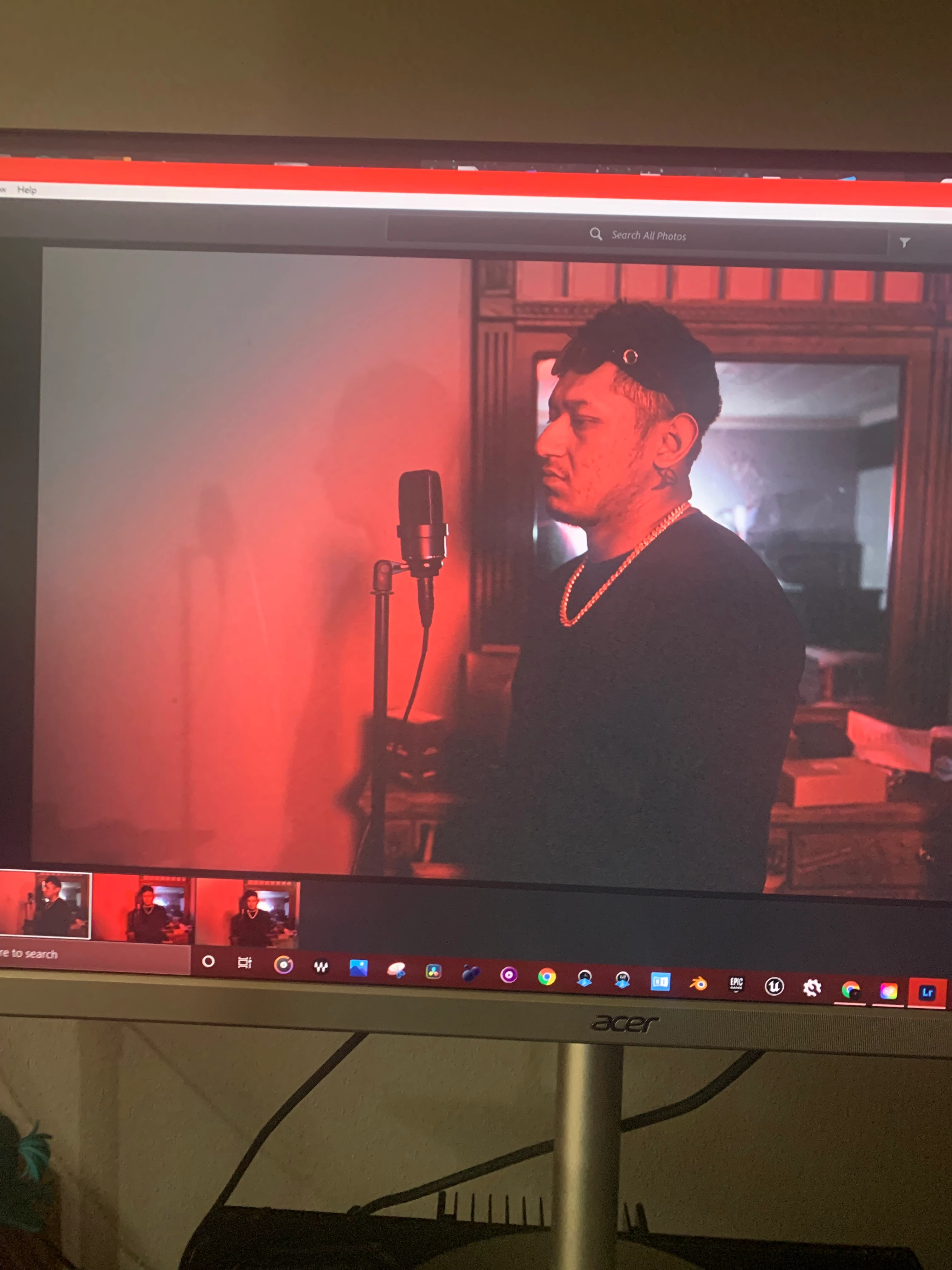
So im not impressed with adobe software so far and idk, the gradient tool works and evrything but when i go too export it the damn gradient settinghs do not stick when exporting, this is really frustrating ive been at it for 2 hours+ and no avail,  searched every search engine and no answear or forum about it, yes i am a beginner have some patince please and thank you.
This topic is closed to new replies. Start a new post to keep the conversation going.

7 replies

Rob_Cullen
Community Expert
Community Expert
November 26, 2021

My example of "very small adjustment"-

1) Original image of sky

2) A Gradient applied to top left corner-

3) The effect of a -.24 Exposure adjustment- Do you see the effect?

Do you see the Gradient if you go to an extreme slider adjustment?

When I apply any Masking edits they do appear in my Exported JPG files.


Regards. My System: Windows-11, Lightroom-Classic 15.4.1, Photoshop 27.8, ACR 18.4, Lightroom 9.4, Lr-iOS 10.4.0, Bridge 16.0.3 .
Participant
December 10, 2021

my gradient is nothing like youres mine is 100% im really confused and at this point frustrated how fudging hard is this software too use, how do i call an adobe employee directly, my question is how do you save the gradient or leave it on permantly and youre talking about that i cant even see the ghradient, look i apprecoite the help but the question is how do i save it? there is no done button or anything, there is also not one fuding video on the internet about this. can somone please help me out please!!!

Participant
December 10, 2021

100% visible*

Participant
November 26, 2021

Yes it's a very small adjustment, when you mean you doubt that I can see any adjustments what do you mean? Like you yourself can't notice difference therefore I am not able too? Or the pictures aren't that great of resolution, they really dont do the real pictures justice, sorry if im misunderstanding, the Red cast si a red light that was cast over me when I took the picture. I'm pretty sure that that that's the only overlays I have the gradient. And a lut that was in there I choose the "modern look" I think it's a lit of some sort, other than that any days why it's not working?

Rob_Cullen
Community Expert
Community Expert
November 26, 2021

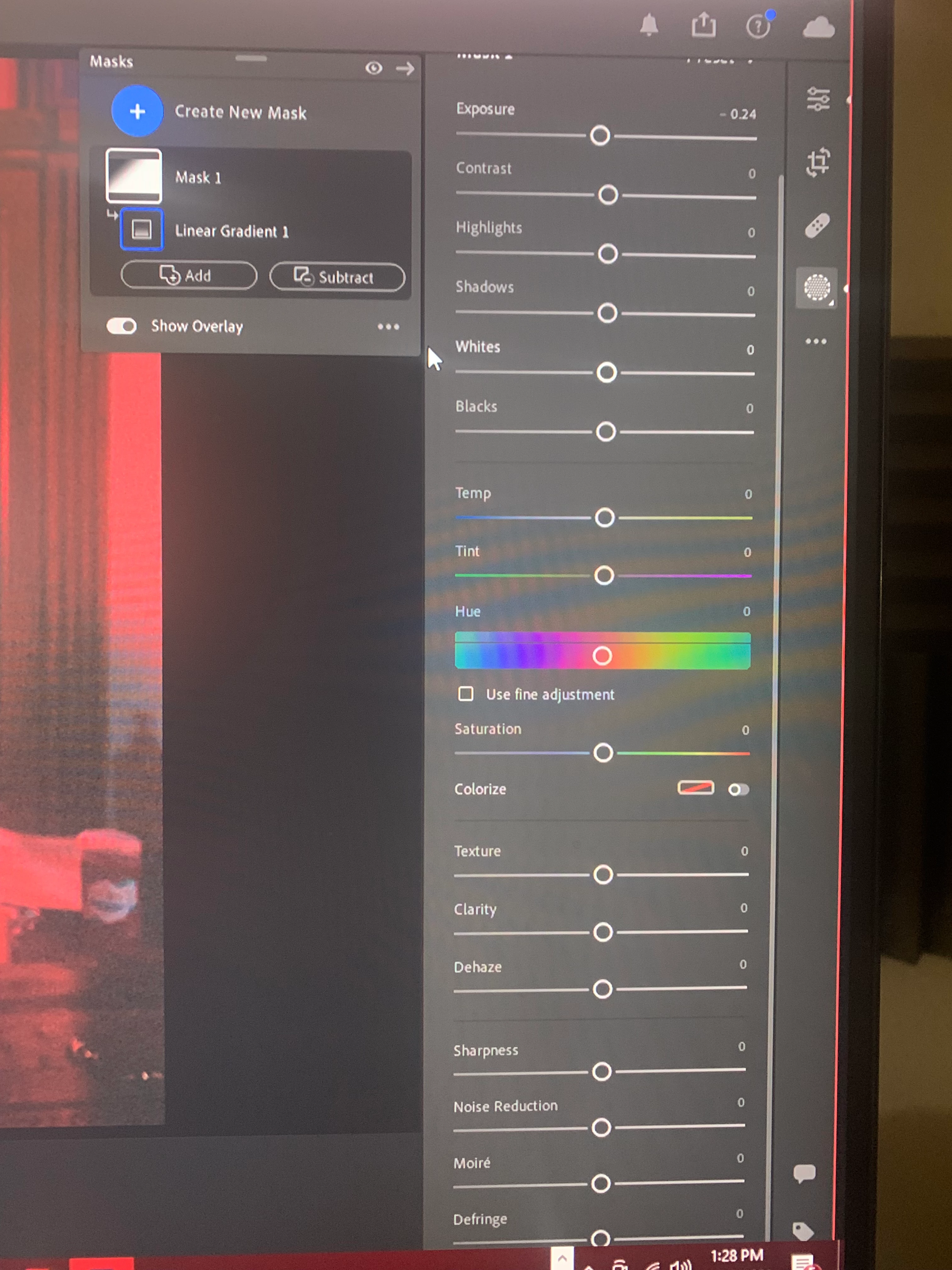
The Gradient has a very small adjustment  -.24 Exposure.

I doubt that your eyes could even notice the difference in the photo.

Unless you have made other changes not visible in your screen-clips.

And turn off any Overlay to be able to see the adjustment!

What is making your screen show the red cast?


Regards. My System: Windows-11, Lightroom-Classic 15.4.1, Photoshop 27.8, ACR 18.4, Lightroom 9.4, Lr-iOS 10.4.0, Bridge 16.0.3 .