
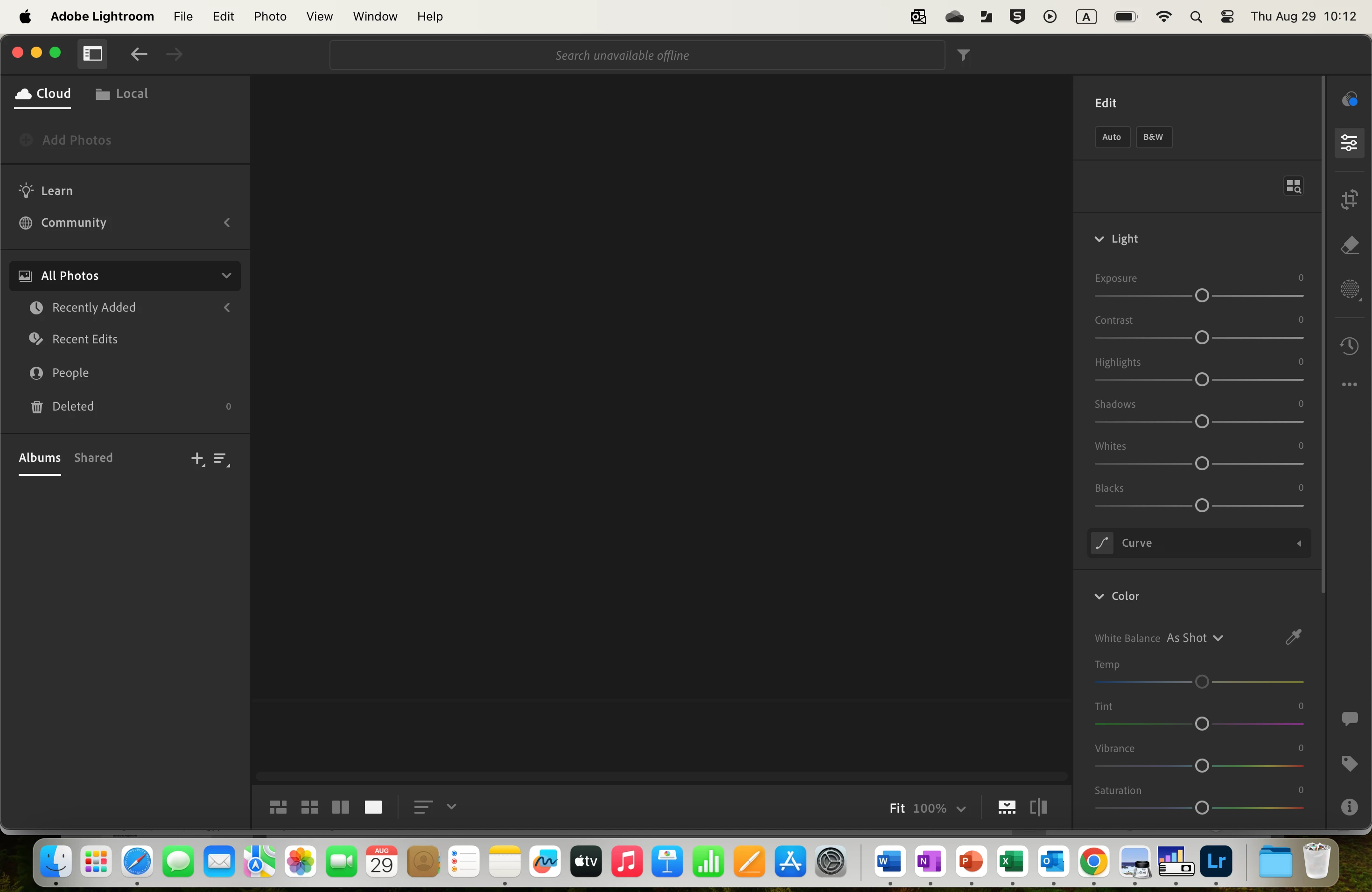
Greyed out Add Photo Lightroom 7.5 Mac
I downloaded Lightroom from the App store onto my Macbook Air and purchased the subscription after logging in with my Apple ID.
My Macbook is a company laptop and so I have 90% of the access (not the full admin function, but enough to install Apps and make changes).
I cannot add a photo to LR. I've tried to log off, log on, reset the laptop, reopen etc... and nothing has worked. The Add phot is greyed out and I have even tried draggin a photo to LR. This did not work either.
I did not get LR from Creative Cloud and I have only purchased this for myself. Many of the forum's solution seem to work for corporate and enterprise licence.
Here is a screen shot
Please advise,
Peter
[Moved from Lightroom Classic bugs forum to Lightroom ecosystem discussions forum by moderator]


 AdChoices