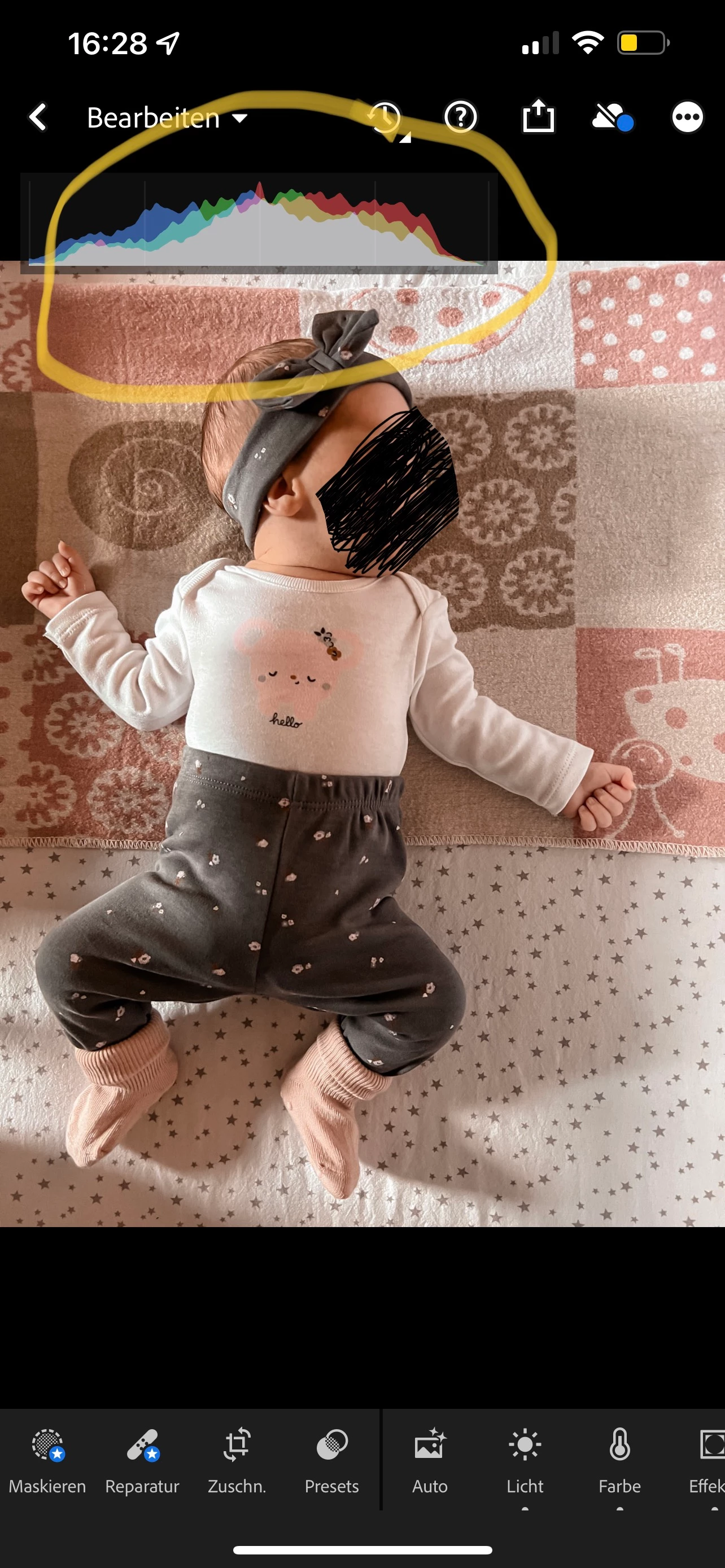
Hallo Andrea, das ist das Histogramm und zeigt Dir, wie die Helligkeits- und Farbverteilung im Bild ist. Am schnellsten geht es weg, wenn Du mit zwei Fingern gleichzeitig auf das Bild tippst. Nochmal, und Du siehst Dateiinformationen, und nochmal, dann ist das Histogramm wieder da. Alternativ kannst Du im Drei-Punkte-Menü (ganz oben rechts) unter "Ansichtsoptionen" die "Informationsüberlagerung" ausschalten. Aber schneller geht es mit zwei Fingern auf das Bild zu tippen 🙂


 AdChoices