


Participant
April 16, 2023
Question

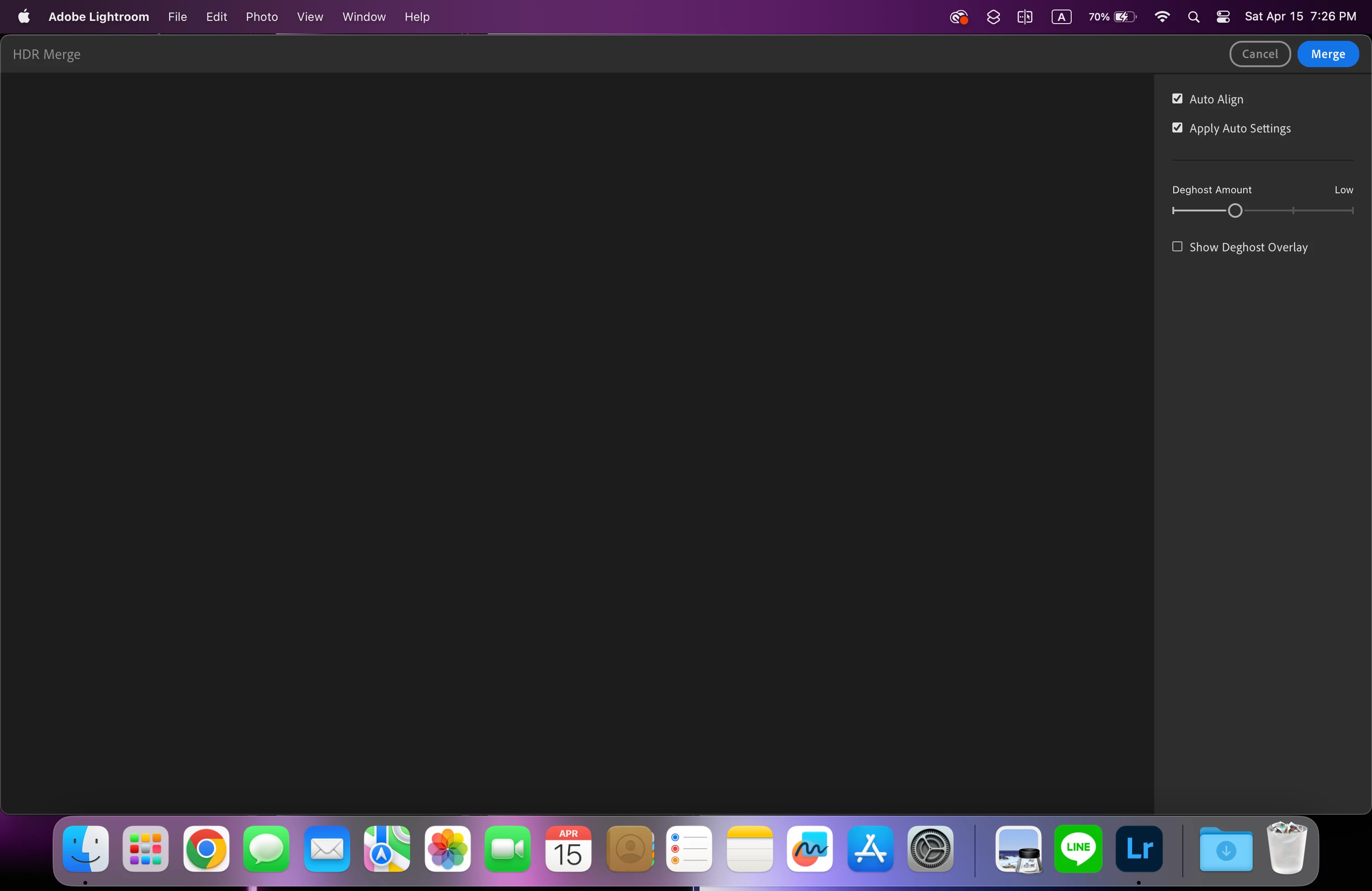
HDR merge shows nothing

  • April 16, 2023
  • 2 replies
  • 328 views

I selected 3 raw photos for HDR merge. When it gets to the merge window, it shows nothing. I tried to restart Lightroom, and it worked for one round, and the same problem happened again. My device is a 2023 Macbook Pro, and it's currently running MacOS 13.2.1
This topic has been closed for replies.

2 replies

Participant
September 4, 2023

This is the same issue I'm having. It only happens on the second (and subsequent merges). I can successfully see the preview on my first merge after launching, but have to restart Lightroom in between each if I want to be able to see it for each. I have a very similar setup: 2023 Macbook Pro (M2 Max) running MacOS 13.4.1

Sameer K
Community Manager
Community Manager
April 17, 2023

Hey @Hugh2908546580vc. Welcome to the Lightroom Community. I'll help you figure this out. What version of Lightroom are you working on? Is this an Apple silicon or an Intel-based MBP? What type of RAW images are you processing?


You can also go to Ligthtroom > Preferences > Performance > Use Graphics Processor > Set it to Off if it is on Custom or Auto.  

Let me know how it goes. Thanks!
Sameer K