

martinmuriel86
Participating Frequently
May 30, 2023
Question

Healing tool not working in full screen

  • May 30, 2023
  • 1 reply
  • 291 views

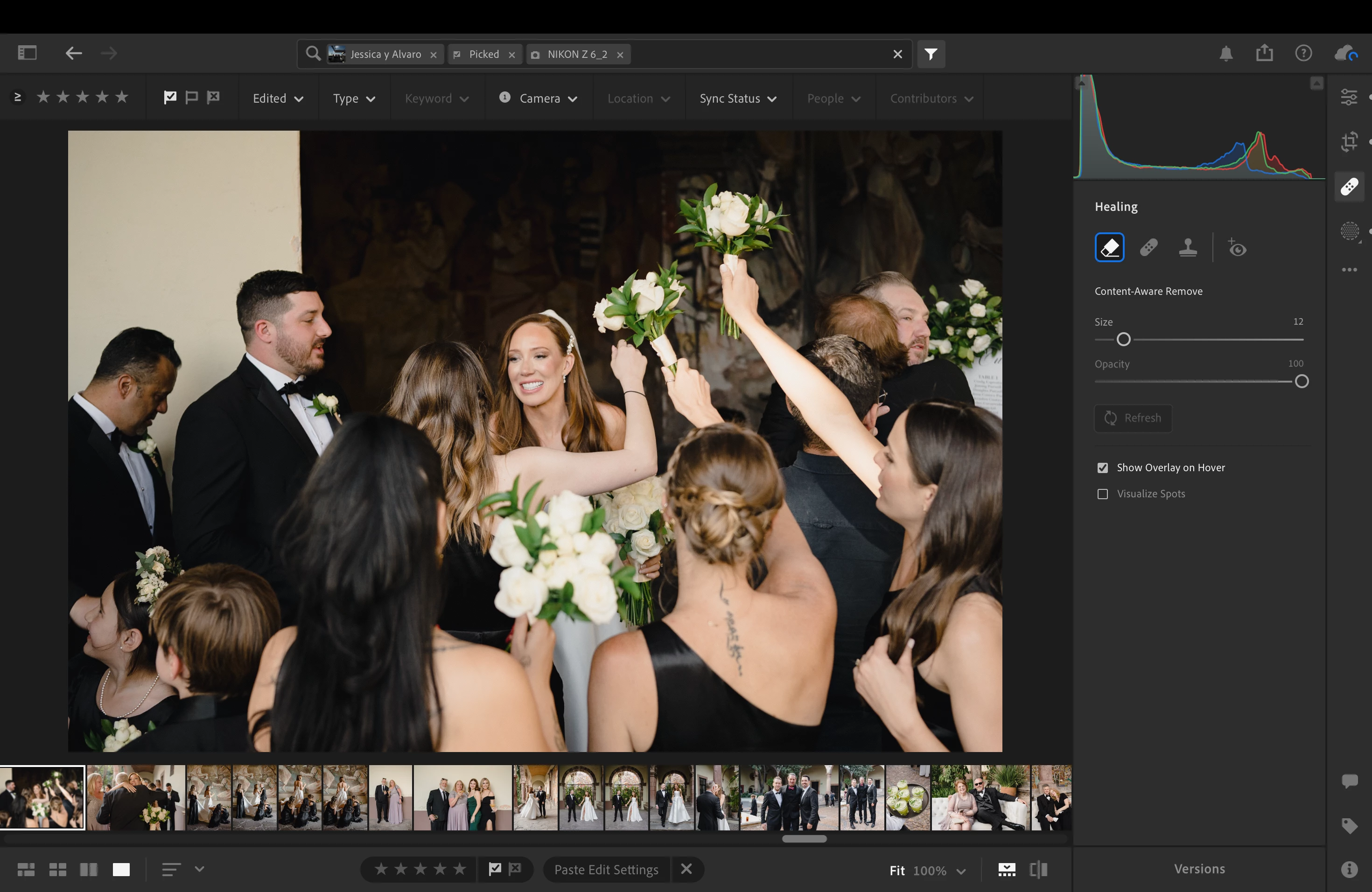
Healing tool cursor not showing when the app is in full screen mode on mac, cursor disappears when I hover it over the photo. 

Lightroom version is 6.3.1

Macos version is Ventura 13.1
This topic has been closed for replies.

1 reply

Rikk Flohr_Photography
Community Manager
May 30, 2023

I am not seeing any issues on Mac Full Screen or App Full Screen using 6.3.1 on MacOS 13.3.1 (a).  I would recommend updating your OS. 

Rikk Flohr: Adobe Photography Org
martinmuriel86
Participating Frequently
June 8, 2023

Hi Rikk, thank you for your reply. I updated to ventura 13.4 and using lightroom (not LR Classic) 6.3.1 and still having this issue. Healing tool dissappears when I place the cursor over an image, it shows again when I place the cursor outside it

Rikk Flohr_Photography
Community Manager
June 8, 2023

Reset your preference file is the next step: 


This procedure works for both Lightroom Classic and Lightroom Desktop.

If you are using Lightroom Desktop it can change the location of your local storage. Please review this setting after resetting preferences. 


Reset Procedure:

1. Close Lightroom.

2. Hold down [Alt/Opt]+[Shift] while restarting Lightroom.

3. Overwrite the Preferences when prompted by the dialog.

4. Close Lightroom.

5. Restart Lightroom.


Rikk Flohr: Adobe Photography Org
