
jonathanm60916776
Known Participant
April 7, 2019
Answered

How do i change external editing options in Lightroom CC on windows 10?

  • April 7, 2019
  • 1 reply
  • 908 views

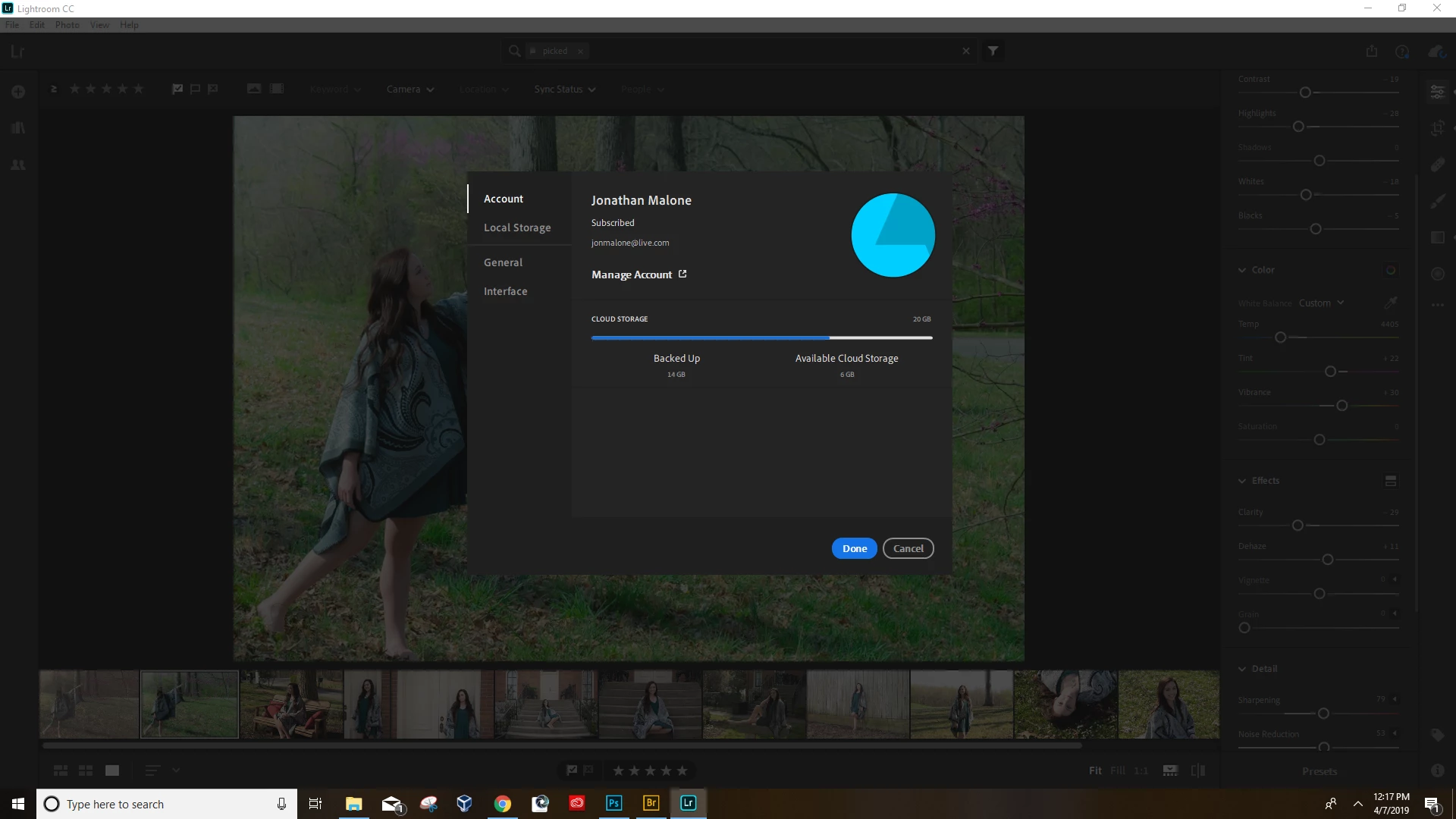
I am unable to find how to change the external editing options in lightroom CC.  is this option not available for windows 10 users? I went to edit>prefererences and instead of showing me what it's supposed to, I get this (see attached picture).  As you can see there is no option for external editing.  Is there something i'm missing here?
This topic has been closed for replies.
Correct answer Jim Wilde

Lightroom CC does not have the same external editing options as Lightroom Classic, the only available option currently is Photoshop.

Are you sure you're using the correct app, i.e. would Classic be better for you?

1 reply

Jim Wilde
Community Expert
Jim WildeCommunity ExpertCorrect answer
Community Expert
April 7, 2019

Lightroom CC does not have the same external editing options as Lightroom Classic, the only available option currently is Photoshop.

Are you sure you're using the correct app, i.e. would Classic be better for you?

jonathanm60916776
Known Participant
April 7, 2019

Ah i see now.  all i had to was scroll down in my CC app to find lightroom classic. Thank you!