
Known Participant
March 22, 2021
Question

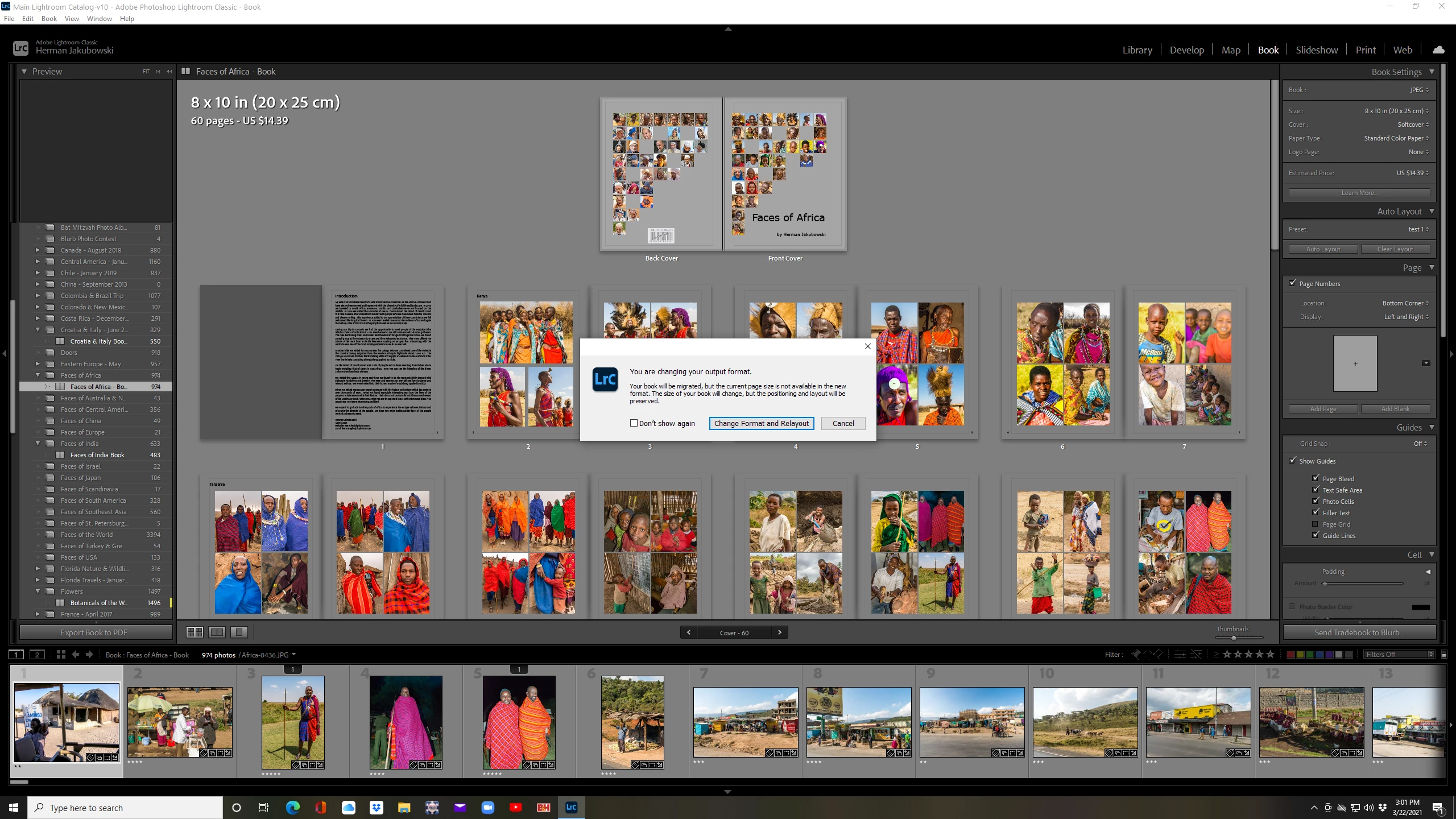
How make a jpeg of trade book in LR Book module

  • March 22, 2021
  • 1 reply
  • 218 views

I have completed making a trade book in the Book Module and wanted to generate a jpeg but when I changed to jpeg from Trade book in the top right corner I go the attached notice.  If I follow through then my entire layout will change.  That makes no sense.  I also am not able to make a pdf of the book.  What gives?
This topic is closed to new replies. Start a new post to keep the conversation going.

1 reply

Rob_Cullen
Community Expert
Community Expert
March 22, 2021

Do not change the format! yet.

While editing a Blurb Book you can Export a PDF from the button in the lower-left of screen.

If you want JPGs - Instead [Right-Click] on the Book COLLECTION and creat a 'Duplicate' Collection.

Now change the format of the COPY to JPG, where you will see the file options and a button [Export Book to JPEG].


If you continue work in the Blurb version you can create more duplicates with the updated edits to change the format and export to JPEG.


Regards. My System: Windows-11, Lightroom-Classic 15.4.1, Photoshop 27.8, ACR 18.4, Lightroom 9.4, Lr-iOS 10.4.0, Bridge 16.0.3 .