tomekpnz
Participant
June 23, 2019
Answered

How To Edit Background - Remove Crease Marks

  • June 23, 2019
  • 1 reply
  • 6398 views

Hi team,

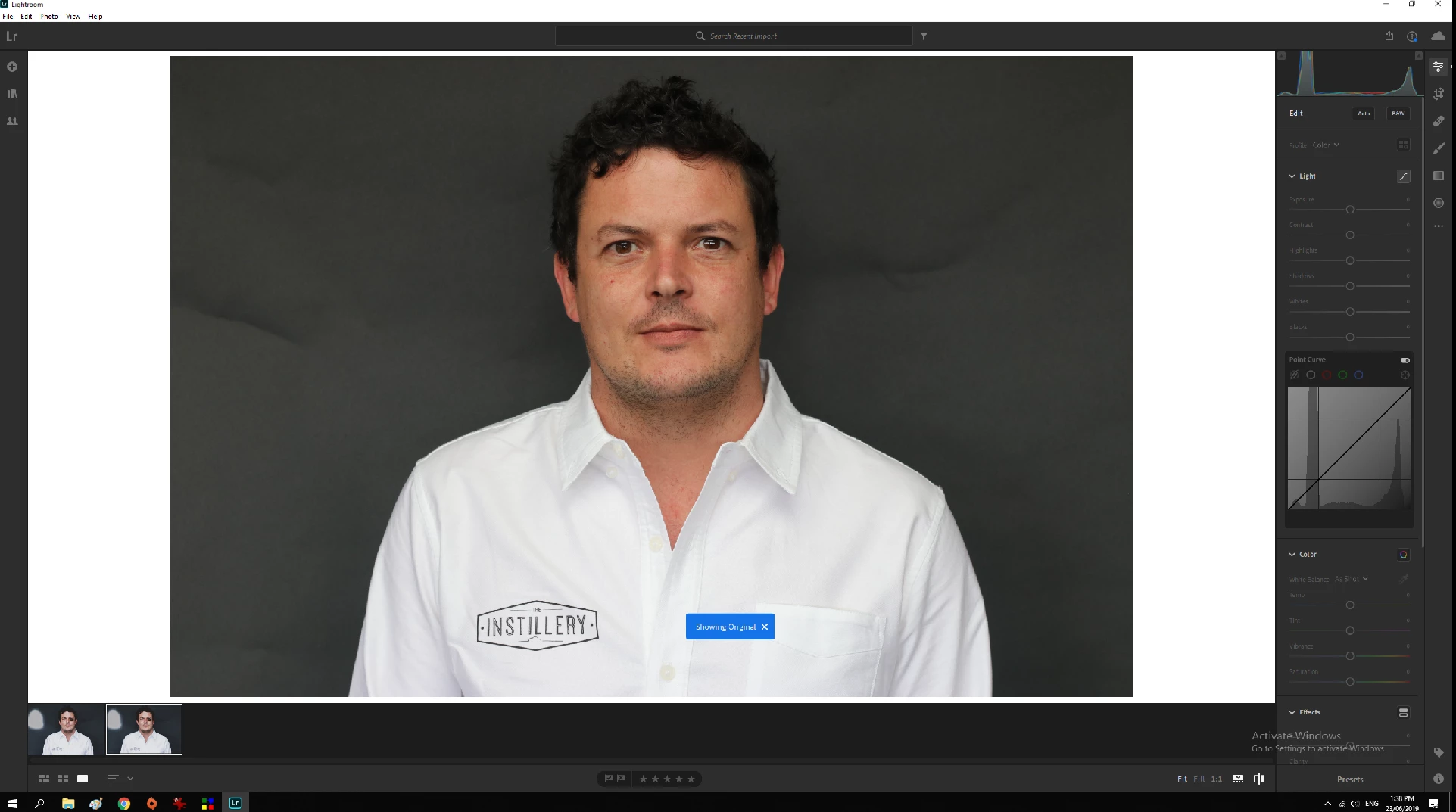
I want to change the background colour and remove crease marks in Lightroom. Can someone link me to a tutorial please? I have Lightroom, but can't see the 'Develop' tab...I think I just have the Desktop App? Argh. Please help...thank-you.

    This topic has been closed for replies.
    Correct answer Theresa J

    The develop module is part of Lightroom Classic and you are using Lightroom.

    Lightroom vs. Lightroom Classic | Adobe

    In Lightroom you could use the Spot healing brush to try and remove the creases. Then you could use the Adjustment Brush and paint in a minus exposure to darken the background. If you google both of these tools I am sure you will find tutorials. However in my opinion Lightroom or Lightroom Classic can’t do a professional quality job with these kinds of edits. You really need to take them into Photoshop for that.

    1 reply

    Theresa J
    Community Expert
    Theresa JCommunity ExpertCorrect answer
    Community Expert
    June 23, 2019

    The develop module is part of Lightroom Classic and you are using Lightroom.

    Lightroom vs. Lightroom Classic | Adobe

    In Lightroom you could use the Spot healing brush to try and remove the creases. Then you could use the Adjustment Brush and paint in a minus exposure to darken the background. If you google both of these tools I am sure you will find tutorials. However in my opinion Lightroom or Lightroom Classic can’t do a professional quality job with these kinds of edits. You really need to take them into Photoshop for that.