
How to remove ProRAW embedded jpeg metadata in lightroom mobile?
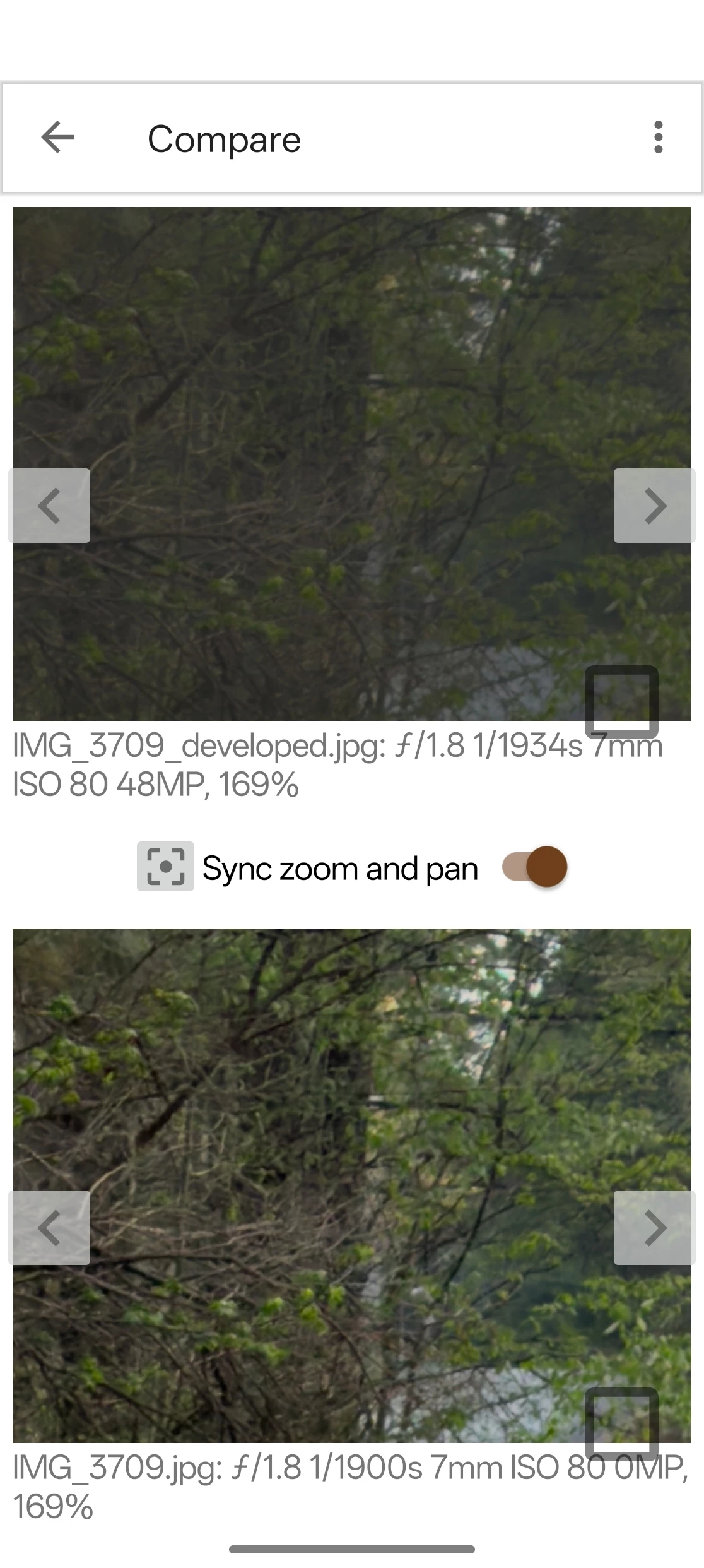
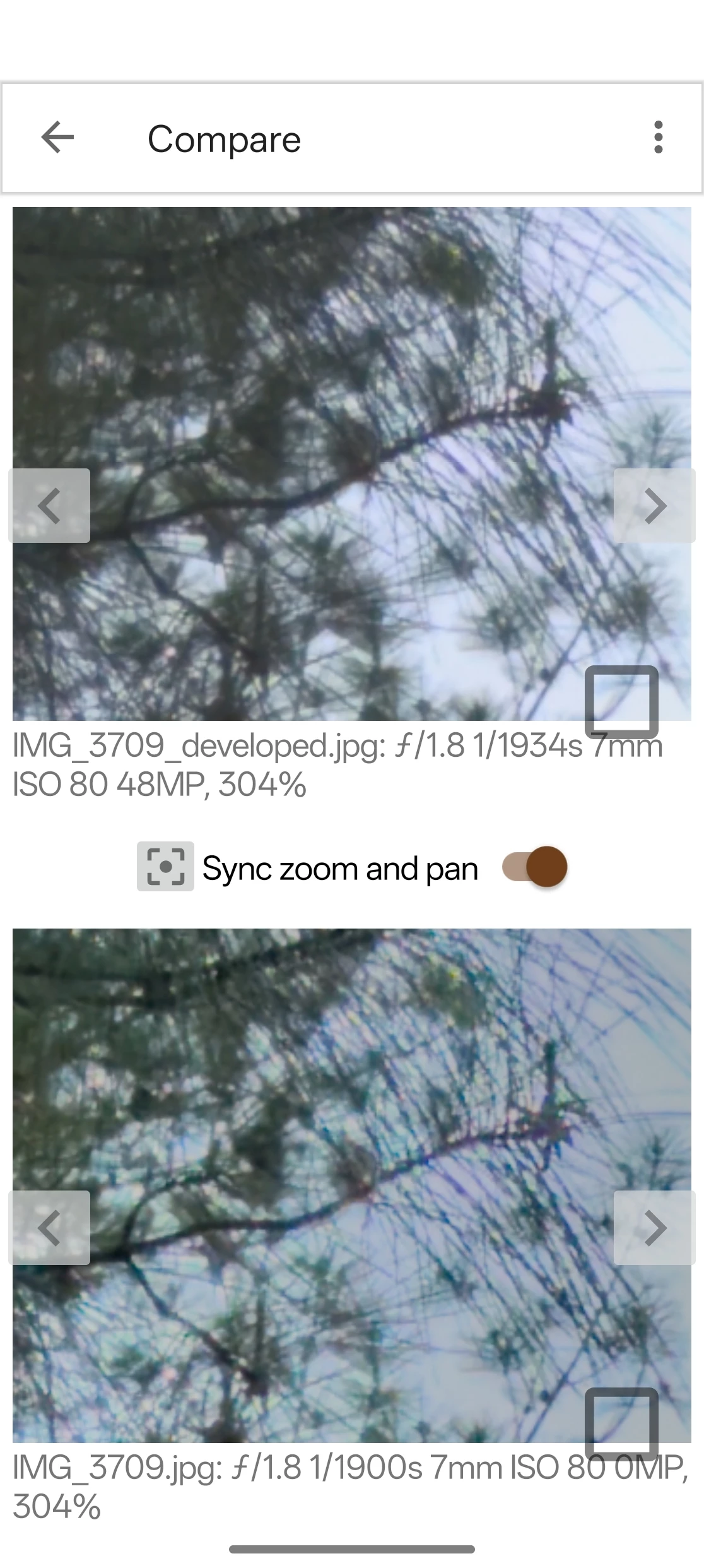
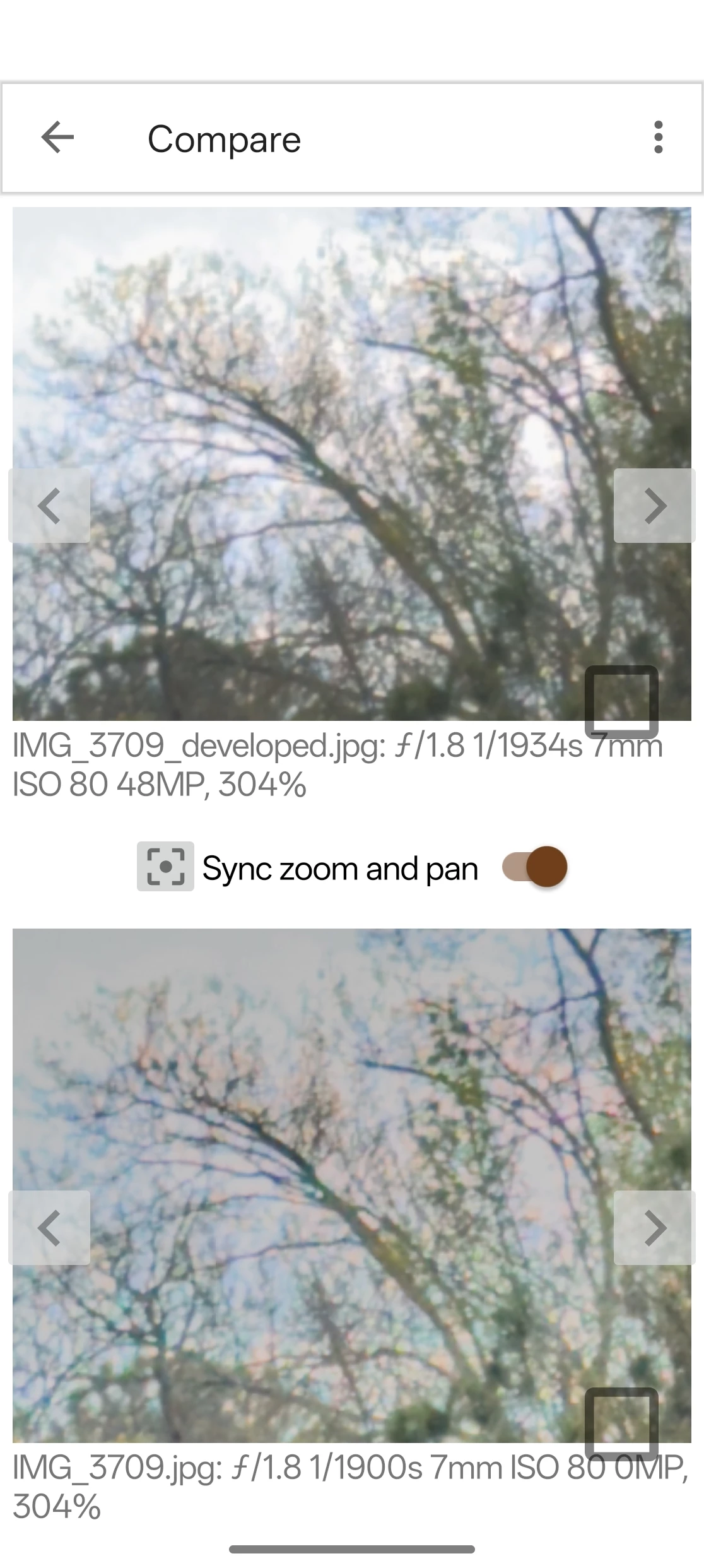
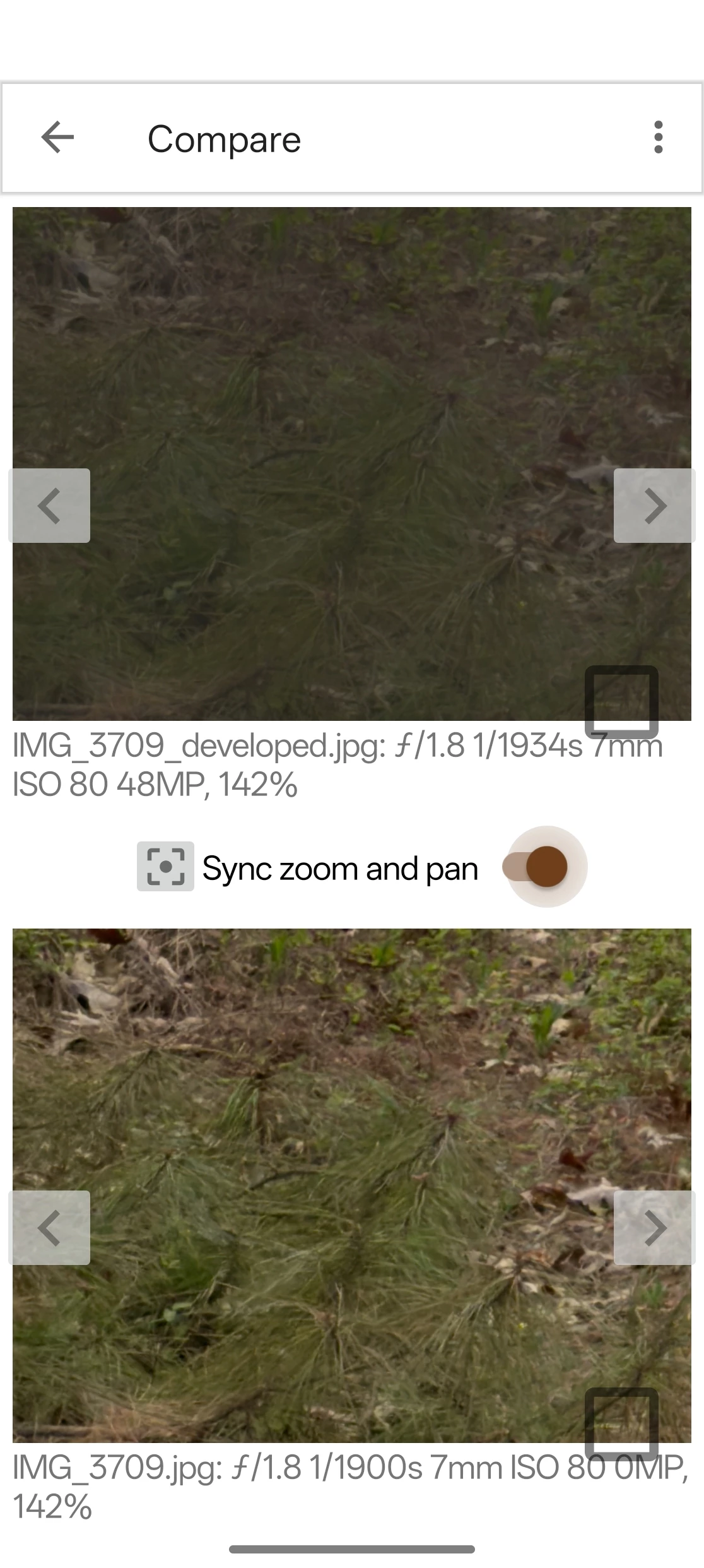
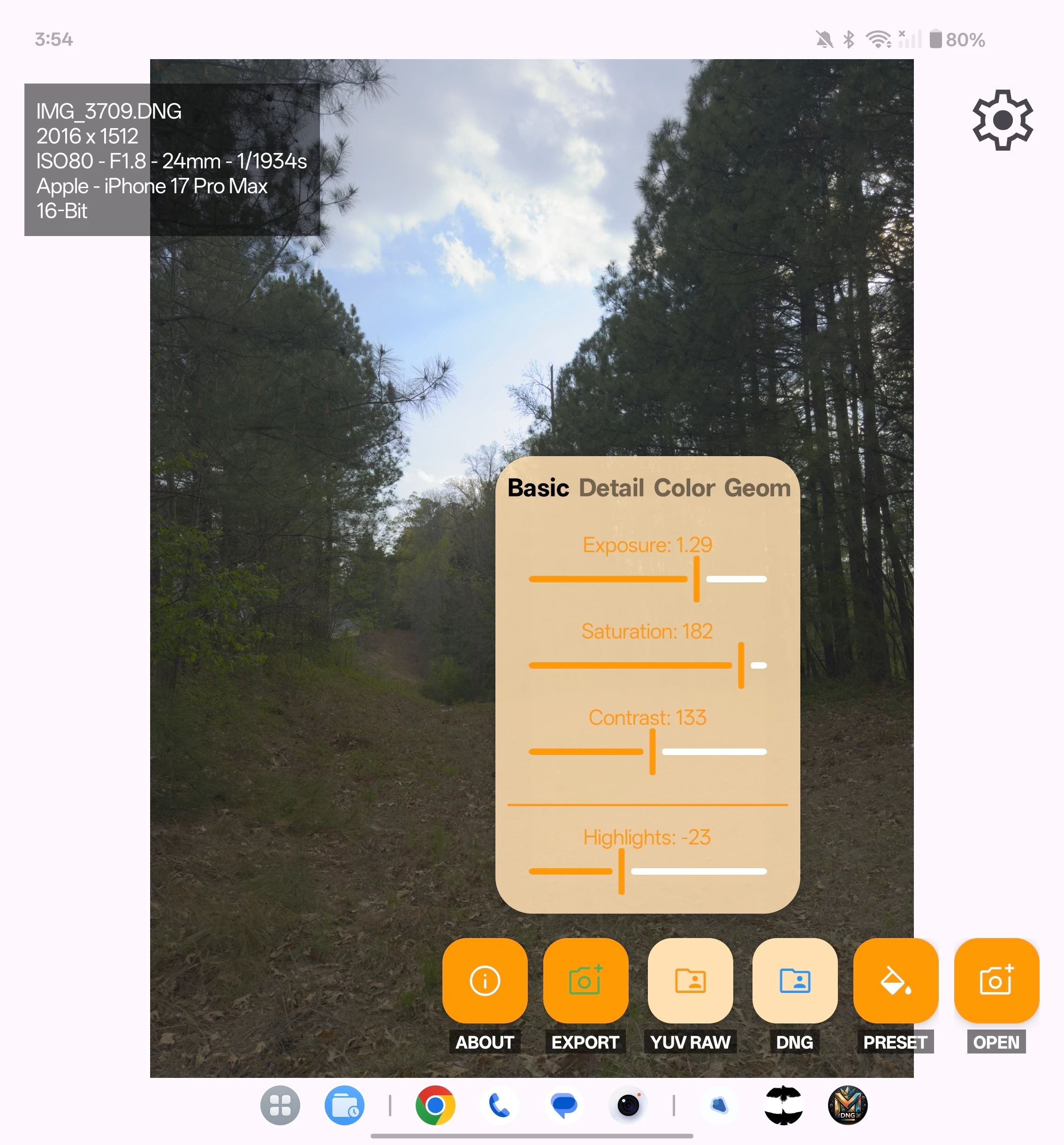
Hello adobe engineers and team! I have a iPhone 17 pro max currently, and I just realized that no matter what I do in lightroom mobile (latest 11.2.3 for android and 11.2.2 for iOS) when editing the full res ProRAW or normal binned ProRAW dng, it always seems to be editing the embedded jpeg of it instead of the true raw. For reference, I used this app here: https://github.com/AJ732101/DngMaster_Public on my Oneplus Open running android 15, that DNGMaster app actually allows editing the true raw portion of the ProRAW. In that app, when you open it, and edit, you can see much more fine details and adjustments; where as in LRM even when you turn down the sharpening, noise reduction and color noise reduction, it still looks clumpy, blotchy, and not proper.
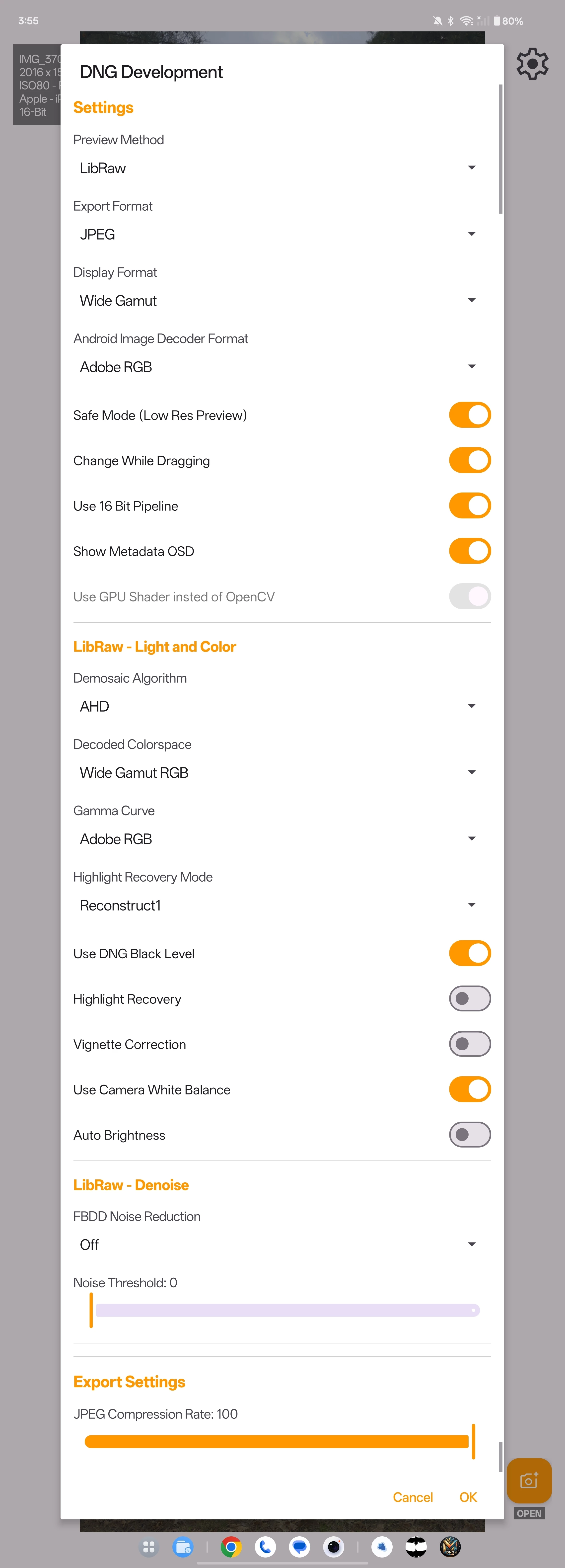
The app mentioned above uses Libraw and OpenCV vs the android preview, which seems to somehow locks into the metadata of the jpeg portion of ProRAW. I will attach the dng I used so the team can experiment on their end using LRM and the app above.
Lightroom processed image: https://www.dropbox.com/scl/fi/pm3mwes81kztbndpv7pcl/IMG_3709.jpg?rlkey=nwwetlhlgq9nnz7hqsjl33c6j&st=b6dpencj&dl=0
DNG Master processed image: https://www.dropbox.com/scl/fi/mby9en97pqqk1m0l1g6hx/IMG_3709_developed.jpg?rlkey=p4fzomrqqqt9c1xizwlpf441e&st=1g6mng4d&dl=0
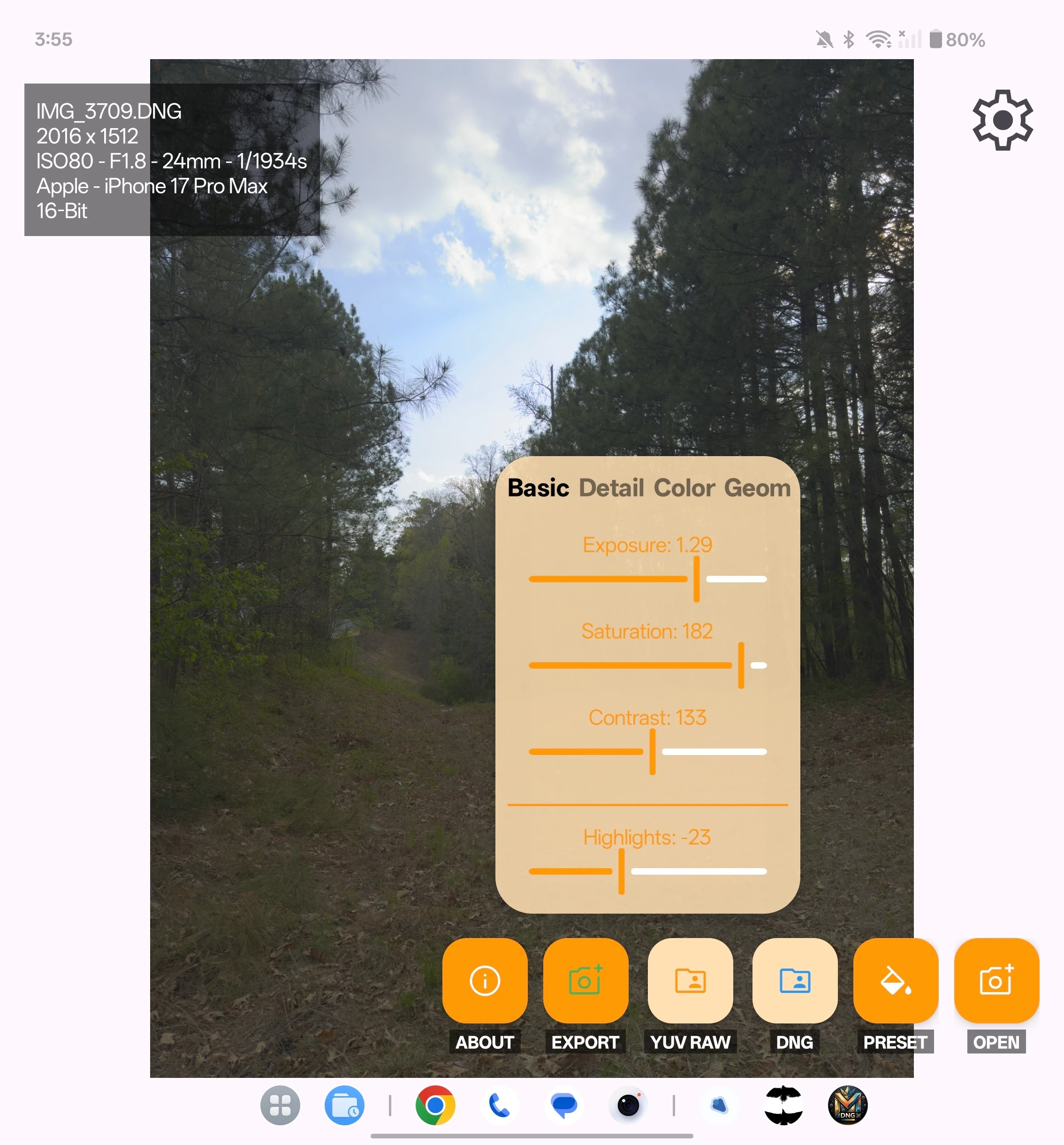
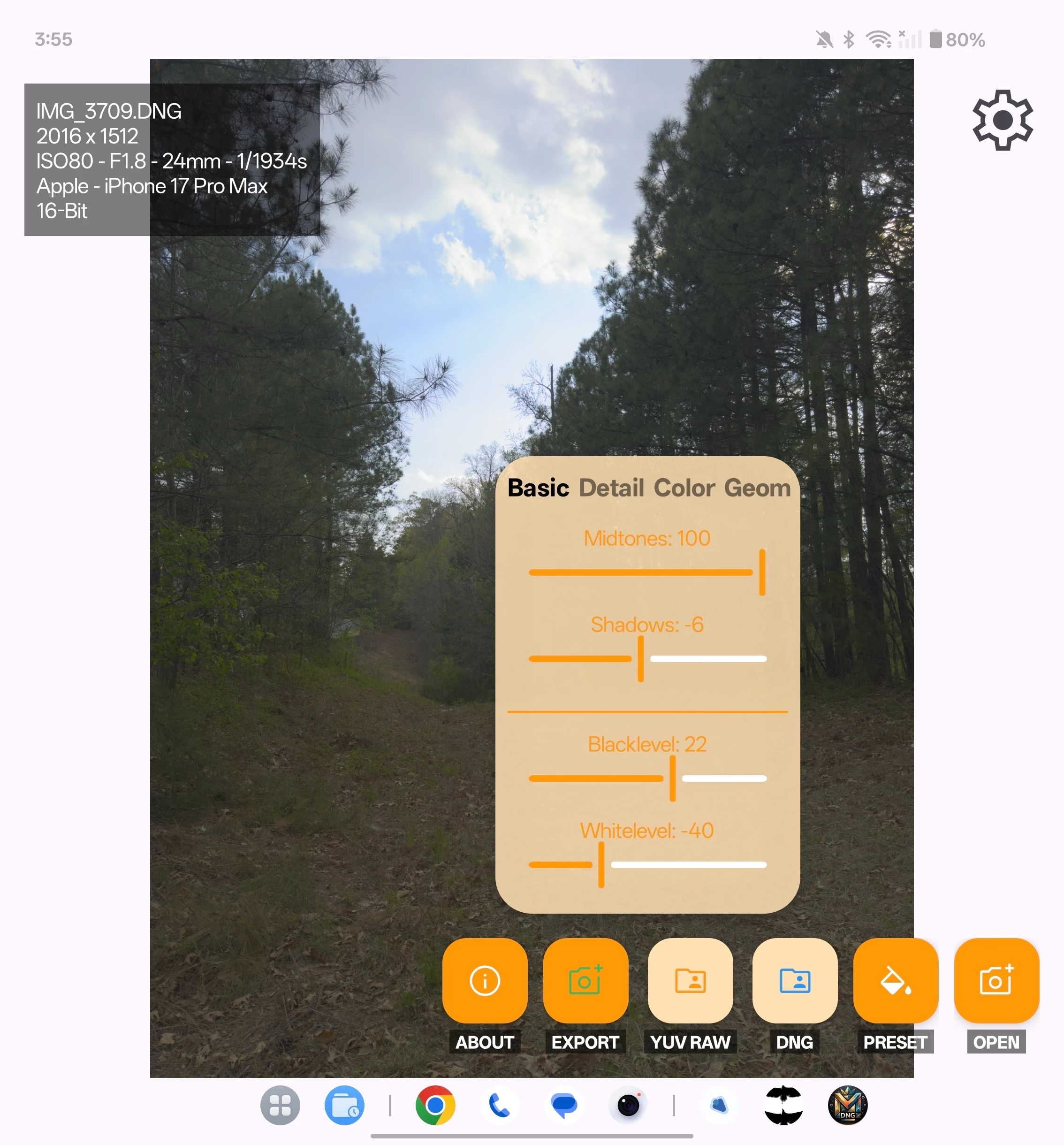
I will attach files showing what I did. The lightroom mobile edit just have sharp, noise reduction, and noise reduction to 0, rest untouched. The other app is a full blown edit to get as close to exposure and hdr as I could to LRM. Keep in mind the app DNG Master is still working progress.


 AdChoices