Participating Frequently
July 14, 2021
Answered

How to stop loading RAW files in Library view

  • July 14, 2021
  • 1 reply
  • 1647 views

I have a collection of about 500 photos from a trip. All shot and imported in RAW.

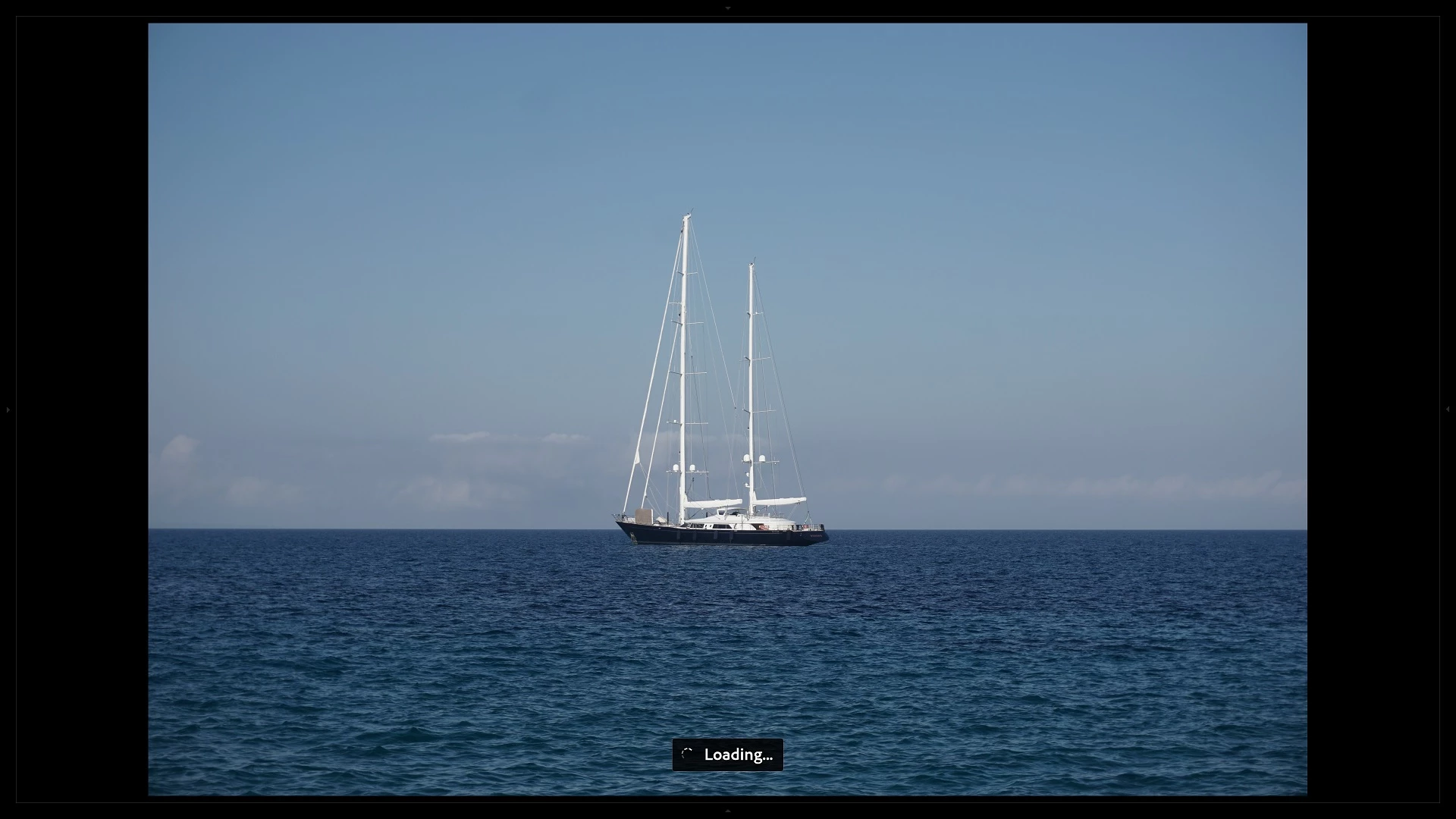
I would like to quickly review them, rate 1-5, delete some etc, so I need to edit only the best ones. However in the library Loupe view it takes about 6-10 seconds to switch from one photo to another as it is "loading". After that loading pictures seem to have slightly different color profile. I assume at first the lightroom shows the JPEG that is embeded within the RAW file, and after loading it shows the actual RAW photo (is it?). But I don't need to see the actual RAW to rate the photos, the JPEGs are enough. Is it possible to temporarily disable this loading and speed up scrolling?

Example:
 

This topic has been closed for replies.
Correct answer JohanElzenga

Your assumption is correct, Lightroom generates previews and that takes time. When you import the photos, select "Embedded & sidecar" as previews. In that case Lightroom will use the camera-generated previews for the time being, just like you asked for.


1 reply

JohanElzenga
Community Expert
JohanElzengaCommunity ExpertCorrect answer
Community Expert
July 14, 2021

Your assumption is correct, Lightroom generates previews and that takes time. When you import the photos, select "Embedded & sidecar" as previews. In that case Lightroom will use the camera-generated previews for the time being, just like you asked for.


-- Johan W. Elzenga
KaRolthasAuthor
Participating Frequently
July 14, 2021

Is it possible to apply those changes to already existing collection?

JohanElzenga
Community Expert
Community Expert
July 15, 2021

@KaRolthas wrote:

Is it possible to apply those changes to already existing collection?


No, this only works for newly imported photos.


-- Johan W. Elzenga