
Question
how to stop that: ""moving your photos"" and ""photo verification 133 of 18842"" and ""stop....
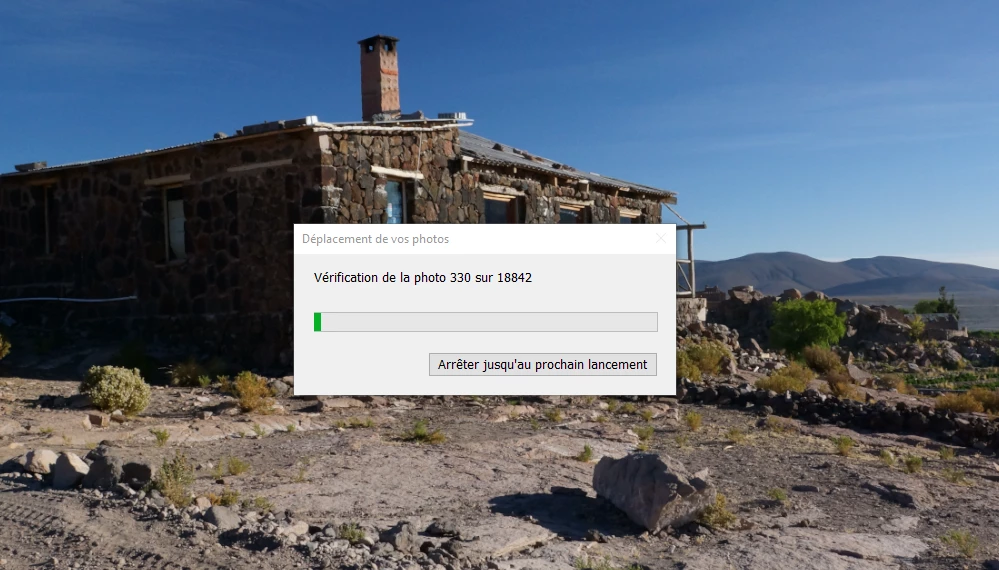
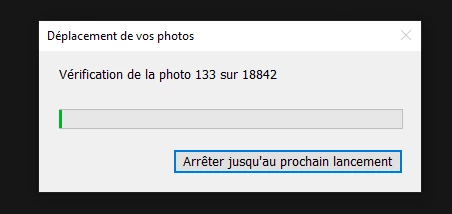
Hy everybody, i have a big problem. Each time i open lightroom (based on the cloud) this image appear. Traduction: ""moving your photos"" and ""photo verification 133 of 18842"" and ""stop until the next launch""" It is the result of a comment I read on this site. One person tell to do ""SHIFT+ALT+OPEN LIGHTROOM ""at the same time to resolve a problem. But, the problem is not resolve and each time I open Lightroom, this windom appear again and again. How can I stop that??? Thank you very much!!
 AdChoices