Answered
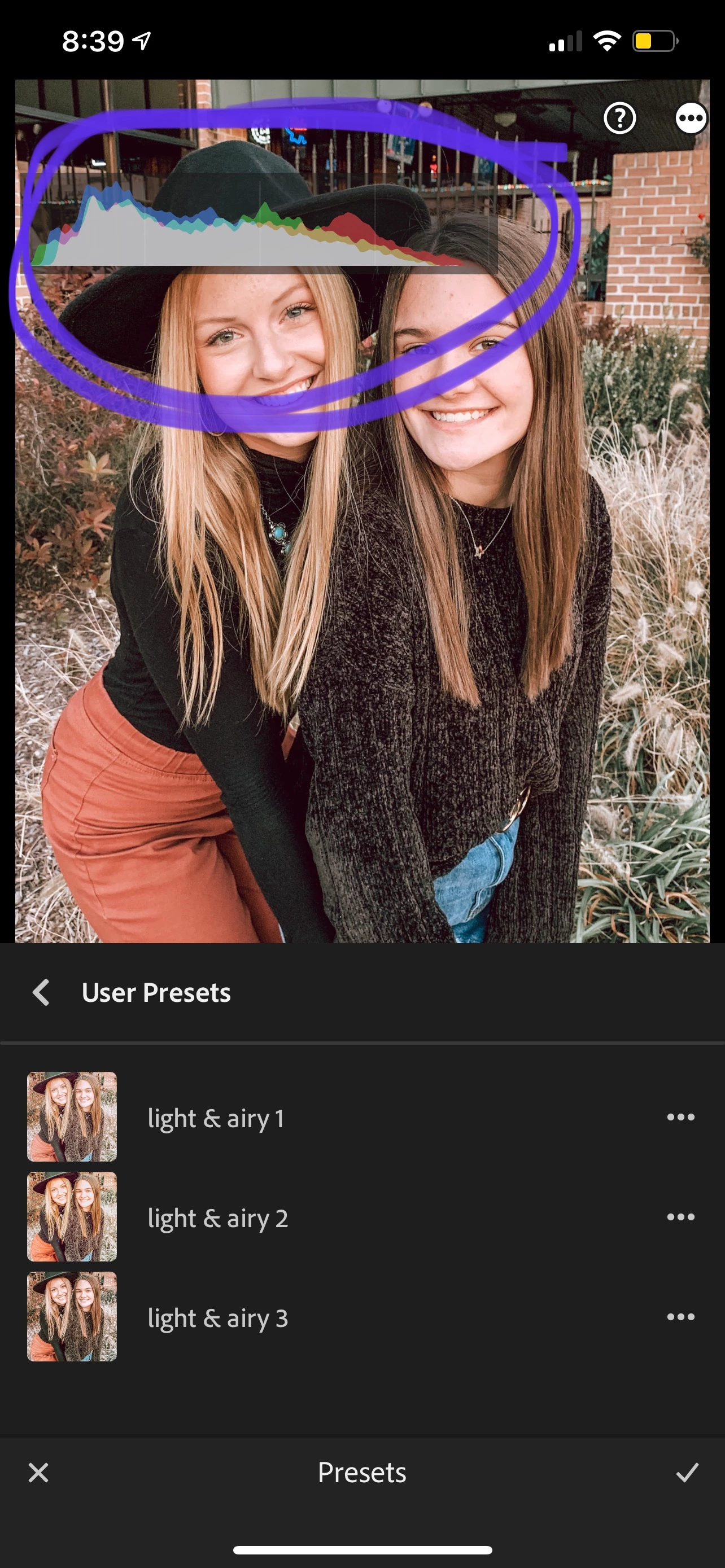
How to turn this Edit Histogram off? (In the LR app)
s

s
Tap on your screen with 2 fingers until it goes away. 2-finger tapping toggles through a few various info options, and what you're seeing is a histogram.
Already have an account? Login
Enter your E-mail address. We'll send you an e-mail with instructions to reset your password.


 AdChoices