



I can't find my imported photos anymore on Lightroom mobile
Version: Lightroom Mobile 8.4.1
OS: Android 12
I just updated Lightroom Mobile to version 8.4.1, in this version they got rid of the importing process and streamlined the gallery but almost all of my photos are gone now.
To explain: I mainly use Lightroom Mobile to shoot RAW photos with my phone and I've set it to store pictures shot on my SD Card but since I've done that the pictures do take storage space but are nowhere present on the SD Card, not in the app's files, and not in DCIM, but Lightroom still sees them. I've never bothered changing this because it worked and I didn't need the files out of my phone. If I ever needed it I would export them via the app.
Now with this update, Lightroom doesn't show all the photos present in the app data but instead shows what finds in the phone's storage, and of my photos, it shows only the edited ones in the Edits tab. How can I get all of the photos back without uninstalling and downgrading the app which would result in probably losing all of them?
I will attach some photos to show what I mean
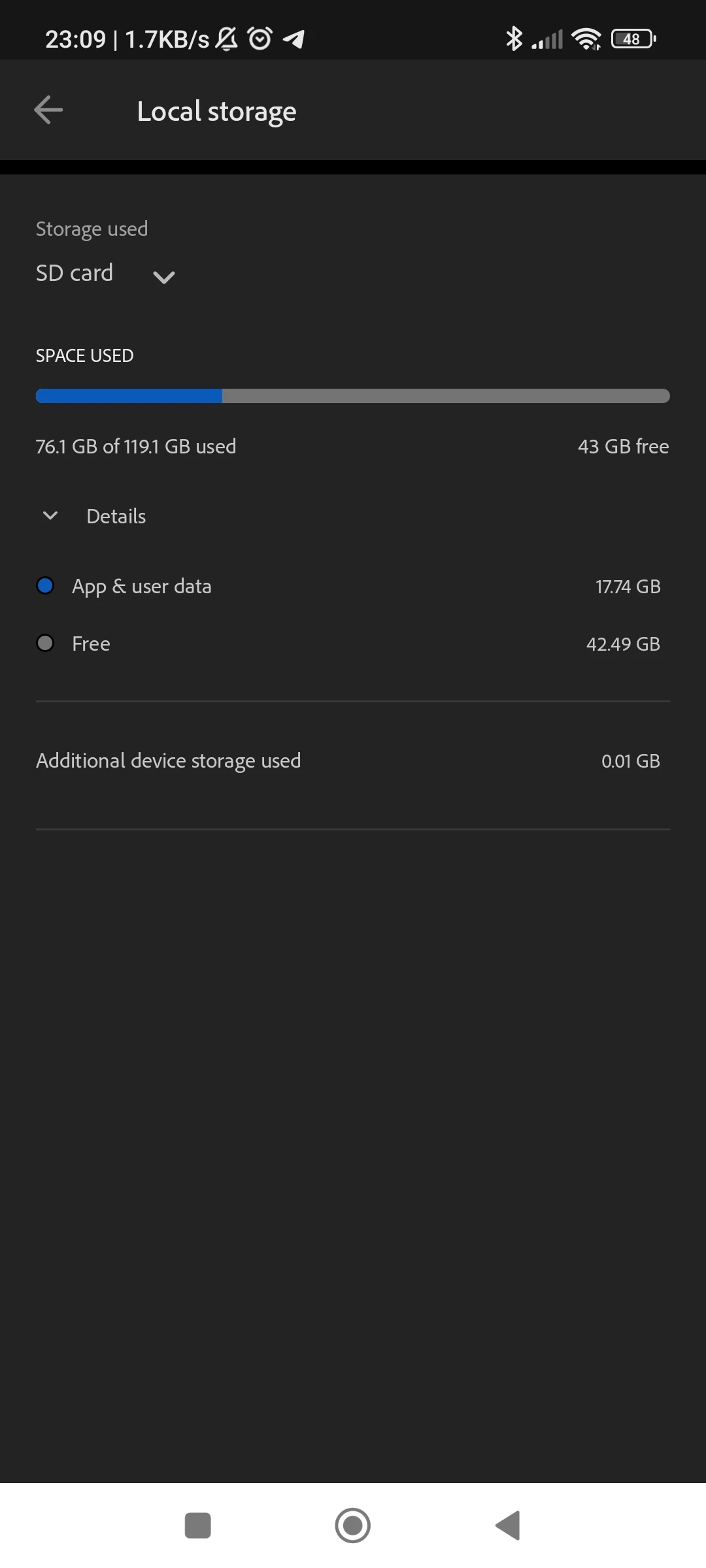
This is the storage taken on the SD Card by photos shot and imported on Lightroom Mobile
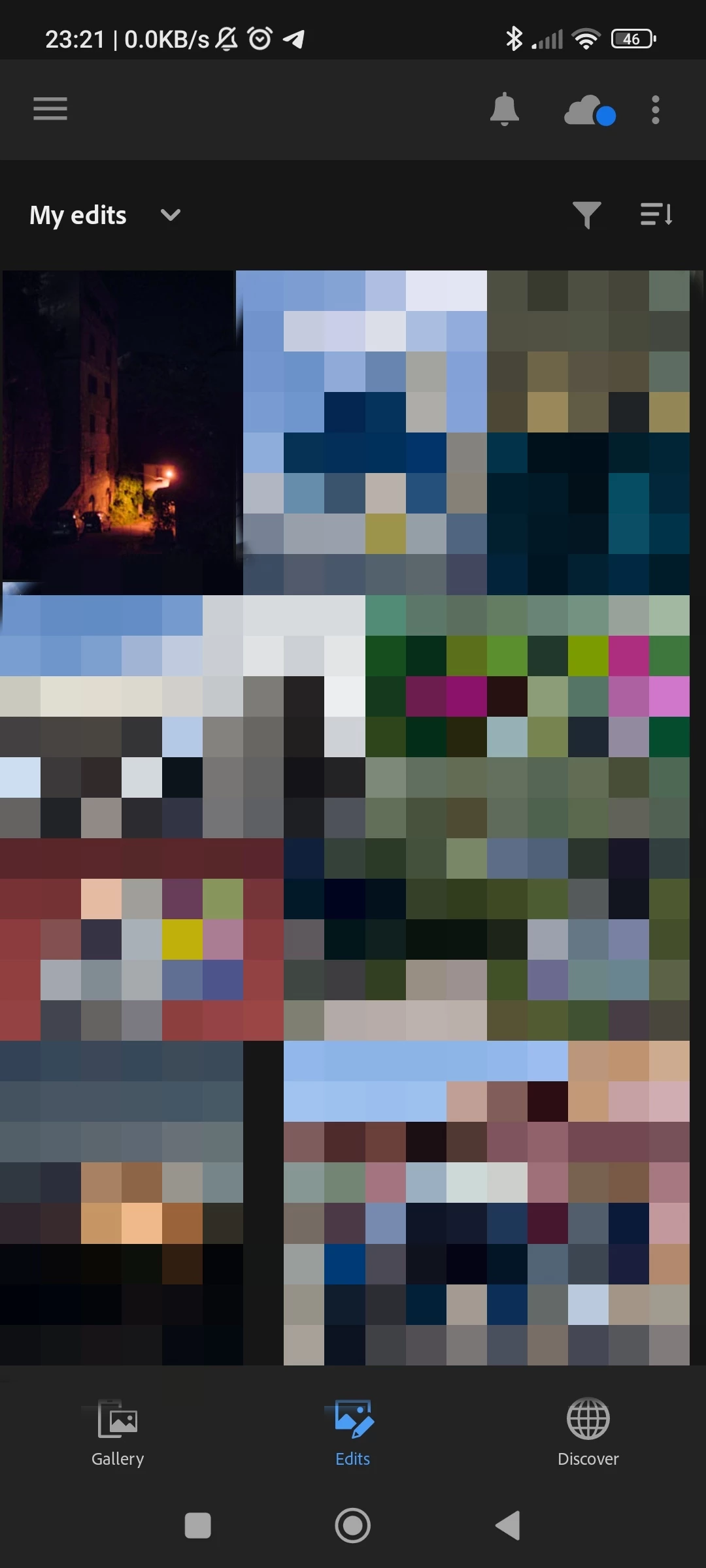
There are the photos shot and then edited shown in the Edits section
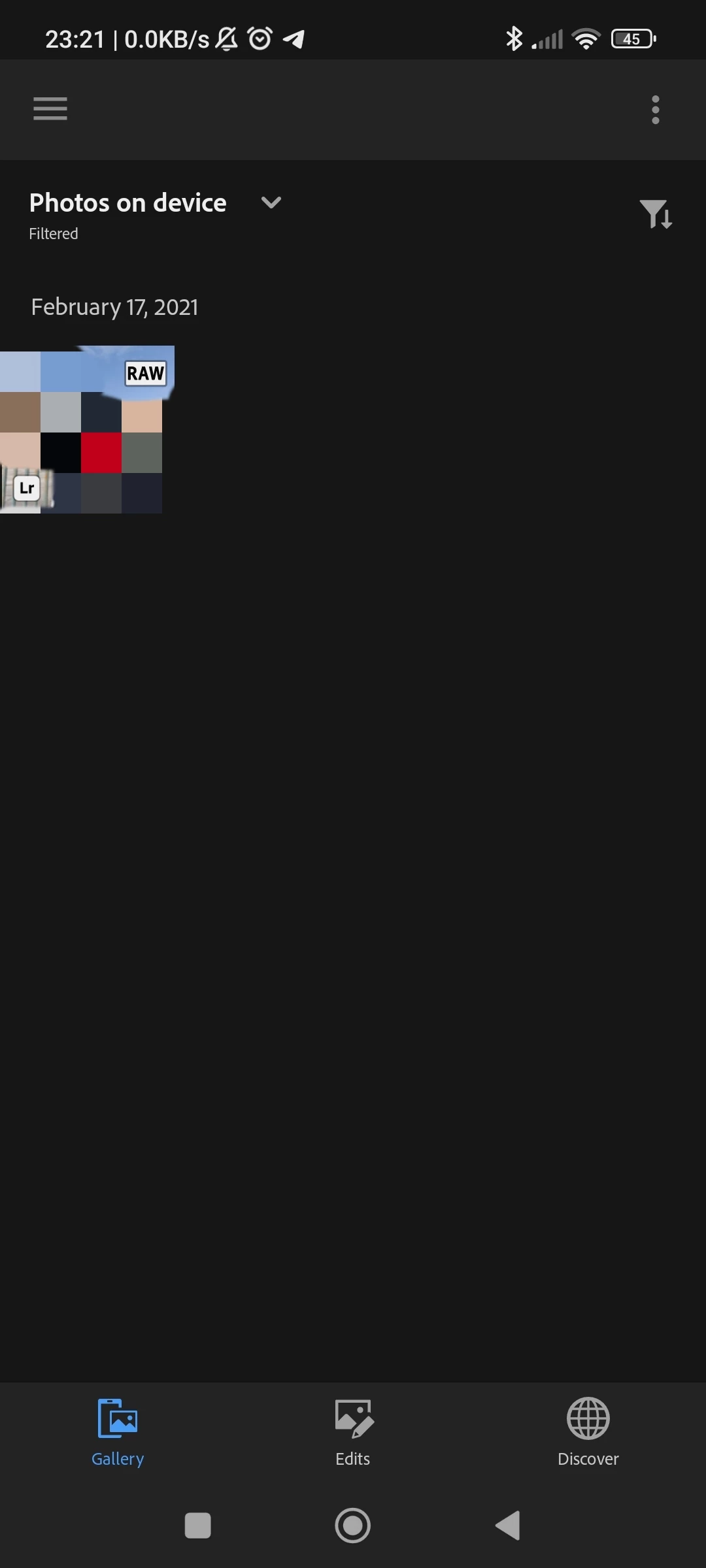
This is the only photo visible in the gallery tab with the RAW filter on, this is an actual photo stored and visible on the device
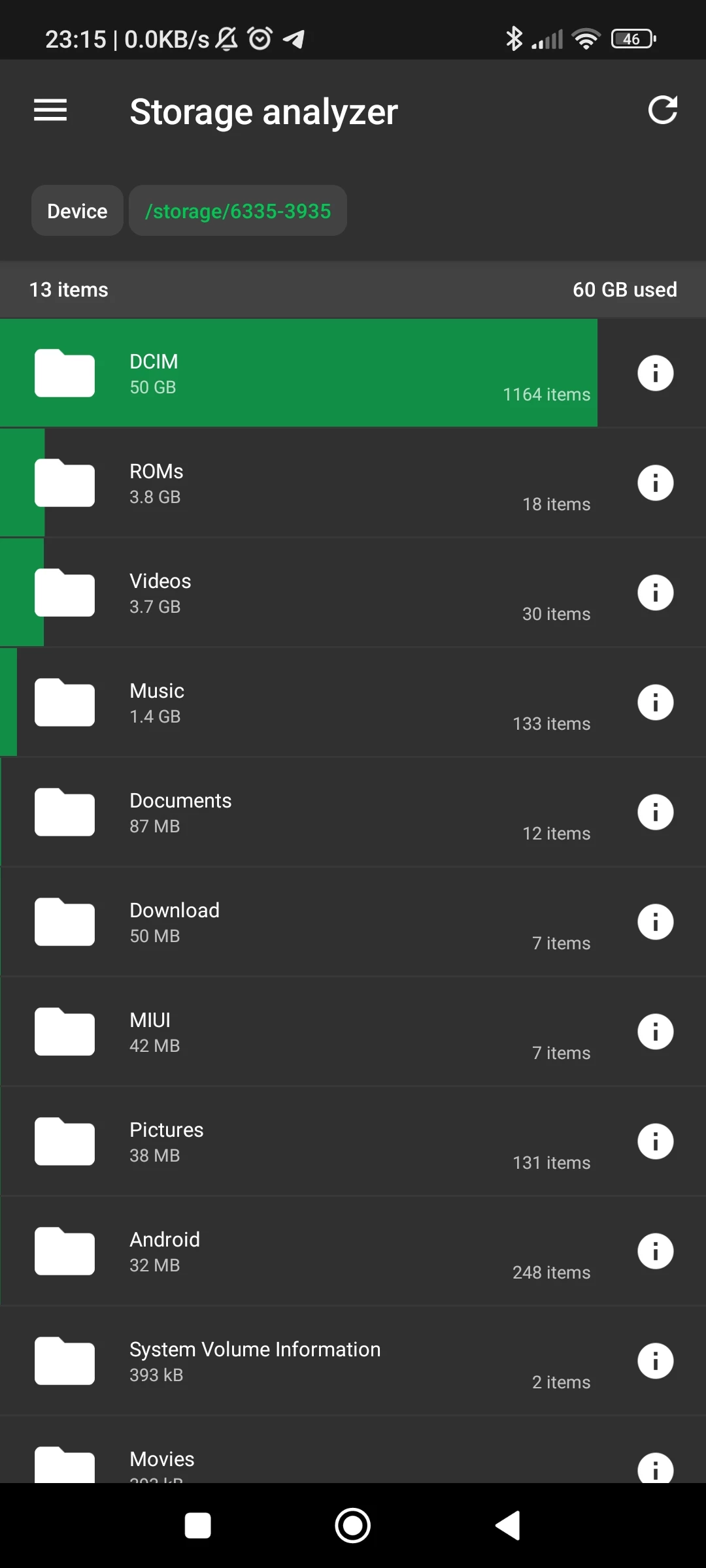
This is the SD Card storage and how it's used, DCIM is not used by Lightroom. Lightroom should store photos under Android/data/com.adobe.lrmobile/... this is how it worked when it stored photos on the device's storage and as you can see the Android folder is very small and nowhere near what Lightroom Mobile states on the app


 AdChoices