Participant
July 16, 2026
Question

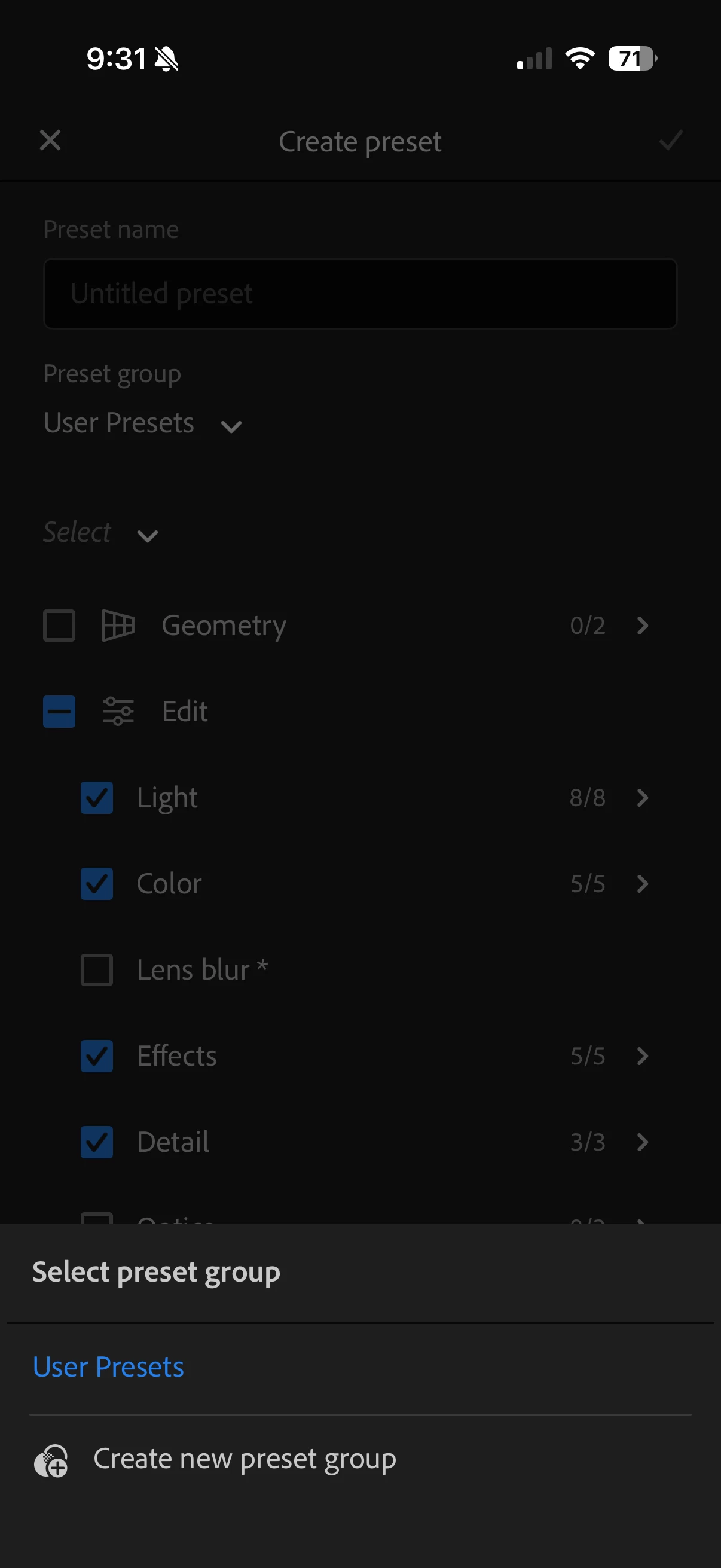
I can’t upload presets into Lightroom mobile that I have purchased

  • July 16, 2026
  • 1 reply
  • 8 views

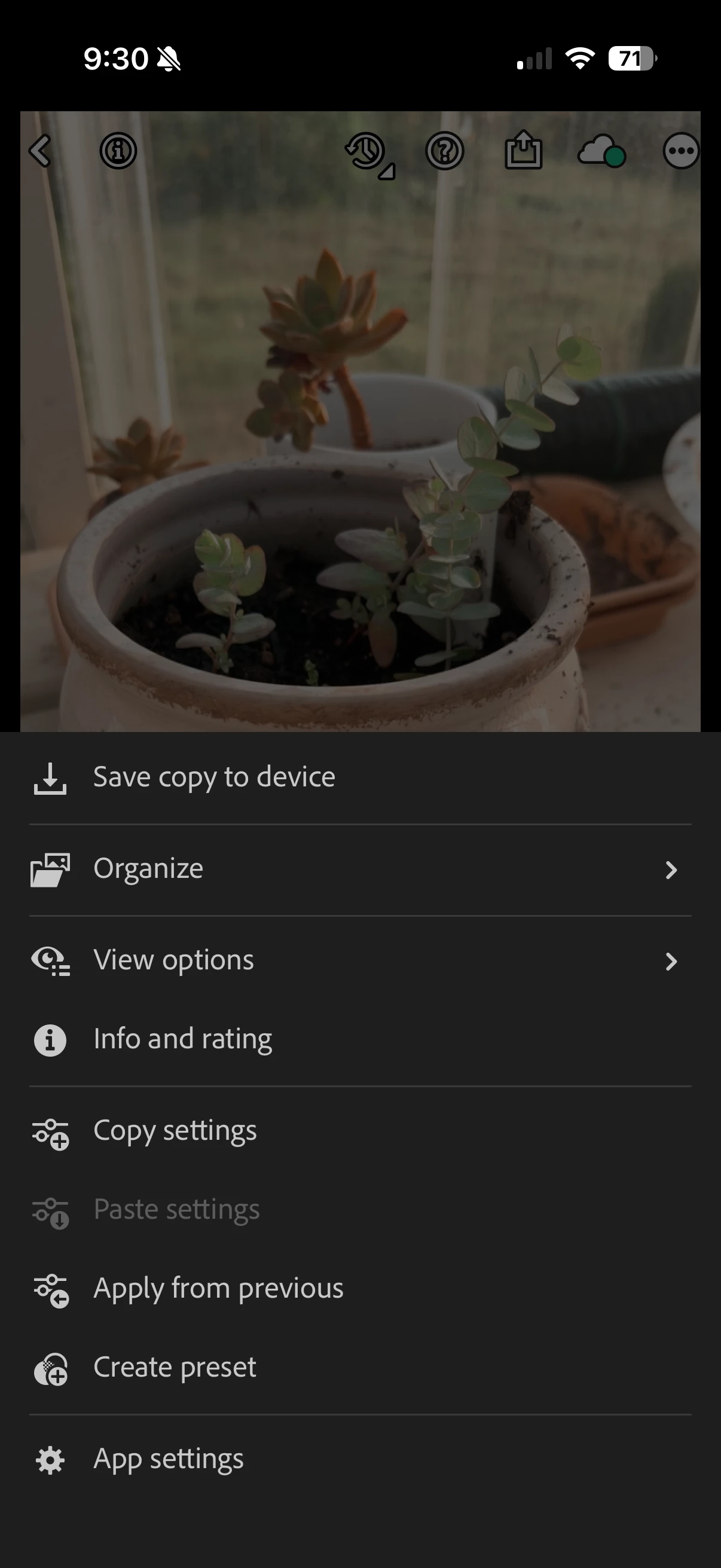
I bought presets for Lightroom mobile, but there is no option for me to upload. The only option I have is to create a new preset and then it pulls up the exposure, contrast, etc. But I want to upload and use the presets I bought. These are the only options I’m given for presets, nothing for uploading presets. 
 

    1 reply

    Jim Wilde
    Community Expert
    Community Expert
    July 16, 2026

    What format are the preset files?

    What phone OS are you using?


    I believe that LrM on Android has an option to import a folder of presets, but not LrM on iOS.

    For the latter, the typical way that presets are created and sold for iOS is in the form of a DNG image file which has the preset’s adjustments applied, so the user can import the DNG then create a preset from that image file for subsequent use on other images.

    If the presets are in standard XMP format, I don’t think that they can be imported into LrM on iOS. However, if you have access to the Lightroom Desktop app you can import them there and they will then sync to LrM.