

Participant
Dec 12, 2022 11:14 AM UTC
Answered

I can't use depth range mode
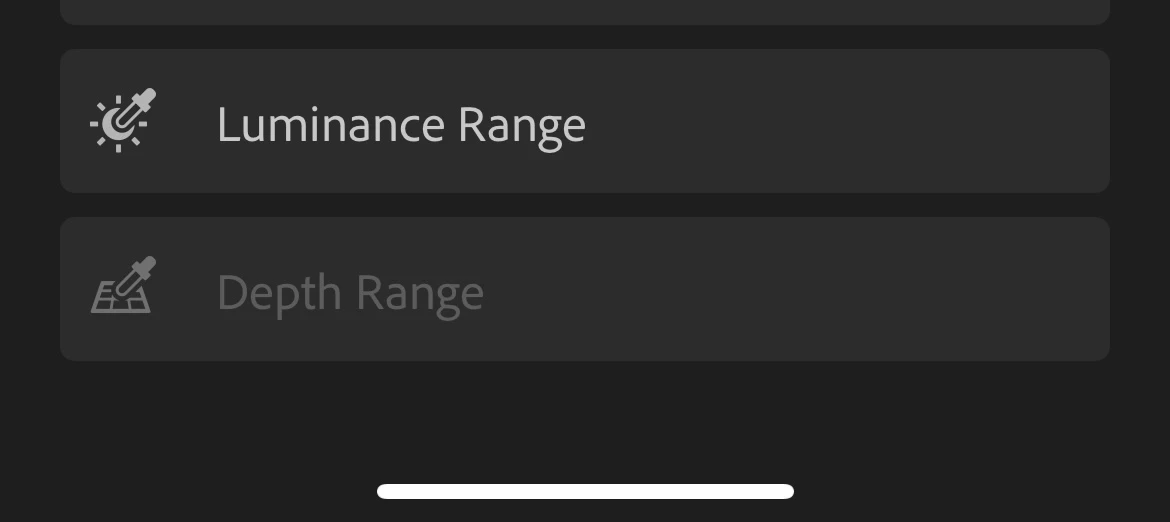
 I try with so many different pictures, how can I fix it 

Thank you for your help in advance! (:

Theresa J
Theresa JCorrect answer
Community Expert
Dec 13, 2022 2:51 PM UTC

What kind of phone do you have? I promise it works when you have the correct kind of file. You have to upload the original file, with the depth mask (probably and HEIC), not an exported jpeg of it.

6 replies

emmal28102658
Participant
Nov 11, 2025 3:37 PM UTC

Its crazy, but this feature seems to only be available to iphone users. 


So those like me, a professional photographer, that has photos I would like to use this feature on, but I take photos with a proper dslr or mirrorless camera. We have to export photos out of Lightroom and use Luminar Neo's depth masking if we want to use this feature because Lightroom does not offer it. So if you want an alternative download Lumiar Neo's free trial, and you'll be able to use this there.

Translate
Theresa J
Community Expert
Community Expert
Dec 13, 2022 6:01 AM UTC

This only works for images that were captured with an extra depth channel. The portrait mode on an iPhone creates a depth range channel.

Translate
Participant
Dec 13, 2022 2:00 PM UTC
I try so many different pictures even the old one that used to use the
depth range mode but I still can't do it
Translate
Theresa J
Community Expert
Theresa JCommunity ExpertCorrect answer
Community Expert
Dec 13, 2022 2:51 PM UTC

What kind of phone do you have? I promise it works when you have the correct kind of file. You have to upload the original file, with the depth mask (probably and HEIC), not an exported jpeg of it.

Translate
Participating Frequently
Dec 12, 2022 2:37 PM UTC

@Nutchiiz.p what images are you trying this with?
Are you testing them with HEIC images?
Do you have any info about camera in case not from iOS device (portrait images)?

thanks,
Ignacio

Translate
