
Answered
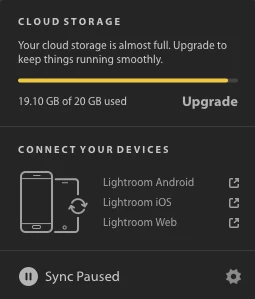
I have zero photos in Lightroom CC, yet my account says I've used 19.10GB out of the 20GB included in my plan.
Recently, I deleted all my photos from my Lightroom CC desktop (and Creative Cloud) after being done with editing and saving them, but my account info says I have used 19.10GB out of the 20GB that are included in my 20GB Photography Plan.
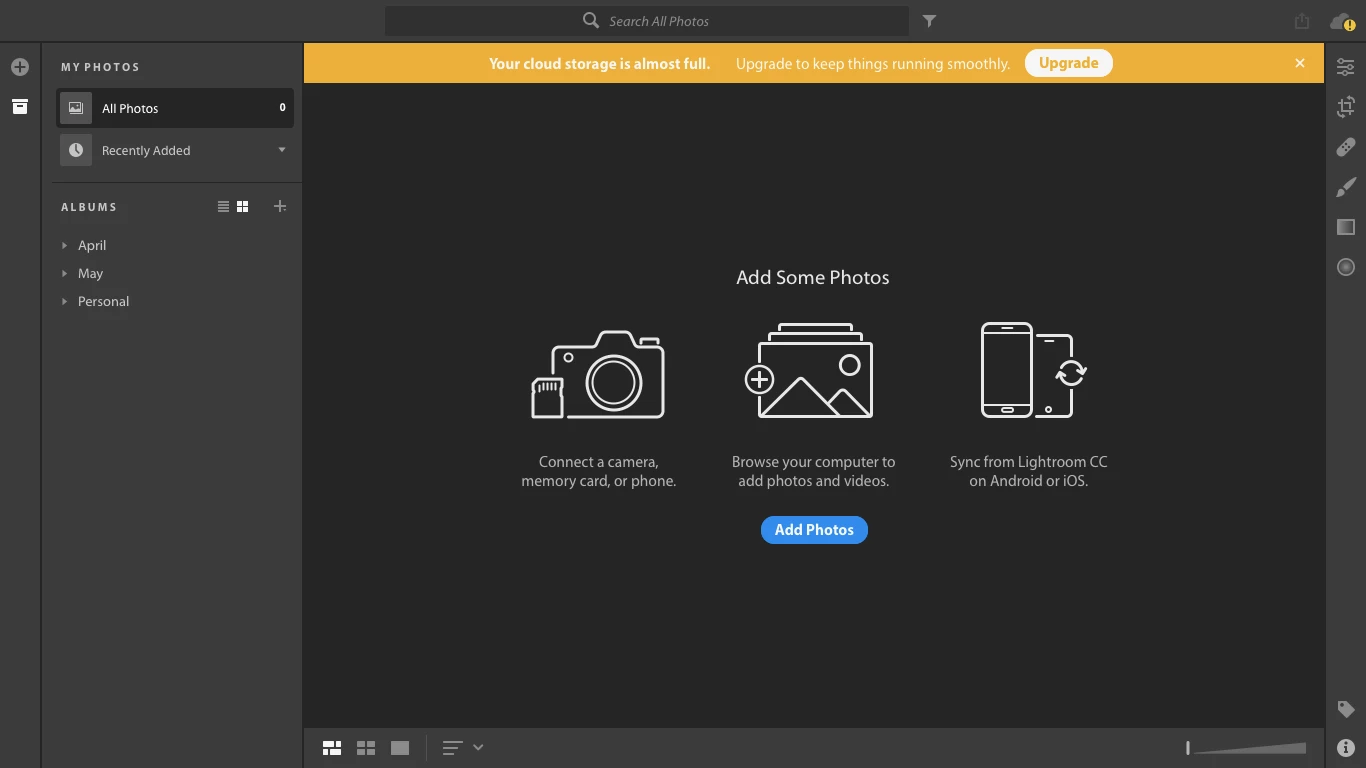
I've already gone into the depths of Lightroom folders on my laptop, and can't seem to find any more hidden files to delete. I've checked several times for any photos or files I might've forgotten to delete, but everything has been deleted. The "All Photos" section of the Lightroom CC app says "0", so where are those "used 19.10GB" of photos coming from?
Has this happened to anybody else? If so, how can I fix my cloud storage so it corresponds to the number of photos I have stored (zero)?
 AdChoices