


Image Retrival Issue After Cancelling Subscription
Hello Everyone
I recently cancelled my CC Subscription (Photography Plan) after my workplace provided me with an account.
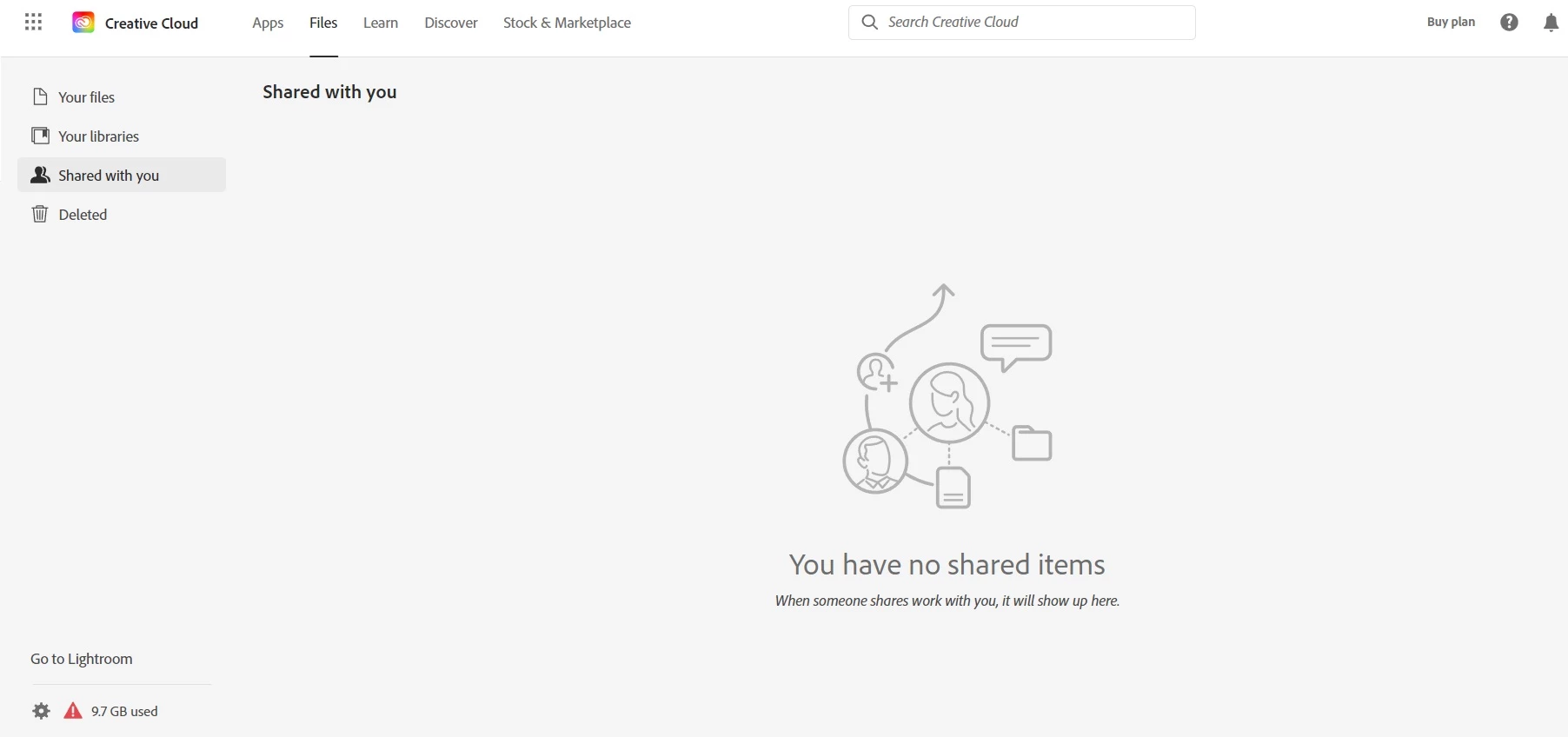
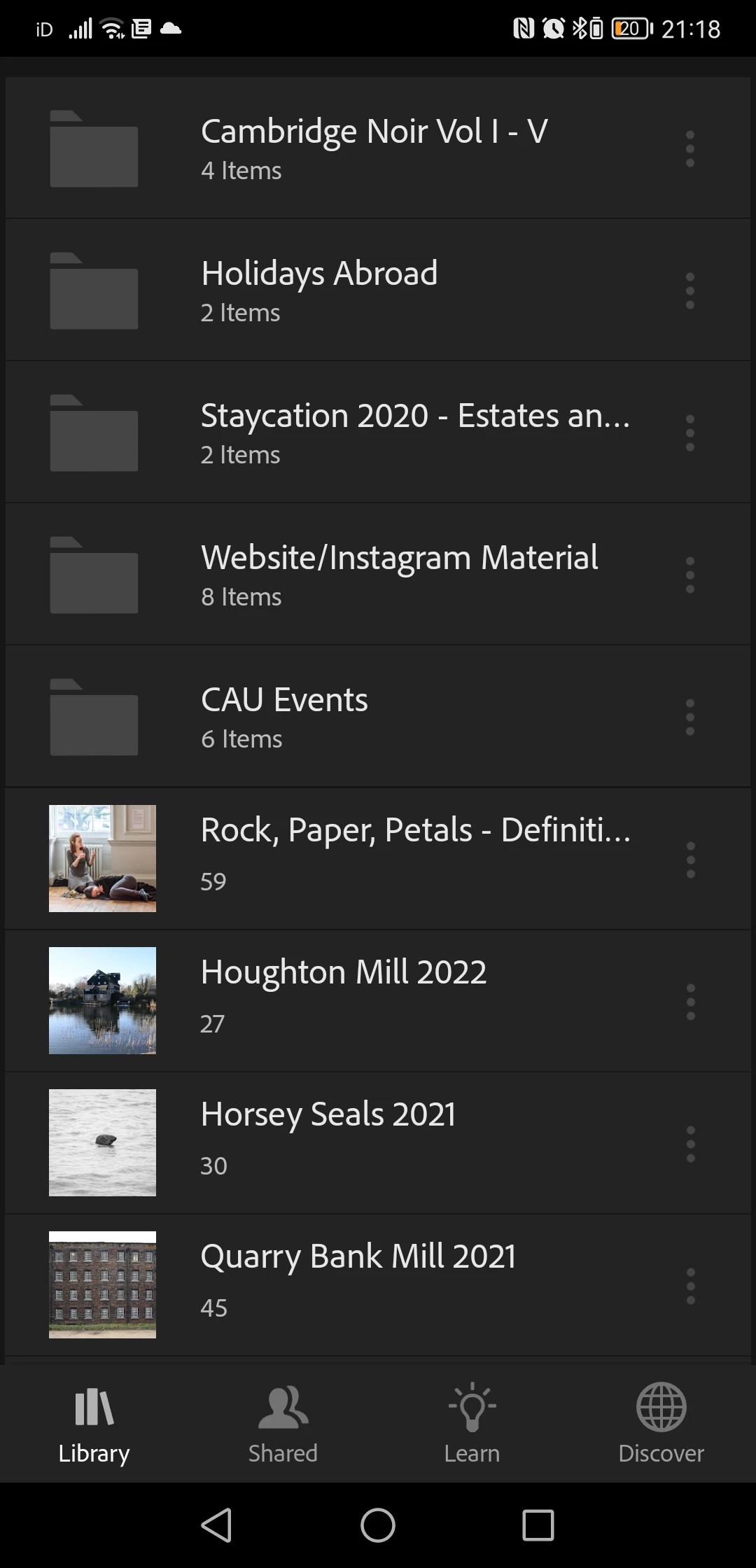
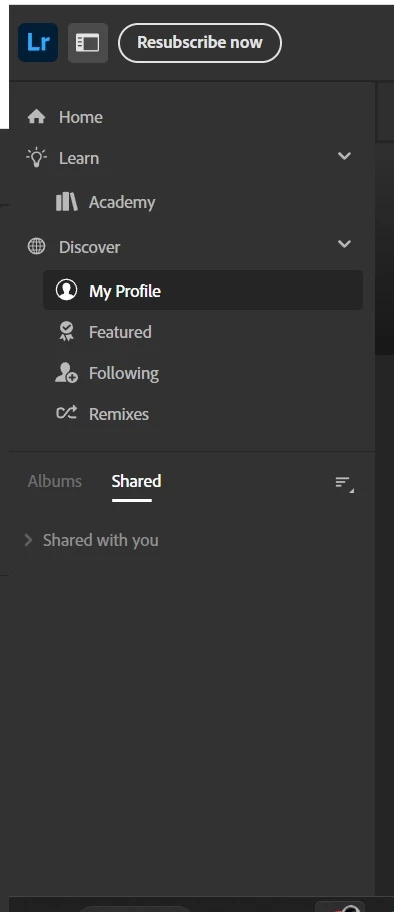
Over the years I had been using Lightroom Mobile as well as the Lightroom Classic app, storing and editing images on there rather than on my laptop. After the cancellation I was told Adobe would hold onto my Cloud images for a year before deleting them. However, when I log into my old Adobe Account and go to the Files section there are no images there aside from a few asset logos etc. It says that I have used up 9.7GB of data which is probably about right for the images on Lightroom Mobile (I don’t remember putting all my Lightroom Mobile albums on the cloud however). When I go to the Mobile app I can see all my folders/images there as they were prior-to-cancellation, however, they are all smart previews now and I would have to download each one individually to 'reclaim' them and doing this on my phone would take forever plus I don't have the space. Back on the Adobe website/the Files section, I clicked on the 'go to Lightroom' icon above the cloud storage reading but when I get there the Albums section is greyed out.
Is there a way for me to access the smart previews or the originals on my laptop so I can download them all on there?
I have attached screenshots that should hopefully clarify the issue.
Thank You


 AdChoices