

Question
Images from camera not showing up on Lightroom Import screen
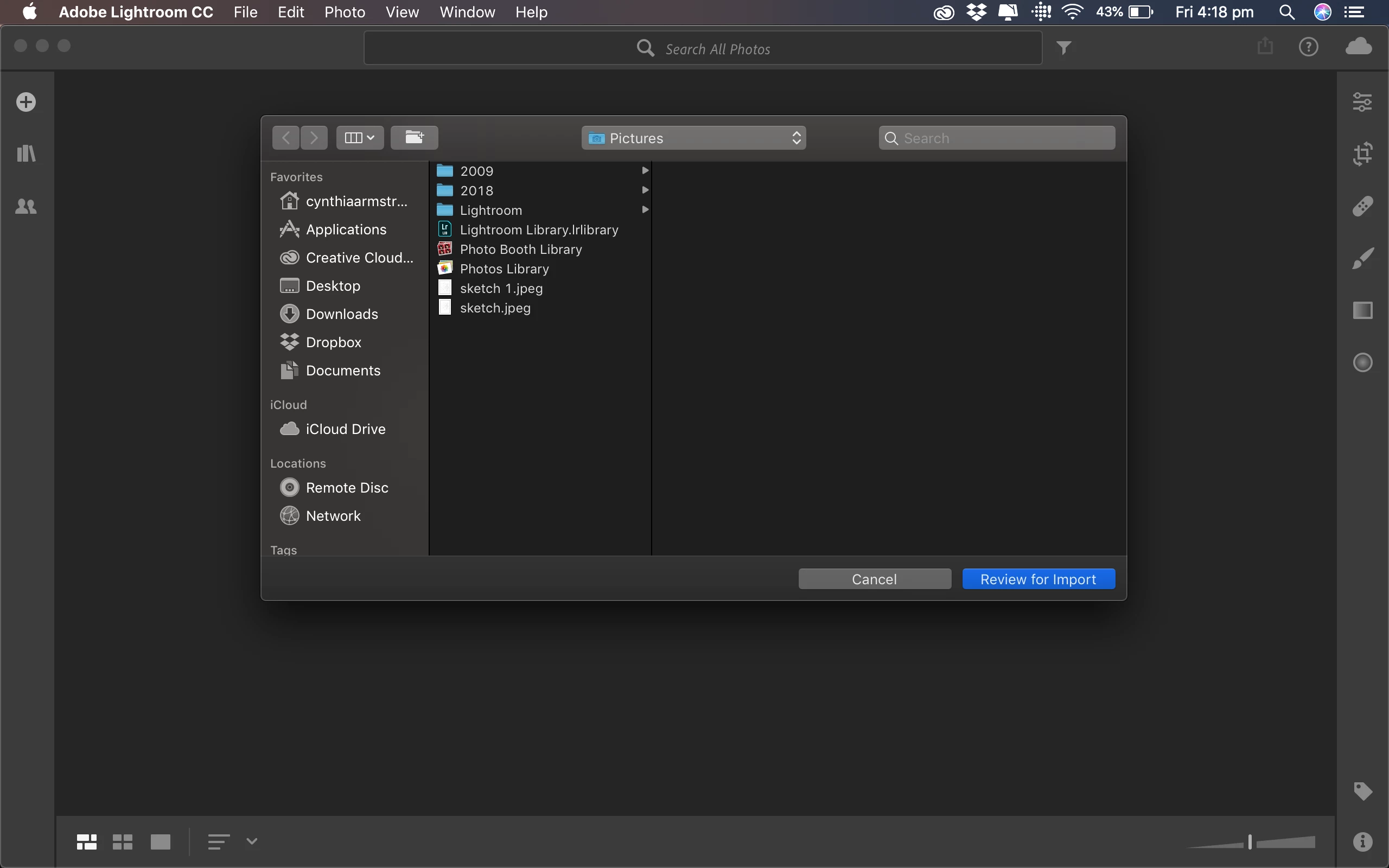
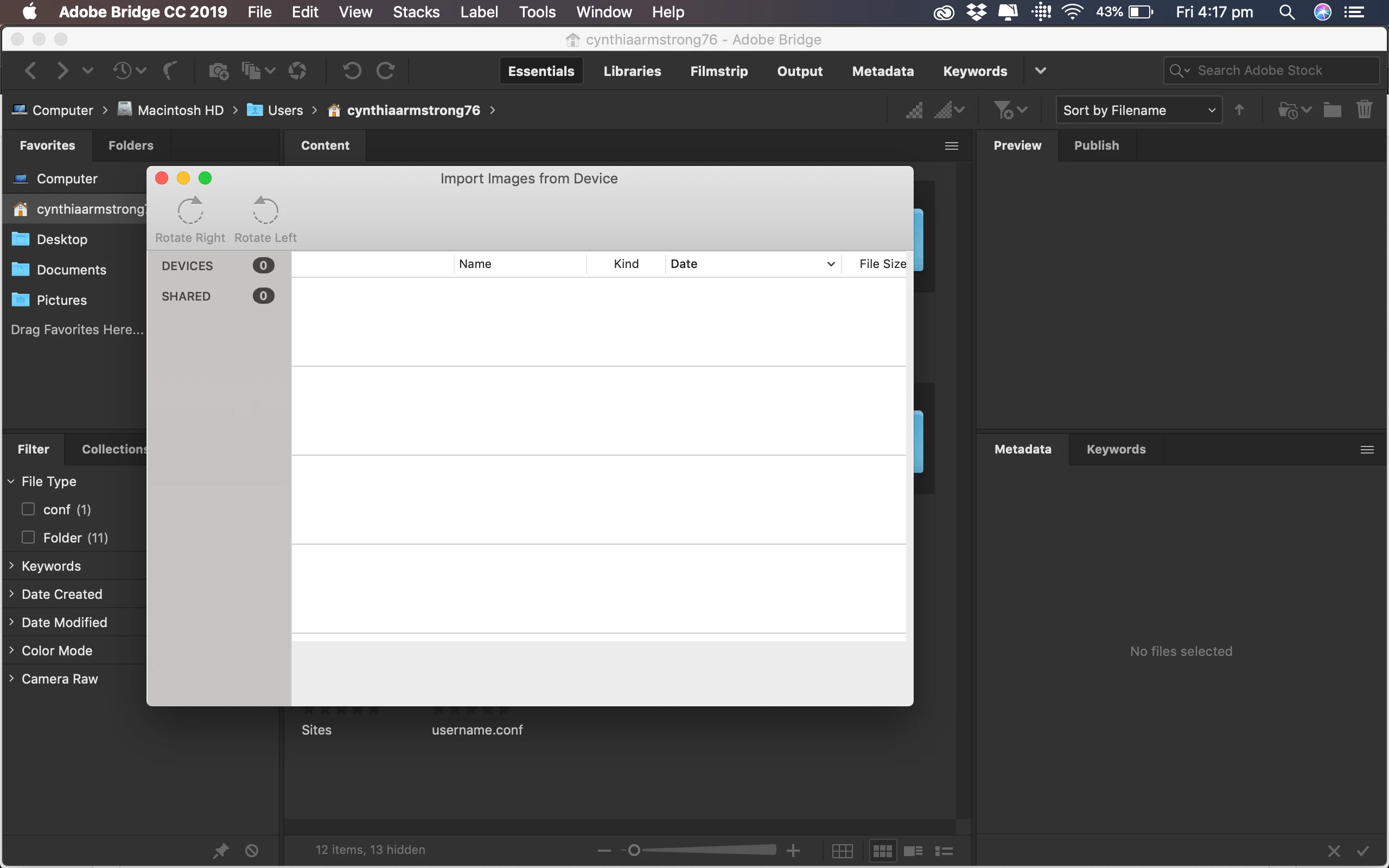
I have just upgrade the Lightroom CC 2019 today (4th January Australian time). Connected my Canon EOS 50D camera to MacBook and turn the camera on. Opened Lightroom, click on import, nothing. I can't even find my images from the camera, it only shows my files from MacBook. Tried to do same with Bridge, clicked on File then Import from device. It showed 0 device. What's going on? See screen shots...


 AdChoices