Answered
Images not showing up
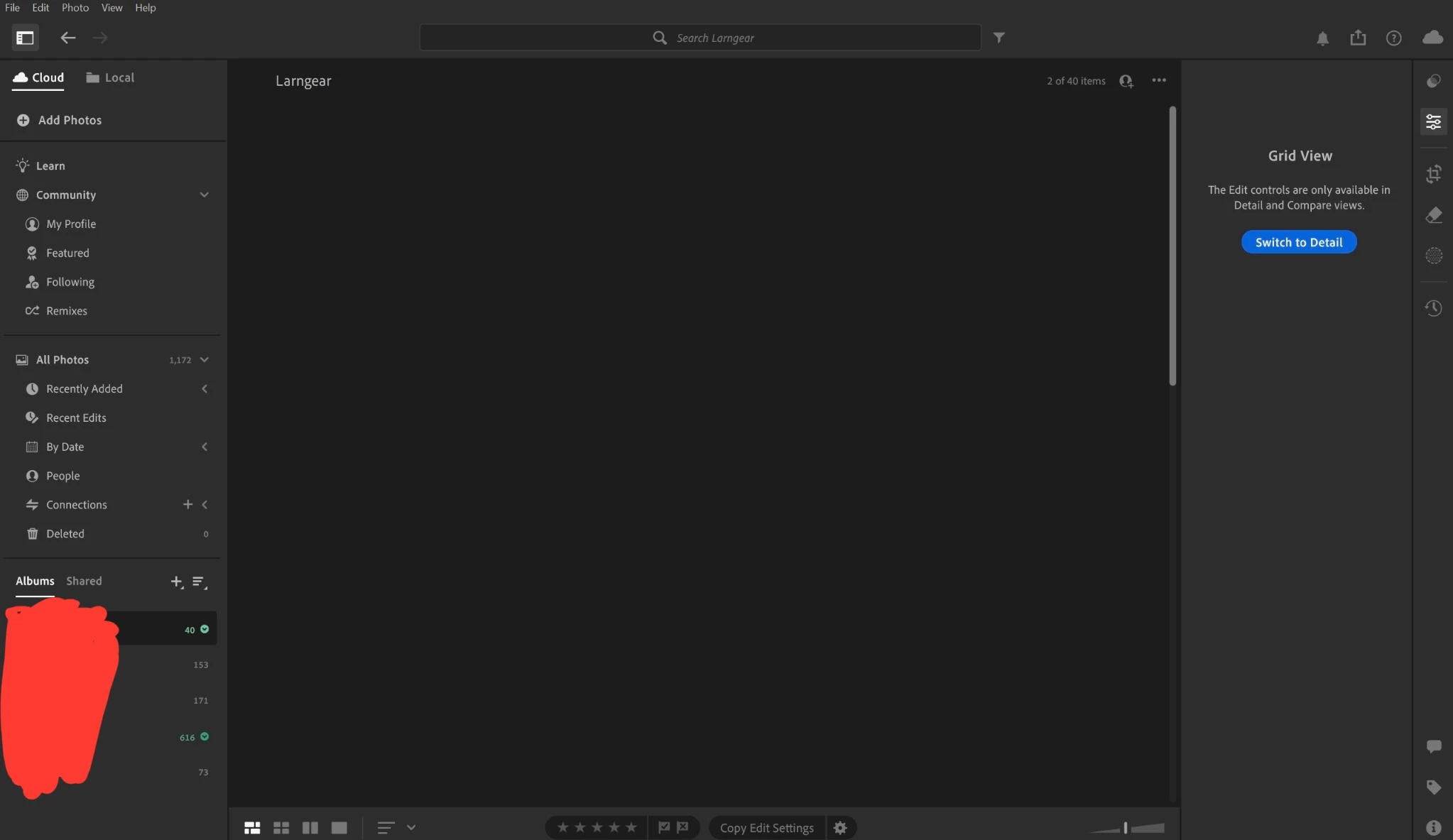
The images don't show up on my laptop.
I can access and edit it in my phone but not on my laptop. please help.

The images don't show up on my laptop.
I can access and edit it in my phone but not on my laptop. please help.
Hey, @KM_AFK. Welcome to the Lightroom Community. I'll need more info to help you figure this out.
Please share the system information from Lightroom Help > System info > Copy and paste into a text document > Upload and attach here.
Does this happen after a series of steps, or have you installed Lightroom for the first time on this machine?
You can set GPU performance in Edit > Preferences > Performance > Graphics Performance > Power-saving.
Here is a thread from 2 months ago discussing a similar behavior; please try the additional steps shared here:
Let me know how it goes.
Thanks!
Sameer K
(Type '@' and type my name to mention me when you reply)
Already have an account? Login
Enter your E-mail address. We'll send you an e-mail with instructions to reset your password.


 AdChoices