
Participant
August 20, 2024
Question

import ARW as raw

  • August 20, 2024
  • 2 replies
  • 865 views

I have been trying out the lightroom cc workflow on my phone and tablet and for the life of me I cannot import my .arw files as raw files. And the exports even at 100% jpg quality definitely lack resolution and have a bunch of compression artifacts.


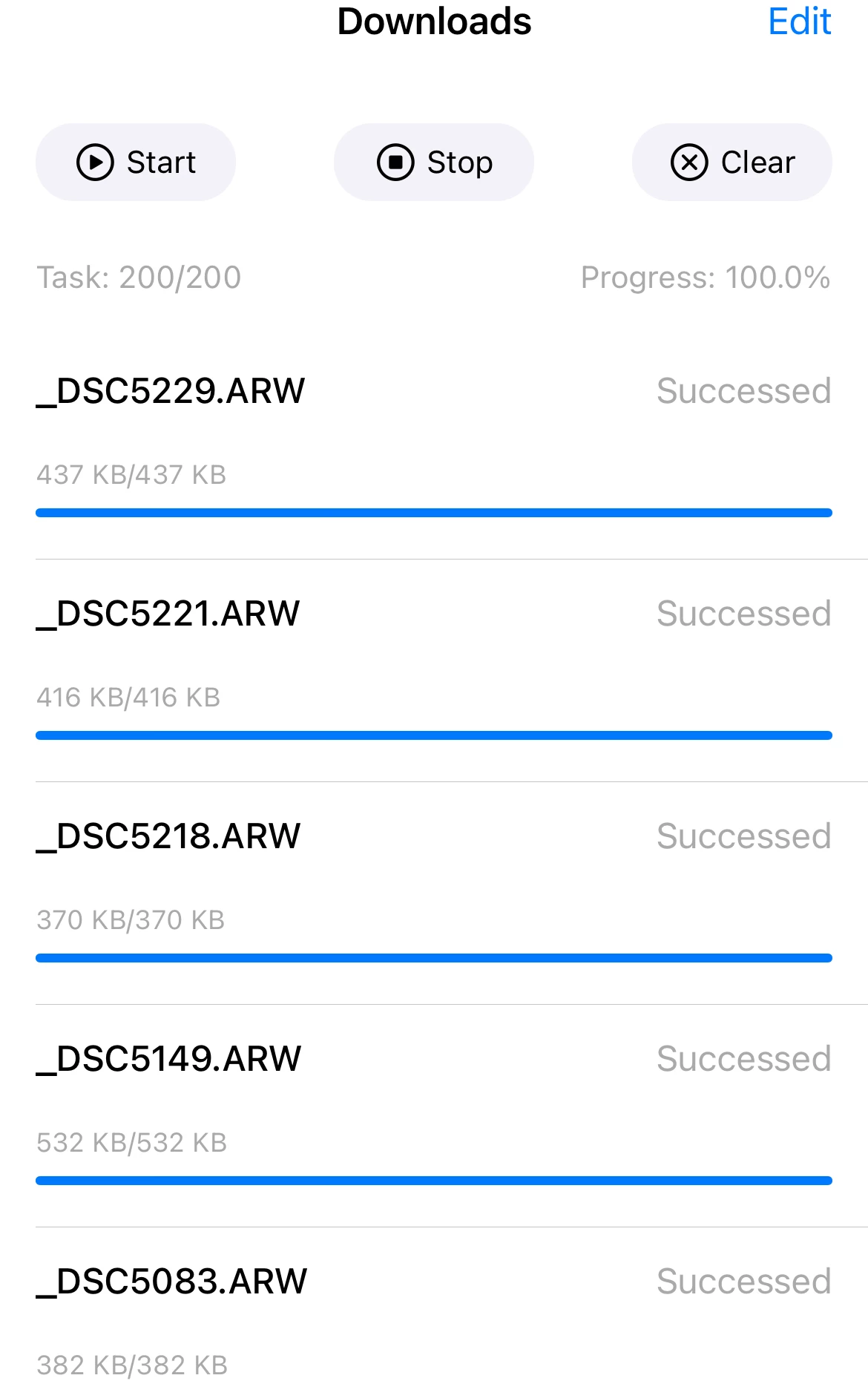
so first I download the photos from my a7ii via Alpha Linker, and it says they are definitely arws
Then I open the device tab in lightroom cc and it says that yes these files are definitely camera raw files.
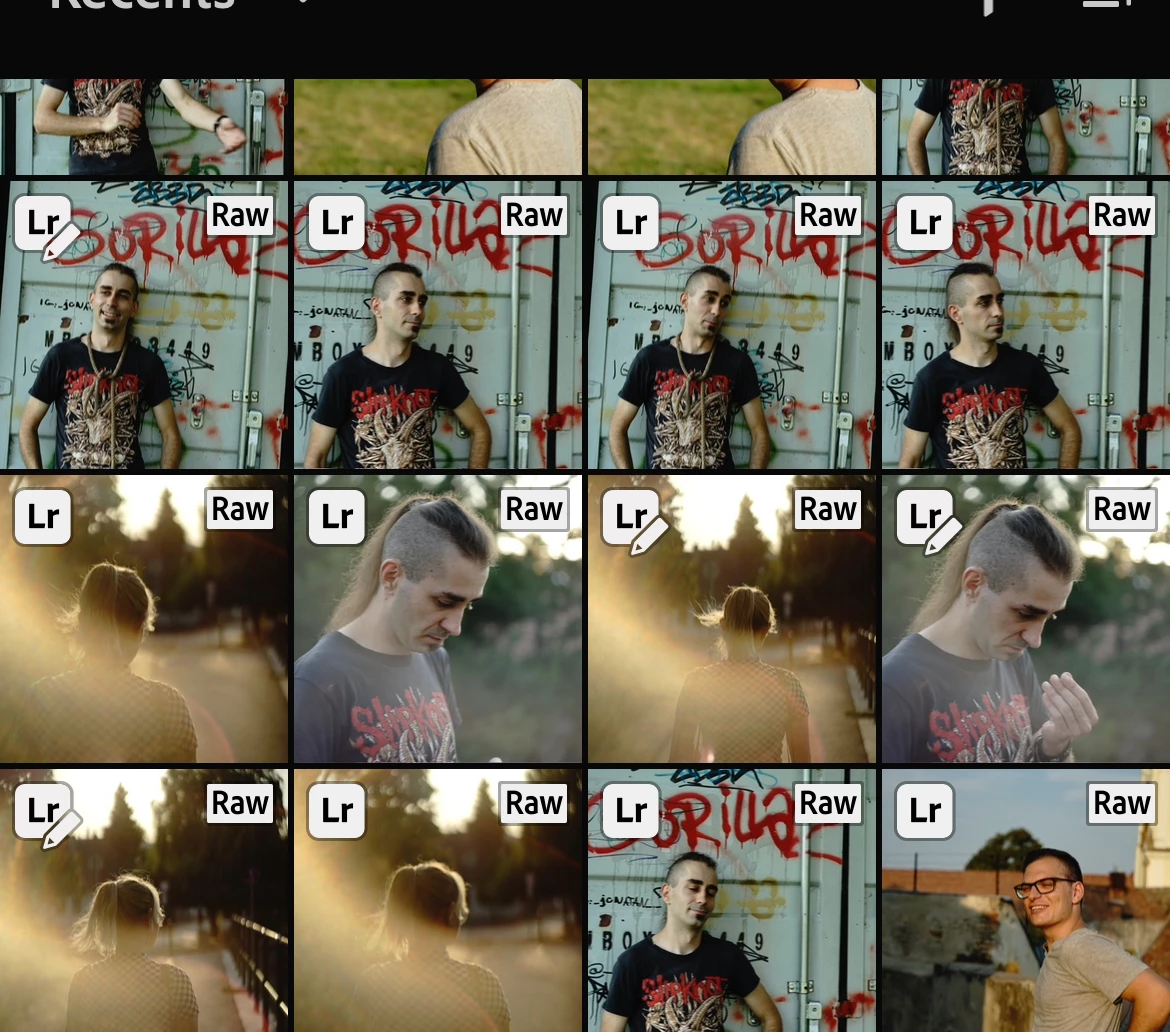
 and after all this I tap one and boom "Original - jpeg"

what went wrong, what am I doing wrong, the images are basically unusable like this they are so low resolution and compressed.


Any help is greatly appreciated!

This topic has been closed for replies.

2 replies

JohanElzenga
Community Expert
Community Expert
August 21, 2024

Deleted 


-- Johan W. Elzenga
Community Manager
August 20, 2024

I'm not familiar with the app you mention "a7ii via Alpha Linker" but in that screenshot I see image files that are less than 1 MB -- I find it hard to believe those are ARW raw images and not jpegs.  My guess is all this app is doing is generating thumbs which can be shown in iOS Photos.app

Are you able to plug your camera or SD memory straight into your iOS device with an adapter, and let Lightroom import direct?


See this help page: https://helpx.adobe.com/lightroom-cc/using/import-mobile-ios.html 

Specifically, the section "Import photos from a connected camera memory card or camera"


Side note, if the Lightroom direct import screen doesn't display thumbs for your ARW files, it's because the iOS platform can't display/provide thumbs to the Lightroom app.  Lightroom will be able to generate thumbs for display once the images are imported.

Participant
August 20, 2024

Yes the files are way too small, bit both the official sony app and the third party app I used only download the 2M preview for some reason. I suspect that its to do with the camera. Its a shame since I cant plug the memory card into my ios device and I really wanted to esit on the and on the tablet.

Community Manager
August 20, 2024

If your Lightroom subscription is mobile-only, you still have access to https://lightroom.adobe.com 
This robust web app works in both desktop and mobile browsers.

The reason I mention it: if you can plug your camera or memory card into a computer, sign into your account at the site above, and then drag and drop images into your account.  Once they're uploaded, you can cull, edit, share etc on your tablet.  I know this is the "long way around" but it is an option.