
Imported photos not showing (Windows 11)
Hi all,
I'm having issues with the imported photos in LR version 8.2 (windows 11 laptop). Not sure how to solve this.
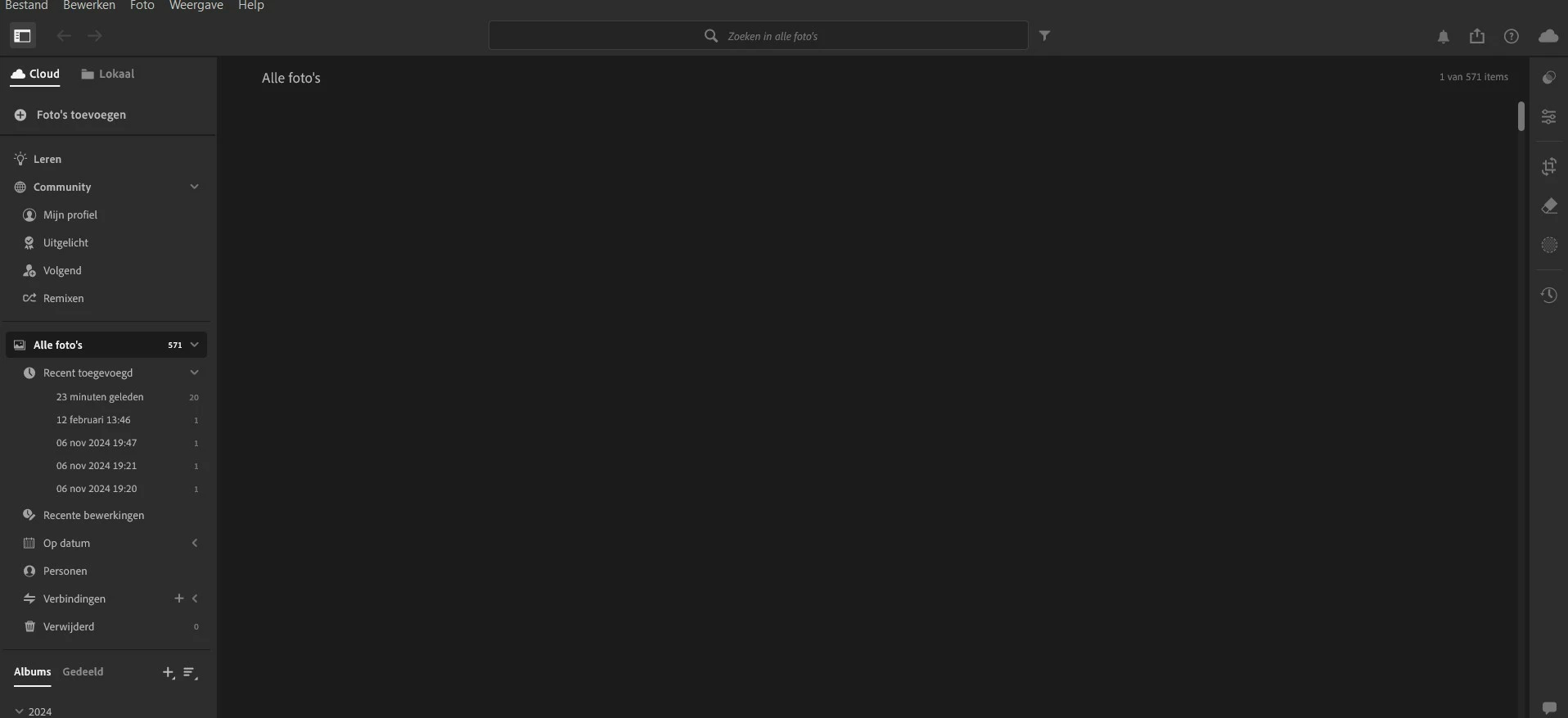
I've imported several pictures, but he doesnt show the imported photos. I can, however, scroll down. You can also see there are more then 500 photos in the folder:
I was clicking around on the preview, I clicked on the compare modus and after that the icons stayed on the screen, no matter what preview modus I clicked on: 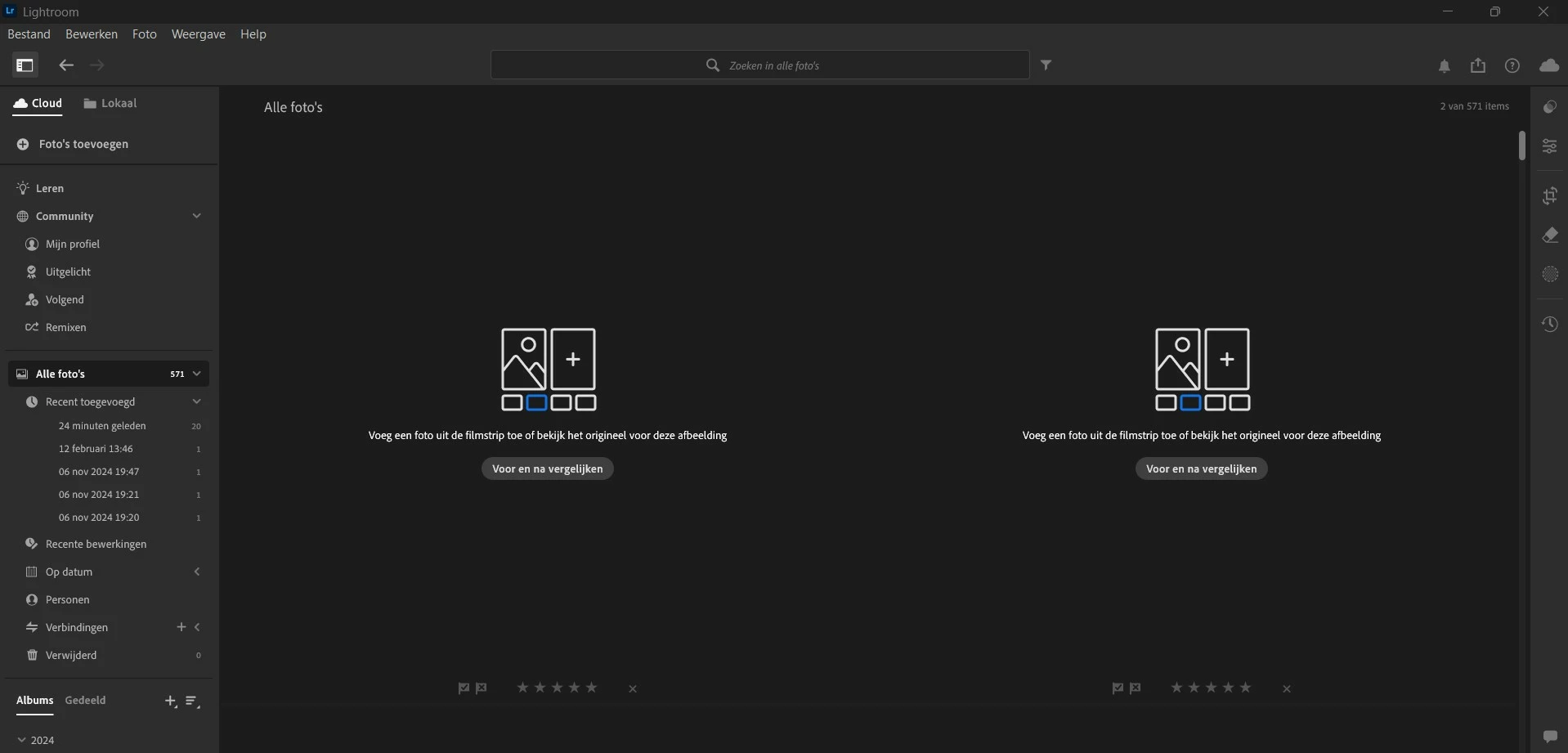
I was looking up some stuf about how to solve this and when I came back, I had this white screen:
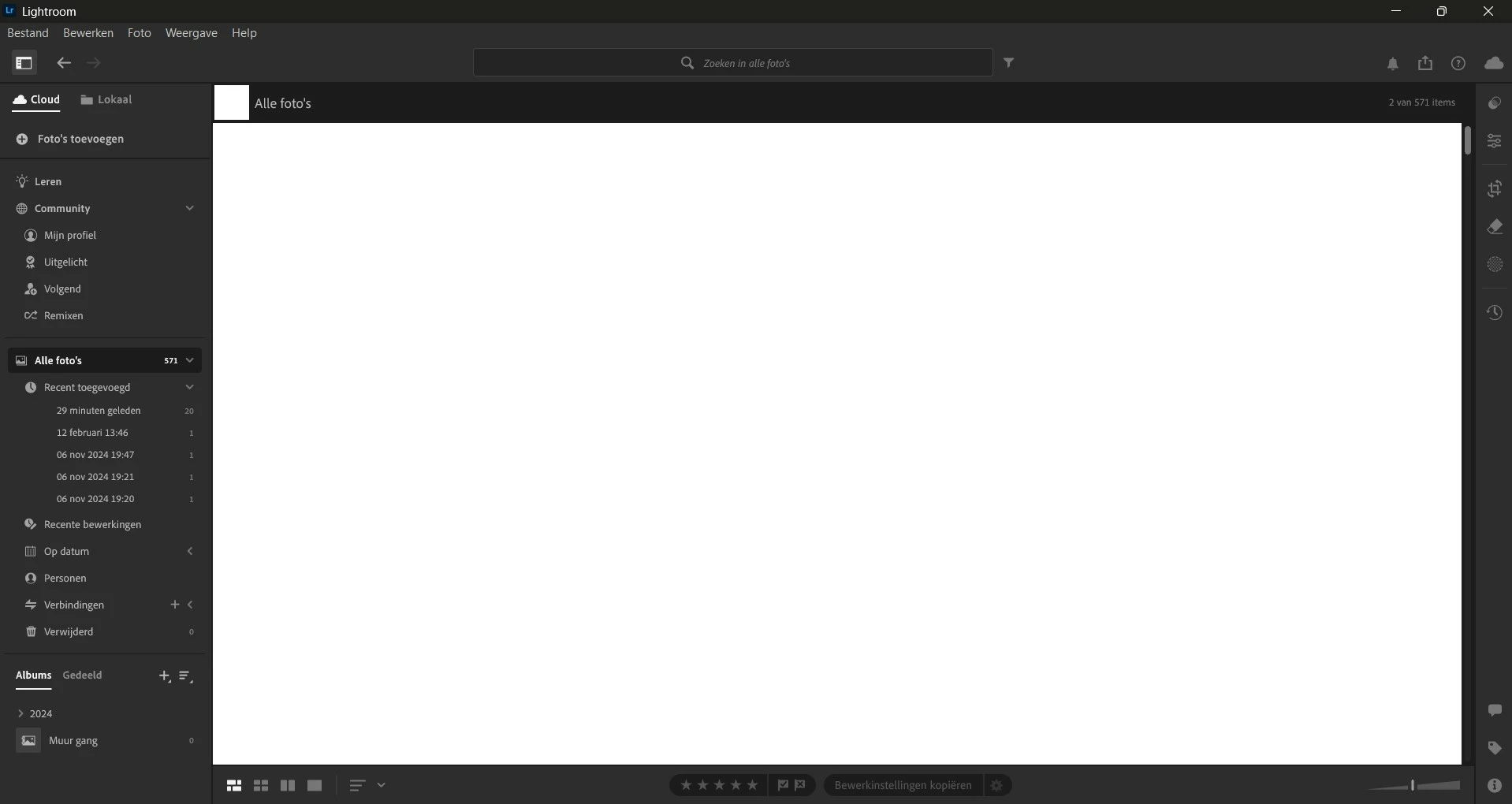
I already emptied my cache in LR itself en restarted. Didn't work. Tried to locate the LR folder, but I have no idea what files to remove in order to solve this.
Does someone know what I can do to solve this? Thanks so much in advance!


 AdChoices